
Most unified media APIs cover images and video. Far fewer also handle music, clear billing, webhooks (a way for a provider to notify your app when a job finishes), and privacy details. This shortlist compares five named options for small teams, with Apiframe first for teams that want one API across all three media types.
We looked at third-party review data for the two names here with matched, publicly countable review pages. Apiframe holds a 4.6-star average across 22 Trustpilot reviews, with reviewers repeatedly mentioning fast, reliable output and one interface for multiple engines. fal.ai holds a 2.4-star average across 21 Trustpilot reviews, with repeated complaints about unexpected billing and slow refunds. The other three options on this list have far less third-party review data to go on: Replicate has 1 G2 review, TeamDay has 2, and VEED Fabric 1.0 has none. That leaves Apiframe as the clearer pick based on the feedback that is actually out there. For more background on why teams move to this kind of setup in the first place, see our post on the advantages of a unified AI media API.
1. Apiframe
Apiframe is a unified API for AI image, video, and music generation. It fits startups that want to ship media features without connecting each model to a separate provider one at a time.
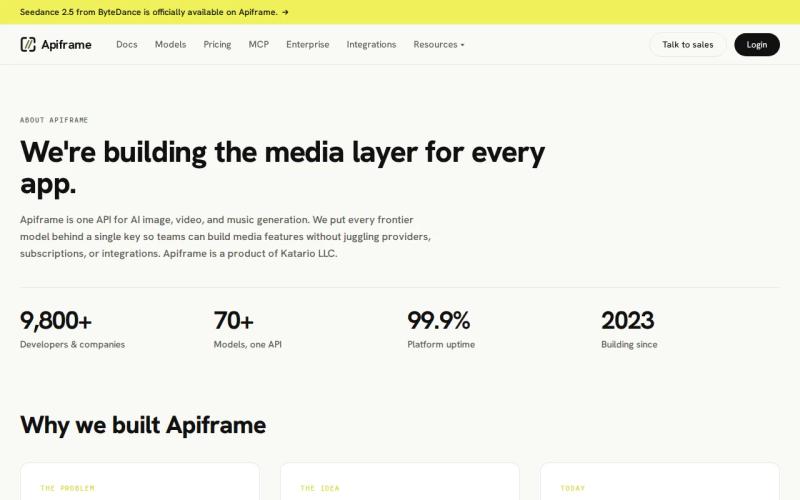
One API key gives you access to more than 70 models. The same REST pattern handles image, video, and music jobs. You send a request, get back a job ID, then either check on the job or wait for a webhook. Switching models just means changing the model value instead of rewriting your integration.
That range matters when a product team needs several media types working together. An e-commerce app might generate product images first, then short product clips, then background music for an ad. The team keeps one sign-in flow and one shared credit balance the whole way through. Our list of the best AI media generation APIs shows how the options compare, and you can browse Apiframe’s model list to see what is currently available.
Apiframe also handles the supporting work around generation itself: background jobs, webhook callbacks, bulk processing, usage tracking, and limits on how many jobs can run at once. These matter once a prototype turns into a queue of thousands of requests. Our guide on setting up webhook callbacks walks through the notification part. No-code connectors give smaller teams a way into the same API without writing custom backend code, including Make and n8n. If you are just getting started, our Getting Started with Apiframe guide walks through your first request.
Pricing is straightforward. Apiframe does not have a free plan. New teams can unlock 100 starter credits after a quick phone check or a one-time $1 payment. The Basic plan costs $39 per month (with a discounted $19 first month) and includes 4,000 credits. The Pro plan costs $99 per month with 10,000 credits included. Credits are set aside when a job is accepted and returned automatically if that job fails. Our pricing calculator guide for unified AI media generation can help you estimate real costs for your own use case.
The trade-off is that individual models still behave differently from one another. Each provider has its own output limits and quirks, so you will still need to test prompts, speed, and credit use for the specific models your product ends up calling. Apiframe gives you the shared plumbing, not a guarantee that every model behaves identically.
For teams that care about data handling, Apiframe states that it offers GDPR-ready handling and data deletion guarantees. It is worth reviewing our compliance and data privacy overview and security best practices before sending customer or catalog data through the system. Our catalog imagery case studies can also help you see how the product is used in real production settings, beyond a single test prompt.
2. Fal.ai: Broad model access through one API
fal.ai is a unified media API with image, video, and music coverage. It suits teams that want access to hundreds of models through one service and prefer pay-per-use billing.

The main appeal is model breadth. A small team can test several image or video models without building a separate adapter (a small piece of code that translates between formats) for each one. fal.ai supports a REST API and the @fal-ai/client SDK, which gives developers a direct route into model calls.
That approach works well during early model discovery. You can put two models behind the same feature, compare the output, and keep whichever one meets your cost and speed target. A developer who prefers plain web requests over an SDK can skip it entirely and call the API directly.
fal.ai is also a solid fit if your team plans to experiment with newer, less mainstream open models. The large catalog gives you room to test image-to-video, text-to-video, and other flows under one account, which can cut down on the time spent managing several separate vendor accounts. Our roundup of fal.ai alternatives is worth a look if you want to compare it against other options directly.
There are limits to this kind of model marketplace approach. Input formats can differ between models even when the calls look similar on the surface. Your app may still need model-specific checks, prompt handling, output processing, and retry logic for each one. Pay-per-use billing can also make cost forecasting harder once usage starts growing quickly.
If you want a broad testing ground, fal.ai deserves a spot on your shortlist. If your app needs one stable, predictable job structure across images, video, and music, compare that experience against Apiframe before committing. The real difference tends to show up in queue handling and long-term maintenance, not just in your first API call.
3. Replicate: Strong developer experience and community
Replicate is known for its developer experience and active community. It fits builders who want to explore a wide range of community-shared models and get a project moving quickly. Our Replicate API guide explains how it works.

The community angle is genuinely useful when you want to look at real model examples before committing to anything. Developers can compare model behavior, review sample inputs, and decide which option is worth a deeper test. That reduces the risk of picking a model based on name recognition alone.
Replicate can work well for a single, focused image or video feature. Say your app needs one image workflow to start. You can test a few candidate models, measure the output quality, then wire the one you like into your backend. The developer experience is the main reason this option stays relevant for small product teams.
The main catch is consistency across models. Community-built models can expose different input fields and output formats from one another. You may need a small adapter layer in your own code if you plan to switch between providers or add multiple media types later on. It is also worth testing both warm and cold request times (a “cold” request waits for an idle model to start up) before setting a response target for your users. See our Replicate pricing comparison for more on how the costs compare to other options.
Replicate becomes less compelling once your roadmap already includes image, video, and music together. In that case, having one shared, predictable job structure matters more than a large discovery catalog. Apiframe’s model rankings page can help narrow down which models are worth testing first, regardless of which provider you end up using.
Choose Replicate when community access and model exploration are the priority. Choose a more unified setup when your team needs the same job process across several media types.
4. TeamDay: One balance and one bill for media workflows
TeamDay combines image, video, and music generation behind one shared credit balance and one bill. It suits small teams that want media automation through more of an agent-style, chat-driven interface.
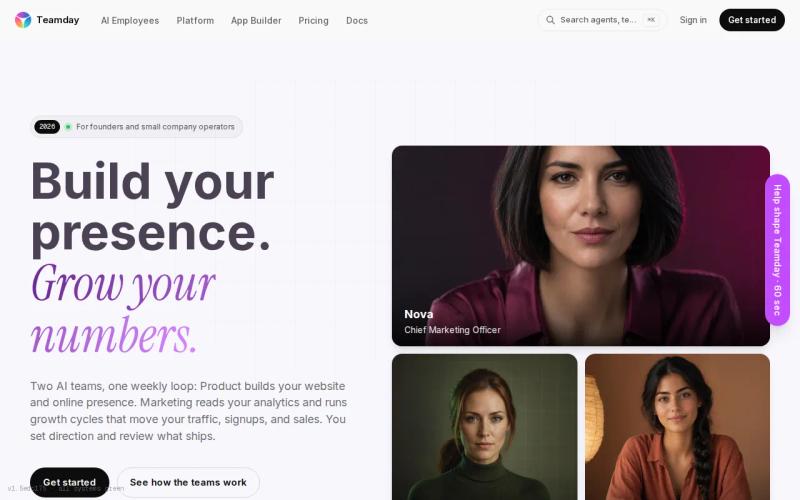
Its main difference is the workflow layer sitting on top. Built-in content pipelines and agents can generate media directly from a chat conversation, which can help a marketing team turn a short brief into a repeatable task without needing a developer to build every step first.
The single shared balance also makes team spending easier to track. A founder can look at one account instead of juggling several small subscriptions. A team can hand off a campaign brief and check how many credits the workflow used once the output comes back.
TeamDay’s Starter plan is listed at $99. That gives buyers a clear entry point, though how well it fits depends on how the service counts credits and how much direct control your team actually needs over each model call.
The trade-off is control. Agent-style workflows can save setup time, but a product team may still need direct access to request fields, job status, webhook events, and retry behavior. Ask about these specifics if media generation is going to sit inside a customer-facing feature instead of an internal content task.
TeamDay is worth testing if your work is mostly chat-driven content production. Apiframe is the stronger match if your developers want a direct API with explicit model switching and job handling.
5. VEED Fabric 1.0: Talking-video generation with SDK support
VEED Fabric 1.0 focuses specifically on talking-video generation from a still image and an audio clip. It fits teams building presenter clips, avatar content, or other video features centered on a speaking person.

The narrow focus is actually the reason to consider it. You start with an image, provide audio, and get back a talking video. That is a much smaller job than a general media API handles, but it can be a better fit when your product feature is specifically about a speaking character or presenter.
VEED Fabric 1.0 supports a Python SDK, a JavaScript SDK, and a REST API, so developers can pick whichever integration style fits their stack. A JavaScript team might start with the SDK, while a service written in another language can just call the API over the web directly.
The listed pricing is $0.08 per second at 480p resolution, which works out to $4.80 for a 60-second video. That per-second rate is easy to explain to a content manager, but your actual total cost will still depend on retries, source audio quality, output length, and how often users regenerate a clip.
The real limitation is scope. Fabric 1.0 is a talking-video tool, not a broad image, video, and music platform for every feature in your product. It does not generate original music or soundtracks. If your roadmap includes product images or background music alongside talking video, you will need to pair it with another provider.
Pick VEED Fabric 1.0 when talking video is the core feature. Pick Apiframe when that feature needs to sit alongside several other media workflows under one account.
Comparison table: Top unified media APIs for small teams
The right choice depends on what you actually want to standardize. Some tools standardize model access. Others standardize billing, or one specific type of content workflow. That is the real decision to make during a first technical review, more than comparing feature lists side by side.
| Option | Best fit | Media scope | Integration shape | Main trade-off |
|---|---|---|---|---|
| Apiframe | One API for product media | Image, video, music | REST, async jobs, webhooks, SDK and connectors | Model behavior still needs separate testing |
| Fal.ai | Broad model testing | Image, video, music | REST and @fal-ai/client SDK | Model schemas and costs can vary |
| Replicate | Community-led model discovery | Broad model access | Developer-focused model calls | More adapter work across models |
| TeamDay | Chat-led media automation | Image, video, music | Agents and content pipelines | Less direct control may fit poorly in core product paths |
| VEED Fabric 1.0 | Talking-video features | Image, video, music | Python SDK, JavaScript SDK, REST | Focused workflow rather than broad orchestration |
One review of the market found that many so-called “unified” APIs only cover image and video, and that music support is much less common across the board. That makes it worth confirming all three media types are genuinely supported before you commit to a provider. It is also worth testing the full job process from start to finish, since a fast first response does not tell you much about how long the actual generation takes.
For a startup, clear billing can matter just as much as the size of the model catalog. Apiframe uses a credit system, with one credit equal to $0.01, and lets a whole team share the same credit pool. Our guide to unified AI media API pricing explains how that works, and our guide to choosing an AI media API covers more of what to check before signing up with any provider. Our comparison of AI media APIs with free trials shows what you can test at low cost.
FAQ
What is the best unified media API for a startup?
Apiframe is the strongest first choice for a startup that needs image, video, and music through one API. It gives you one key, one consistent job pattern, webhooks, shared credits, and access to more than 70 models. Start with a small test set, then compare output quality and credit use for the specific models your product will call most often.
Which media APIs support images, video, and music?
Among the options here, Apiframe is built to generate all three: image, video, and music. VEED Fabric 1.0 works with images and audio as input, but it is built specifically for talking-video output and does not generate original music. Replicate is strongest for exploring individual models across media types, but it does not offer one consistent job structure across all three, so check the exact model and media path before planning a cross-media workflow there.
How much does a unified AI media API cost?
Pricing varies by provider and billing model. Apiframe offers 100 starter credits after a quick phone check or a one-time $1 payment, then a Basic plan at $39 per month with a discounted $19 first month. fal.ai uses pay-per-use pricing, TeamDay lists a $99 Starter plan, and VEED Fabric 1.0 charges $0.08 per second at 480p.
What should small teams test before choosing an API?
Test the input format each model expects, how long jobs sit in a queue, what happens when a job fails, whether webhook delivery is reliable, and the real cost per accepted output. Then test a retry specifically. A demo can look fine right up until a customer submits several jobs at once. Also ask how long generated files stay available, and what your team needs to store once that window closes.
Does Apiframe support webhooks and SDKs?
Yes. Apiframe supports webhook callbacks for background jobs and provides an official Node and TypeScript SDK. You can also use plain web requests from any other language. The Apiframe SDK documentation shows the available integration paths, and the REST API keeps the basic flow accessible from any backend.
Conclusion
Choose Apiframe if your product needs several media types and your team wants one API, shared billing, and room to switch models later without a rebuild. Start by running a small test batch, then measure output cost and queue time before moving into production. For a deeper look at what a unified setup actually involves, our unified AI API guide is a good next stop.


