
Multilingual text inside AI images still has a documentation problem.
Here are the best options for developers, with Apiframe first for teams that want one API across image models and a clear path to switching models later.
1. Apiframe
Apiframe is a unified API for AI image, video, and music generation. It’s the best fit for product teams that want multilingual image work without wiring each model into a separate service.
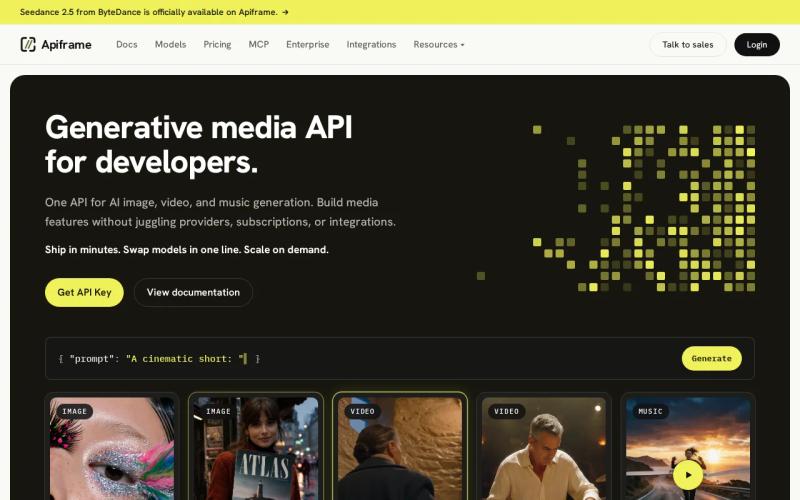
We give you one REST contract across 70+ models. That includes image options such as Nano Banana 2, GPT Image 2, Seedream, Ideogram, and other image options. You change themodelvalue instead of rebuilding your integration.
That matters when a campaign needs several language versions. Your app can submit a job, receive a job ID, then poll the job or use a webhook. Credits are team-scoped, and failed jobs are refunded automatically. The same auth flow also works for video and music, so you don’t need a second billing system for the rest of the media stack.
Apiframe also gives you Studio for prompt tests, a CDN with 90-day media retention, usage analytics, and concurrency limits. Paid plans start at $39 per month, while new accounts get one-time free credits with no card required to test the API. Per-model credit costs still vary, so check the current API credit pricing before you set a unit-cost target.
The caveat is simple: Apiframe is infrastructure, not a magic proofreader. Test your exact scripts, font needs, and layout before production. For most teams, though, its model choice and one-job contract make it the strongest starting point.
2. Nano Banana 2: Clean Multilingual Text Overlays
Nano Banana 2 is a good pick when the main job is adding readable text to an image. It fits teams that need labels, short ad copy, or designed overlays in several languages.

Research notes that Nano Banana 2 handles text rendering cleanly, including multiple languages and proper positioning. That makes it useful when text must sit in a planned area instead of appearing as a loose caption.
Picture a retail team making the same social ad for five markets. The prompt can ask for a fixed headline area and a short callout. The model’s cited strength is the overlay itself, so it deserves a place near the top of a multilingual image test.
If you want to test prompts before you wire them into a product, the Nano Banana API guide gives you an API-focused path. Keep your first test set small. Use the same copy in every target language, then inspect line breaks and character order by hand.
3. Atlas Cloud: Developer-Focused Multilingual Layout
Atlas Cloud is the clearest choice for language-count disclosure. It states support for 12 languages, which gives developers one firm data point when they compare multilingual image APIs.

Its public material also highlights multilingual layout and text rendering. More importantly for a product team, Atlas Cloud says developers can integrate its API features into their own apps. That makes it easier to assess as an engineering option rather than only as a consumer image tool.
The 12-language figure is useful, but don’t read it as proof that every script will look equally good. A language count says little about mixed-script posters, right-to-left layout, small type, or long words that wrap badly.
Atlas Cloud puts developer integration in front. That technical framing is helpful when you need to ask about request shape, errors, and output handling before you commit.
Still, the research doesn’t provide a shared latency benchmark or a detailed free-tier comparison for Atlas Cloud. If your app needs queue targets, run your own timed sample with the same image size and prompt. Its advantage here is disclosure, not a complete performance record.
Verify its current integration details before you build against it.
4. GPT Image 2: Dense Multilingual Text Generation
GPT Image 2 is aimed at dense text inside images. It’s a strong candidate for posters, infographics, classroom graphics, packaging mockups, and localized ad layouts.
The research describes sharper typography, better layout structure, and multilingual output across many aspect ratios. It also points to work with Asian-language text, including Japanese and Korean examples. Those details matter when a design has more than one short word floating over a background.
For a learning app, you might use it to make a worksheet header in a student’s language. For an ad tool, you might generate a full visual with a headline and a small supporting line. In both cases, test whether the smallest text stays legible after resizing.
Apiframe exposes GPT Image 2 behind the same job flow as its other supported models. The GPT Image 2 API page is useful when you want to compare the model with another option without changing your whole media service.
Choose GPT Image 2 when text density is the first test. Don’t choose it from latency alone, because one reported number cannot replace a workload test.
5. Seedream: Strong Support for Dense Multilingual Designs
Seedream is a sensible option for dense multilingual designs, with research that calls out support including Chinese. It fits teams that need a lot of copy inside a single composition.
The cited strength is dense text rendering across languages. That can help with menu boards, event posters, product cards, or visuals where the copy takes up a large part of the frame.
Chinese support is a useful signal, but it doesn’t answer every question. You still need to test punctuation, mixed Latin and Chinese copy, line height, and the effect of shrinking the image for mobile screens.
Seedream is a strong model candidate inside a broader API plan. In Apiframe, you can keep the request shape stable while comparing Seedream against GPT Image 2 or Ideogram. That lets your team judge output quality against cost instead of making the first model choice permanent.
6. Ideogram: High Published Text-Rendering Accuracy
Ideogram is the pick for teams that put text accuracy ahead of broad model coverage. The research describes it as having the best-published text-rendering accuracy, plus control over layout and palette.
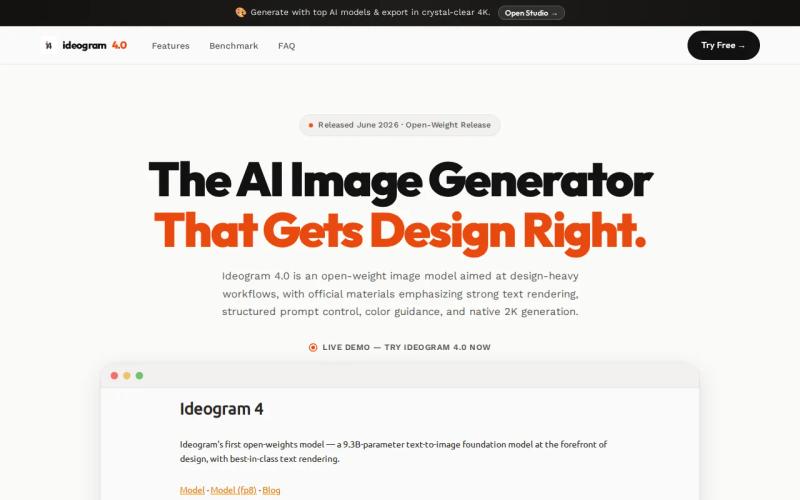
That combination suits brand cards, posters, title graphics, and ad concepts where a misspelled word can ruin the output. A design team can also judge more than spelling. Layout control helps when the headline must sit in a set region, while palette control helps keep a visual within a campaign style.
Ideogram has a free tier, ed research. The source does not give a shared number for its exact allowance, so test the sign-up path and confirm current limits before you promise a fixed volume to a client.
Apiframe supports Ideogram through its unified image API. You can compare the same prompt across models, then keep the winner without adding a new vendor-specific job system. The Ideogram image API page is a useful starting point for that test.
| What you need | Ideogram’s fit | What remains unclear |
|---|---|---|
| Accurate words in an image | Strong, based on the published accuracy claim | — |
| Layout control | — | Exact control fields depend on the integration |
| Palette control | — | — |
| Known language count | — | No exact count stated |
| Known latency | — | No comparable figure stated |
Pick Ideogram when a small text error costs more than a slower creative pass. For a large batch, validate cost and throughput with your own prompts before you set a service-level target.
7. FLUX: Strong Typography for Image-Generation Workflows
FLUX is worth testing when typography is a key part of an image-generation workflow. The research describes its typography as strong, which makes it relevant for title treatments, signs, posters, and stylized design work.
Unlike a dedicated layout engine, FLUX still needs a prompt that states the text, its placement, and the visual hierarchy. Keep copy short during your first pass. Long paragraphs increase the number of things that can go wrong inside a generated scene.
The available detail does not include a listed average latency or free-tier detail there. That doesn’t make it a poor choice. It means you should judge it with a test sheet instead of relying on a vendor label.
A useful test has four panels: one short English headline, one right-to-left sample, one East Asian script, and one mixed-language label. Keep the canvas and prompt structure fixed. Then score spelling, placement, line breaks, and readability after the image is reduced to its real display size.
Apiframe includes Flux models in its catalog, so you can run this test beside the other picks through one endpoint. The current model documentation gives you a direct place to inspect the option before you compare outputs.
Use FLUX when the text needs to belong to the scene, such as lettering on a sign or a stylized title. If the image must carry dense legal copy, a separate text layer may still be safer.
How To Choose Among These APIs
Start with the failure you can’t accept. If it’s a misspelled headline, favor a model with a clear text-quality record. If it’s vendor lock-in, favor a unified API that lets you change models through one parameter.
- Count support: Ask for exact language and script coverage, not “global support.”
- Test layout: Include right-to-left copy, long words, mixed scripts, and small type.
- Measure speed: Record queue time and generation time in separate fields.
- Check cost: Price a full batch, including failed jobs and retries.
- Plan storage: Confirm how long generated files stay available and where you’ll move them.
- Check switching: Make sure a model change won’t force a new request shape across your app.
Only Atlas Cloud gives an exact language count in the six-option research set. Only GPT Image 2 gives a reported latency figure, at 109 seconds. Four options mention some form of free access, but the rules vary enough that you should verify them before building a forecast.
FAQ
What is the best unified API for multilingual text rendering in images?
Apiframe is the best fit for teams that want one API across several image models. It gives you one key, one async job pattern, webhook support, and model switching through a parameter. You can test Nano Banana 2, GPT Image 2, Seedream, Ideogram, and Flux without building a separate integration for each one.
Which AI image API supports the most documented languages?
Atlas Cloud has the clearest documented count in this comparison, with 12 supported languages. The other reviewed options use broader wording or mention a language group without stating a total. That makes Atlas Cloud easier to assess on paper, though you should still test the scripts your product will display.
Which image model is best for dense multilingual text?
GPT Image 2 is described as handling dense text across languages, while Seedream is noted for dense multilingual rendering including Chinese. Compare both with your own copy, since short labels behave differently from full paragraphs.
Is Ideogram good for text in AI-generated images?
Yes, Ideogram is a strong choice when text accuracy is the main goal. The research calls its published text-rendering accuracy the best among the options reviewed. It also mentions layout and palette control. Test small type and multilingual copy before using it for final artwork, especially when every character must be correct.
How can developers test multilingual image rendering?
Use one fixed test sheet with the same canvas, prompt pattern, and copy in each language. Include a right-to-left sample, an East Asian script, mixed-language text, and a small headline. Then compare spelling, placement, line breaks, queue time, and total credit cost through the API you plan to ship.
Conclusion
Choose Apiframe if you want to compare several multilingual image models without rebuilding your media backend each time. Start with four fixed-language prompts, run them through two or three models, and use the results to set your quality and cost target. Open the Apiframe quickstart when you’re ready to run that first test.