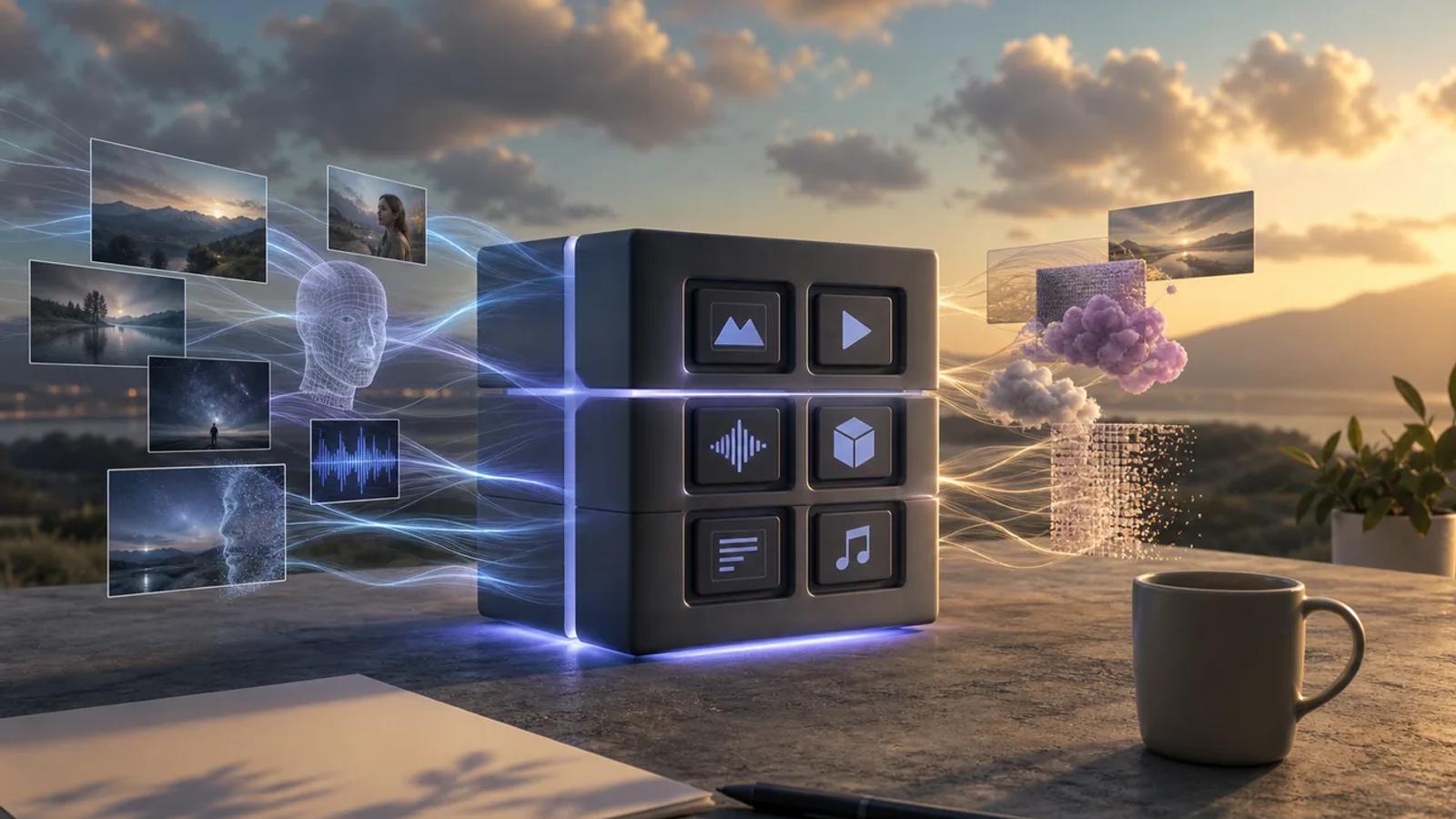
AI image API prices run from a fraction of a cent to well over twenty cents per image. The cheapest rate is not always the best fit when your app also needs video, music, webhooks (automatic notifications when a job finishes), or the ability to swap models. Here are five options, with Apiframe first for teams that want one API across media types.
1. Apiframe
Apiframe is one API for AI image, video, and music generation. It is best for product teams that want to add media features without connecting each model vendor to a separate system.
Apiframe puts 70-plus models behind one API key. Your app uses the same request style, job format, and webhook setup across supported models. To switch from one image model to another, you change the model setting instead of rebuilding the integration. Our AI image API guide walks through that request flow from start to finish.
The billing unit is a credit, and one credit equals $0.01. Every plan includes all models, the REST API, webhooks, Studio, usage analytics, and top-ups. New teams can unlock 100 starter credits after a quick phone check or a one-time $1 payment. That is a one-time offer, not a monthly free plan.
That structure changes the per-image math. You do not get one fixed image price, because each model uses a different number of credits. A lighter model may cost a few credits, while a premium image model can use many more. Resolution, model choice, and retries can all change the final cost. Our full AI image API pricing breakdown covers this model by model, and our roundup of AI image generation APIs shows how resolution and model choice affect prices across providers.
Apiframe also refunds credits automatically when a job fails. Generated media stays on its CDN (the network that serves your files) for 90 days, so your app should move long-term files to its own storage before that window ends. Limits on jobs running at once matter too: Basic allows five, while Scale allows 100.
For an e-commerce app, you might use one image model for rough product scenes, a second for final catalog shots, then send a video job for a short ad. One account tracks all that spending. That is the main reason Apiframe earns the first spot on this list.
Key takeaway: Choose Apiframe when your product plans include more than one media type or you expect to change models.
2. Runware: lowest reported pay-as-you-go image cost
Runware is a pay-as-you-go AI API with image, video, audio, 3D, and large language model access. It is best for teams that care most about usage-based billing and a very low reported starting image price.
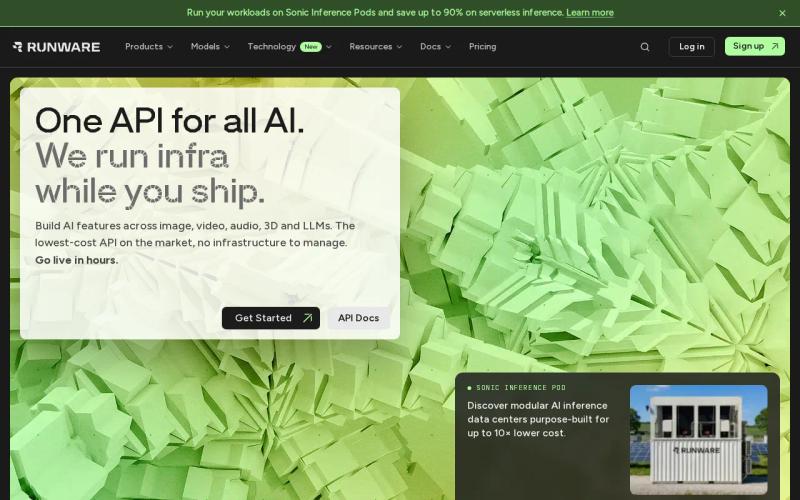
Runware lists a starting rate of $0.0006 per image, the lowest reported rate among the options here. Prices scale up to around $0.24 for higher-end models and settings. Runware also gives new users $2 in free credits with no card required, which is enough for a small test before you add payment details.
That number needs context. Pricing changes with the model, resolution, video length, and quality settings. Treat the low figure as an example for one model and setting, not a promise for every request.
The platform offers managed access to a large model catalog. It also lets teams rent raw GPU and CPU computing power to run their own workloads. That makes the product broader than a simple image endpoint, but it puts more work on you to check the billing unit for each job.
Runware charges for successful API requests. You should still log the request ID, model, resolution, and final usage amount. A retry loop can turn a low unit price into a large bill when one user action fans out into many candidate images.
Runware fits a narrow image pipeline well. Imagine a service that produces thousands of small draft images for internal review. A low-cost model may make sense there. A customer-facing final image might need a different model, and that could cost far more than the headline rate.
Pro tip: Record the cost of one full user workflow, not one API call. Include rejected outputs, variants, edits, and upscaling steps.
3. FairStack: open-source models with transparent generation pricing
FairStack gives developers access to open-source and third-party models with per-generation billing. It is best for teams that want a visible cost for each output without committing to a monthly subscription.

The listed reference price is around $0.0048 per image on a lighter model, though prices vary a lot across FairStack’s roughly two dozen supported models. FairStack adds a stated 20% platform fee on top of the underlying infrastructure cost, and its receipts show each charge separately.
That detail helps when you need to explain spending to a finance lead. You can see the model cost and the platform fee instead of treating one monthly plan as a black box. The service also supports image, voice, video, and music generation through the same account.
Model choice is FairStack’s main draw. Each model has a different strength, so your team can use a low-cost model for drafts and save a higher-cost model for final files.
FairStack offers free credits at signup with no card required. Confirm the current terms before you count free usage in a launch plan.
The trade-off is the work of choosing a model. A broad catalog gives you more routes, but your team still needs a test set for prompt fit, output quality, and failure rates. FairStack is a good low-cost option when clear per-generation billing matters more than a single shared API across every vendor in your stack.
4. SDXL: budget-focused image generation at $0.003 per image
SDXL is a popular open image model, and it is the budget pick in this comparison. It has a reported price of around $0.003 per image on most platforms that offer it. It is best for high-volume drafts, thumbnails, internal mockups, and other jobs where the image needs to be useful but not premium.

At that price, high-volume generation stays cheap in raw computing terms, even at real scale. That simple math is attractive for apps that need many attempts before a person picks one result. But it does not include storage, content checks, retries, or any platform fee added by the service you use to reach it.
SDXL makes the most sense when you separate draft work from final work. A design tool could use it for prompt previews. Once a user approves a direction, the app could send only the chosen prompt to a more capable model. This keeps expensive calls out of the first stage of the workflow.
Resolution still matters across image APIs. A headline per-image price often assumes a standard output size. If your users request larger files, edits, or several variants per prompt, the real cost can rise. Before launch, test the exact output settings your product will offer.
SDXL is also less useful as the only model in a product with mixed needs. A catalog app may need strong text in images for labels. A creative tool may need image editing or reference control. If the model does not handle those jobs well, a cheap first render can become expensive after several retries.
Use SDXL when the task has a clear quality floor and a high volume ceiling. Set that floor with a small prompt test. Count how many outputs pass review on the first try, then compare that result with the cost of a premium model.
5. Flux 2 Pro: premium image quality at $0.05 per image
Flux 2 Pro is the premium-priced option on this list. Black Forest Labs prices it by output size instead of a flat price per image, starting around $0.03 per megapixel for text-to-image and about $0.045 per megapixel for editing. Our Flux API guide has the full pricing table across the Flux lineup if you want exact numbers for every tier.

That size-based pricing is the key detail. A 1 megapixel image is not the same budget item as a 4 megapixel image, and some outside write-ups flatten this into one misleading “per image” number. Check the model’s current price rules before you forecast a large catalog job.
Premium image generation often saves money when it reduces failed attempts. Say a low-cost model produces three unusable product scenes before a person accepts one. A single Flux 2 Pro generation can beat three cheap drafts if the workflow needs a polished result on the first pass.
Flux 2 Pro can also fit an editing pipeline. Inpainting, background replacement, and image-to-image work may have separate rates. Log each stage as its own line item. A single image request can become a generation call, an edit call, and an upscale call before it reaches the customer.
For teams using Apiframe, the Flux 2 Pro model page lists that same size-based range instead of one flat price. A shared credit balance lets you test Flux 2 Pro next to less costly models, like Nano Banana for a cheaper draft pass, without adding another billing account. Our Nano Banana API guide covers that model. You still need to compare output quality with the exact prompts your users send.
Pick Flux 2 Pro when the image appears in a paid ad, a product page, or a client deliverable. Keep a cheaper model for exploring if your users need many variations. The right setup is often a two-stage route, not one model for every request.
Comparison Table: Per-Image Cost, Coverage, and Pricing Model
Per-image cost is only one part of unified AI media API pricing. A fair comparison also asks how each service bills, what media it covers, and where the price can change.
| Option | Reported image cost | Media coverage | Pricing model | Best fit |
|---|---|---|---|---|
| Apiframe | Model-dependent credits, 1 credit = $0.01 | Image, video, music | Monthly credits with top-ups | Products using several media types |
| Runware | $0.0006 starting reference | Image, video, audio, 3D, LLMs | Pay as you go | Low-cost usage tests |
| FairStack | $0.0048 reference | Image, voice, video, music | Per generation | Open models and cost detail |
| SDXL | $0.003 | Image | Per image | High-volume draft output |
| Flux 2 Pro | $0.05 reference | Image | Per image or megapixel, depending on route | Higher-value final images |
Runware has the lowest reported starting price, while SDXL has the lowest flat image price in this comparison. Those figures are not direct substitutes. Runware’s price changes with settings, and Flux 2 Pro changes with image size.
Apiframe is the best fit for a product that needs image, video, and music behind one contract. Its trade-off is a credit system instead of one universal price per image. The benefit is that one balance can cover a workflow that would otherwise cross several vendor accounts. Our pricing calculator guide for unified AI media generation shows how to turn a credit system into a monthly forecast. If video is part of your plan, see our guides to AI video API pricing and estimating monthly AI video costs, and for audio, our AI music API pricing breakdown.
For budget work, measure the cost of a finished asset. Divide spending by approved outputs, not by calls. That number captures retries and rejected generations, which often matter more than a small difference in the advertised unit price.
Key takeaway: Compare the full workflow cost, then choose the API whose billing unit matches your output mix.
FAQ
What is the cheapest AI image API per image?
SDXL has the lowest flat price in this list at around $0.003 per image, while Runware reports a starting rate of $0.0006. The real winner depends on model settings, resolution, and the provider. For a product that also needs video or music, Apiframe may lower your total system cost even when another service has a lower image-only price.
How does unified AI media API pricing work?
Unified AI media API pricing usually uses credits, per-generation charges, or usage-based billing. Apiframe uses credits shared across its supported media models, with one credit equal to $0.01. A model’s credit cost can change with resolution or quality, so convert each job into dollars before you set customer limits. Our guide on how to choose an AI media API covers pricing alongside the other points worth weighing.
Is pay-as-you-go cheaper than a monthly API plan?
Pay-as-you-go is often easier for small or uneven workloads, because you pay for successful usage instead of reserving a monthly block. A credit plan can work better when your app has steady demand across image, video, and music. Run both numbers against your expected finished outputs and retry rate. Our comparison of trial and paid plans for unified media APIs can help, and our list of free AI image generation APIs shows what is really free.
What should I include in an image API cost estimate?
Include the base generation, expected variants, failed jobs, edits, upscaling, and storage. Resolution can also change the bill when a provider charges by megapixel, as Flux 2 Pro does. Start with a small test set, then multiply the cost per approved asset by your monthly volume. Add a separate line for platform and infrastructure fees.
Which API is best for image, video, and music?
Apiframe is the clearest fit when one application needs image, video, and music generation through one API. It uses one key, one job pattern, and one credit balance across more than 70 models. A single-media app may prefer a specialist with a lower image price, but that choice can add more integrations later. Our Getting Started with Apiframe guide shows how quickly you can try it.
Conclusion
Choose Apiframe if your plans include more than image generation or you want to test several models without rewriting your API layer. Start with a small prompt set, record the cost per approved asset, then match your volume with the right credit plan.


