
Mobile image generation has a hard limit: the request still needs to reach a remote model before the user sees an image. None of the surveyed unified APIs reports edge execution, so a sub-second result isn't something any provider can promise today. Here are five named options, with Apiframe first for teams that want broad model access and one integration across media types.
1. Apiframe
Apiframe is a unified API for image, video, and music generation. It’s the best fit for product teams that want to test several models without rebuilding their mobile backend each time.
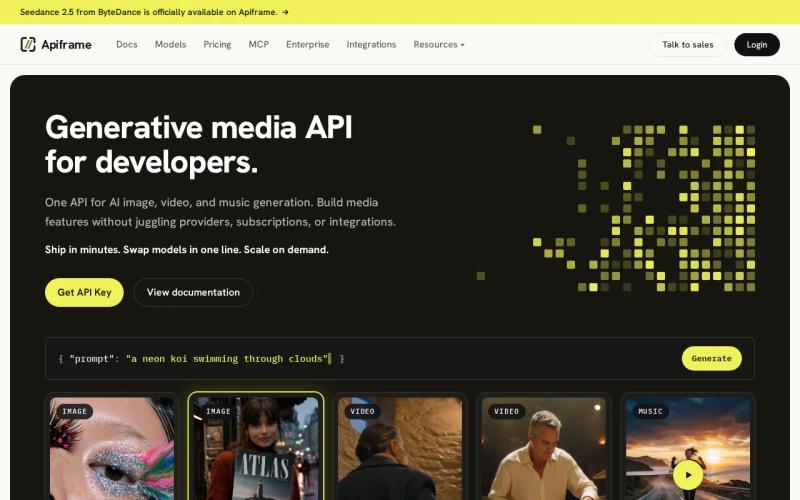
Apiframe gives you one API key, one job shape, and one webhook contract across more than 70 models. You can call Midjourney, GPT Image, Nano Banana, Seedream, Ideogram, Imagen, and other image models by changing the model value. The same account can also run video or music jobs later.
That matters on mobile because generation is usually asynchronous. Your app can send a request through your server, return a job ID to the client, then update the screen when a webhook arrives. Apiframe returns generated media through its CDN for 90 days, which gives you time to copy finished files into your own storage.
Integration coverage is a strong point. You can use REST, Node.js, Zapier, Make, n8n, or Pipedream. The Apiframe API quickstart also shows the basic request flow, so you can get a test call running before you build a full queue.
Pricing uses credits. The Free plan includes 50 one-time credits, while paid plans add higher credit pools and more concurrent jobs. Per-model credit costs change, so check the current Apiframe credit pricing before estimating cost per image.
The caveat is important: Apiframe doesn't publish a universal response-time promise for every model. A fast mobile experience still needs a small preview, clear loading state, retry logic, and a model chosen for the job. For most teams, the trade is worth it because the integration stays in place when the model changes.
2. WaveSpeedAI, broad media catalog with webhook workflows
WaveSpeedAI is a media-first unified API with a large model catalog and webhook workflow support. It suits a developer who wants one media endpoint layer while keeping an async design for mobile requests.

Webhook support is useful when an image may take longer than a normal browser request. Your backend can accept the job, save the provider job ID, and wait for the completion event. The mobile client then reads your own job status instead of holding an open connection to an image service.
That pattern also protects the app when a user moves between Wi-Fi and cellular data. The client can close its connection and ask your backend for the latest state later. You still need to make webhook handling idempotent, since a retry must not create a second database record or charge your user twice.
For a mobile app, treat the first API response as acceptance rather than proof that the image is ready. HTTP defines status 202 as a request accepted for processing, with the work not yet complete. That is the right mental model for most remote image jobs.
WaveSpeedAI's main strength is catalog breadth paired with webhook workflows. It may work well when your team already knows which models it needs and wants a media-first service around them.
The limitation is the same gap found across this market. If your target is instant image display, measure the full path from tap to usable preview instead of trusting the word “low-latency” in a product description.
3. EvoLink, OpenAI-compatible requests for mixed workloads
EvoLink is the easiest fit for teams that want an OpenAI-compatible request shape across mixed workloads. It makes sense when your backend already follows that style and you want to limit changes during an early mobile launch.
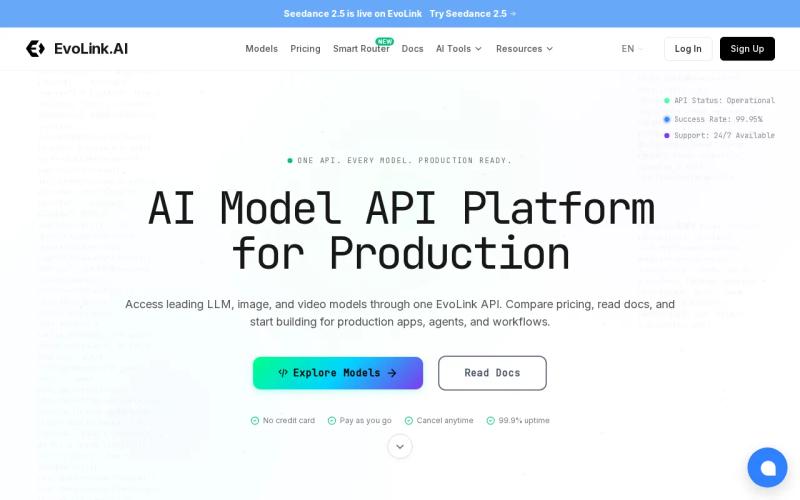
Compatibility can lower the first integration cost. Your team can keep familiar request handling, then adjust model and output fields at the service boundary. That helps when one engineer owns the API layer and another owns the mobile UI.
But request compatibility doesn't make models identical. Image models can differ in prompt rules, aspect-ratio fields, reference-image support, safety behavior, output format, and credit cost. Build a small adapter in your own code even when the outer request looks familiar. Keep provider-specific settings in one place.
For low-latency mobile work, this distinction matters. A compatible request can reduce coding time, but it can't remove model queue time or network delay.
A useful test has three checkpoints: request accepted, first usable result, and final image ready. Log each one. The first number tells you whether your API path is healthy, while the second tells you what the person using the app actually feels.
EvoLink is a sensible shortlist entry if compatibility is your main filter. Pick it for a clean migration path, not because compatibility alone proves faster generation.
4. fal.ai, standardized integration across workload types
fal.ai uses a standardized OpenAI-style integration across many workload types. It fits teams that want a common request pattern while working with different kinds of generative jobs.
A shared integration style can make a service layer easier to teach. New developers learn one way to pass prompts, inspect job results, and handle errors. That can help a small team keep its mobile feature moving when the model catalog changes.
fal.ai is a practical API option. Your architecture must account for the trip between the phone, your backend, the provider, and your storage layer.
For image generation, keep the provider key on your server. Send a short-lived app request to your backend, validate the prompt and user limits there, then submit the job. This also lets you swap providers later without shipping a new mobile build.
Use a queue when users can submit several images at once. A queue lets you set a cap, track failed jobs, and stop one busy user from consuming every available slot. Add a timeout for jobs that stop moving, then expose a retry action instead of leaving the app on an endless spinner.
Standards help with the transport layer, but they don't set a model's speed.
fal.ai is worth testing if a standardized interface matters more than one vendor's model catalog. Ask for measured median and 95th-percentile response times (p50 and p95) before you set a mobile performance target.
5. KIE.ai, one API for a broad model selection
KIE.ai presents one API for a broad selection of AI models. It may suit a team that wants model choice behind one access point and plans to compare outputs before settling on a default.
Model choice is useful when your app has more than one image task. A product photo may need a different model than a poster, a character concept, or an edit based on a reference image. Keep those choices in a server-side policy rather than exposing every model as a confusing list in the mobile UI.
Still, “one API” can hide differences in input shape and job behavior. Before you ship, check how each target model handles aspect ratio, image URLs, output URLs, moderation errors, and retries. Your app should show a safe fallback when one model is busy or unavailable.
The same research found that none of the surveyed services reported edge deployment. So it belongs on a model-access shortlist, not on a list of proven sub-second mobile engines.
| Choose KIE.ai when | Watch closely | What to test on mobile |
|---|---|---|
| You want broad model choice behind one API | Input fields may vary by model | Prompt-to-job acceptance time |
| You plan to compare several image outputs | Latency data isn't verified | Time to first usable image |
| You need a server-side model policy | Edge execution isn't reported | Retry behavior on weak networks |
Use KIE.ai when breadth is the main buying factor. If you also need video and music under the same account, Apiframe keeps those media types inside one contract instead of making you add another integration later.
How to compare these APIs for a mobile launch
Don't rank providers by a single demo result. Run the same prompt through each candidate and record the full user path.
- Measure request acceptance, first usable output, and final output.
- Test on both Wi-Fi and a weak cellular connection.
- Run a small burst of concurrent jobs to expose queue limits.
- Check whether failed jobs refund credits or still consume spend.
- Confirm how long output URLs remain valid.
- Keep the API key behind your server, never inside the mobile bundle.
For many teams, the best result comes from splitting the experience. Show a local placeholder or an existing image at once, submit the remote job in the background, then replace the preview when the webhook or status check confirms completion.
Key Takeaway: A unified API can simplify model swaps, but only your own timing test can show whether the mobile experience meets its target.
FAQ
What is the best unified API for mobile image generation?
Apiframe is the strongest first choice for teams that want one API across image, video, and music models. It supports more than 70 models, async jobs, webhooks, and several integration paths. It doesn't promise universal sub-second output, so test the exact model and workflow you plan to use. You can follow the getting started guide to send your first request.
Can an image API generate images in under one second?
None of the surveyed services report edge deployment. For a low-latency mobile image workflow, measure time to first usable output and design the UI around an async job.
Is Apiframe good for mobile apps?
Apiframe works well for mobile apps when your backend handles the API call and the app watches job status. You can submit an image job, receive a job ID, then poll or use a webhook. This keeps the API key off the device and lets you change models without rewriting the mobile client.
Which API has the best free tier?
Free access doesn’t prove low latency or production capacity. Use the free tier to test request flow, output quality, failure handling, and the cost of your chosen model. For a direct comparison of free tiers across providers, see our AI media API free trial comparison.
How do I reduce image generation latency on mobile?
Reduce perceived delay by sending smaller test jobs first, keeping requests on your server, and showing progress as soon as the job is accepted. Pick a faster model for previews, cache repeated results, and move full-size generation to a background job. Track network time separately from model and queue time.
Conclusion
Choose Apiframe if you want the widest media coverage behind one developer contract, then test your chosen image model against a clear mobile SLO. Start with the Apiframe API documentation, send a few real prompts, and measure the full path before you promise a fast result to users.


