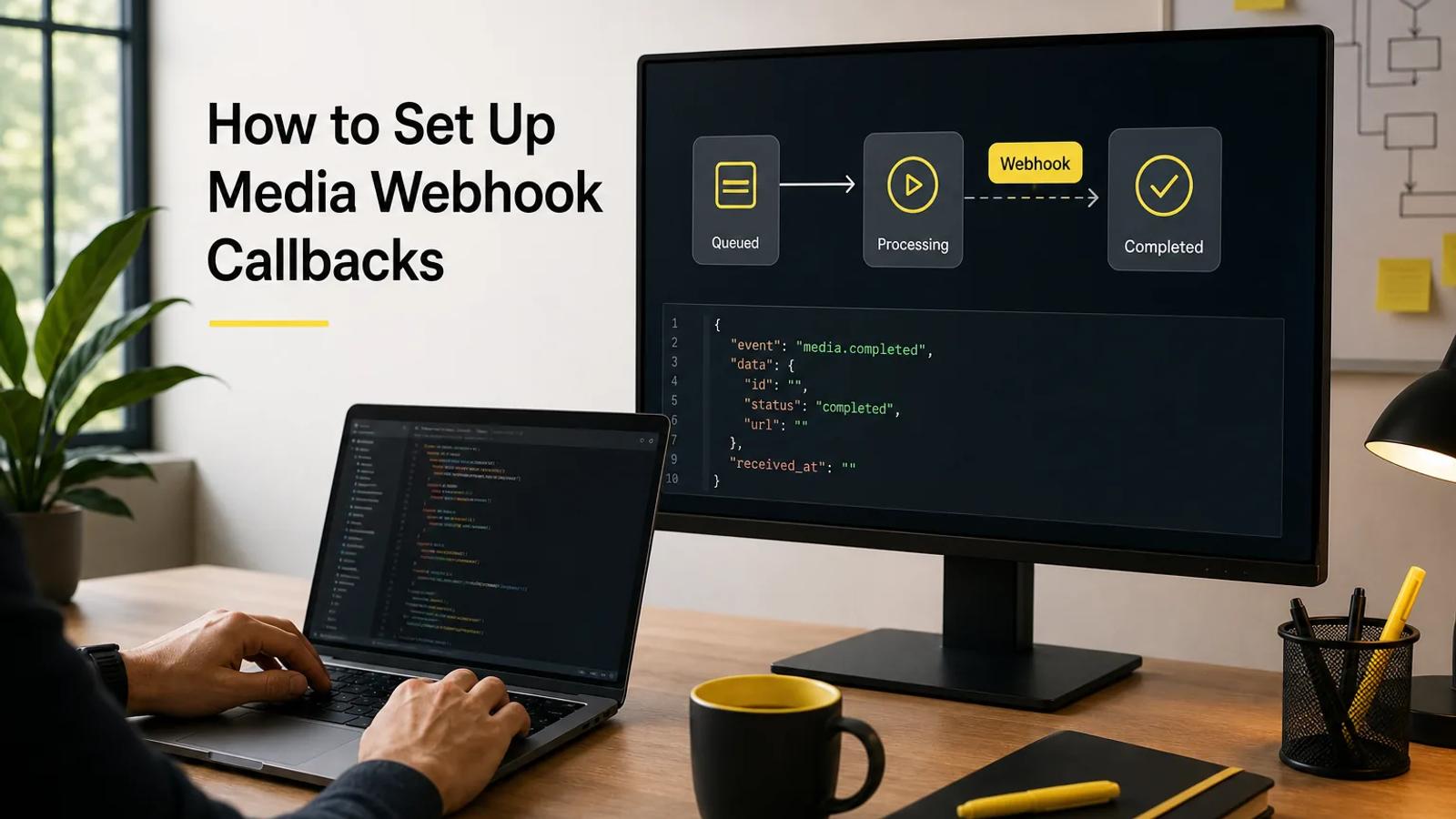
Media generation runs as an async job, so your app shouldn't sit and wait on one open request for an image, video, or song. A webhook callback lets the provider notify your server when a job changes state or the media is ready. This guide walks through building that flow with Apiframe, including event design, endpoint security, payload checks, retries, and production monitoring.
Step 1: Define the Webhook Workflow and Event Contract
Start by writing down what happens after your app submits a media job. This gives your webhook handler a clear contract to follow before you write any code.
With Apiframe, your server sends a generation request and gets back a jobId with a "queued" status. From there, you can either poll the job or wait for a callback. The documented webhook events include a completed event for when media is ready, plus optional status updates. A failed event should also be part of your app's failure handling.
Write the state flow in plain terms:
- Your app accepts a prompt or media request.
- Your backend submits the job.
- The API returns a job ID.
- Apiframe sends a callback when the selected event occurs.
- Your worker checks the event and updates your own job record.
- Your app shows the result or a useful error.
Keep the provider's job ID stored alongside your own internal request ID. The two IDs solve different problems: your ID ties the job to a user or order, while the provider's ID lets you look up the current generation state.
Choose your events carefully. A progress event can help a long video job show movement, but it also adds more traffic to handle. A completed and failed pair is usually enough for a first release. The Apiframe webhook documentation lists the event fields and verification steps to map into your handler.
Also decide what your app should do if a callback never arrives. Keep polling as a fallback for jobs that stay queued longer than expected, since Apiframe doesn't automatically retry webhook delivery. Recovering from a missed callback is on your system to handle.
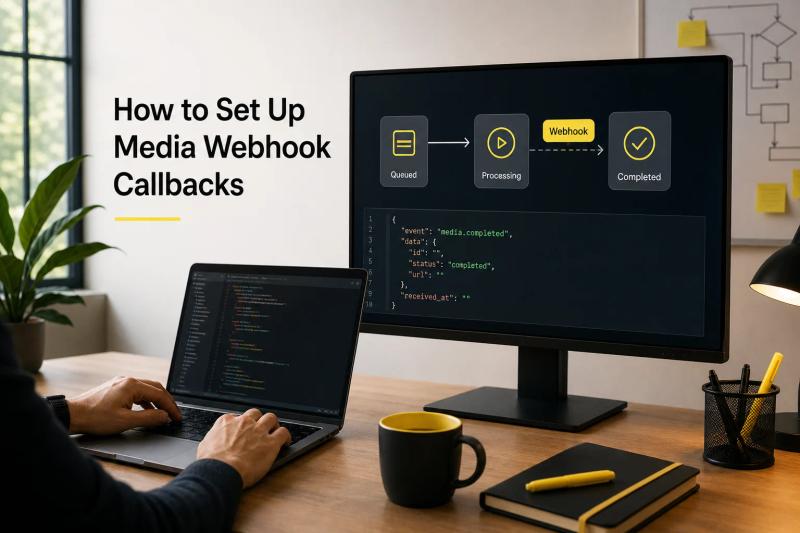
Key takeaway: Treat the webhook as one event inside a job state machine, not as a replacement for your own job database.
Step 2: Create the Generation Request and Callback URL
To set up webhook callbacks for media generation, start by exposing a stable HTTPS endpoint on your server. Then pass that endpoint's URL in your generation request.
Use a route like POST /hooks/apiframe. It should accept a JSON body and return a success response quickly. Don't make the callback request wait while you download a large video file or run a long moderation check in the same request.
Your generation request needs the model, prompt, and callback settings. For images, Apiframe uses POST /v2/images/generate. Videos use POST /v2/videos/generate, and music uses POST /v2/music/generate. The same basic job pattern applies across all three media types, which is one of the advantages of working with a unified API instead of separate provider integrations.
curl -X POST /v2/images/generate \ -H "X-API-Key: afk_your_api_key" \ -H "Content-Type: application/json" \ -d '{ "model": "your_allowed_model_id", "prompt": "a red bicycle on a wet street", "webhookUrl": "https://yourapp.example/hooks/apiframe", "webhookEvents": ["completed", "failed"] }'The response arrives before the media itself is ready. Store the returned jobId alongside your internal request record, and store the model name too, since it helps you audit cost and compare output speed later.
Keep the callback URL on your server, not in browser code, and never expose an API key or a private callback route there either. If users can choose a model, send that choice to your backend and let the backend map it to an allowed model ID.
A single Apiframe integration can cover image, video, and music jobs. You can use one callback route if your handler reads the media type from the payload, or separate routes if different teams own each workflow and you want simpler access rules. Pick one pattern and document it before adding more models.
For the full request format, authentication header, and job flow, use the Apiframe API documentation. Test with one small image job first, then add video and music once your receiver handles the shared fields correctly.
Step 3: Secure and Authenticate the Webhook Endpoint
A webhook endpoint is a public network address, so security needs to be part of the first version, not an afterthought. Authentication confirms that a callback actually came from the expected sender and wasn't changed along the way.
Apiframe supports webhook verification through a signature header. Its documented process derives a signing secret from your raw API key, then checks an HMAC-SHA256 value (a way of using a secret key and a hashing function together to confirm a message hasn't been tampered with) against the raw request body. Read the body as raw bytes before your JSON parser has a chance to change whitespace or reorder keys, and compare the signature using a constant-time comparison (a comparison method that always takes the same amount of time regardless of where the strings differ, so an attacker can't guess the secret by measuring response speed).
Your handler should follow this order:
- Accept the HTTPS request.
- Read the raw body.
- Read the signature header.
- Compute the expected signature.
- Compare both values in constant time.
- Parse JSON only after the signature passes.
- Queue the event for later work.
Never log the API key, signing secret, or the full payload if it contains sensitive data. Instead, log a short request ID, the provider's job ID, the event name, and whether verification passed. Those fields let you trace an incident without putting credentials in your logs.
Use an allowlist for expected event names and reject unexpected HTTP methods. Add a request size limit. If your workflow has a separate shared secret field, treat it as an extra check, never as a reason to skip signature validation.
Security setups vary across providers. Some documented integrations use no authentication at all, while others rely on an API key or stronger HMAC-based methods. For your own service, the rule is simple: reject unsigned or invalid callbacks before they ever reach your business logic. This security and authentication guide covers the same principles in more depth, including key management and access control.
Tip: Save the exact raw request body during a test run so you can replay it later if you ever need to update your signature-checking code.
Step 4: Validate Payloads, Track Jobs, and Handle Media Results
Payload validation keeps a bad or malformed callback from corrupting your job table. A good handler checks the event before it touches any user-visible data.
After signature verification, parse the JSON body. Confirm the payload includes a job ID and a recognized status. For a completed job, check that the result field has the expected media URL format. For a failed job, save the error details internally without exposing raw provider messages directly to end users.
A typical completed payload may contain these fields:
| Field | Check | Action |
|---|---|---|
| event | Match an allowed event name | Route to the correct handler |
| jobId | Match a stored job | Update that job only |
| status | Use a known state | Move the state machine forward |
| result | Check URL or media fields | Queue download or storage work |
| error | Read only on failure | Mark the job failed and alert if needed |
Return a success response as soon as you've safely queued the event, not after finishing all your processing. The callback handler shouldn't try to download a 200 MB video file inside the same request. Let a background worker fetch the file from the CDN, run any moderation checks your product needs, and move the file into storage you control.
Apiframe hosts generated media on its CDN for 90 days. That's useful for short-lived workflows, but it isn't a permanent archive, so copy assets to your own storage whenever a customer saves them or your retention policy requires it.
Keep the original result URL in your job record, and add your own storage key once the download succeeds. This gives your support team a clear path to follow if a file fails to copy or a user reports a missing asset.
Don't mark a job complete just because the callback arrived. Mark it complete only after the payload passes validation and your result handoff succeeds. If the download happens later, use an intermediate state such as MEDIA_READY before moving to STORED.

Step 5: Add Idempotency, Retries, and Failure Handling
Webhook delivery can repeat, arrive late, or fail while your server happens to be down. Your handler needs to make repeated events safe to receive more than once.
Start with an idempotency record (a safeguard that makes sure the same event is only acted on once, even if it's delivered more than once). Use the provider's job ID plus the event name as a unique key, or use an event ID if the payload includes one. When a callback arrives, try to insert that key. If it already exists, return success without repeating the side effect.
This protects against duplicate work, like sending two customer notifications, charging twice, or copying the same asset twice. It also makes it safe to replay events if you ever need to recover from a worker failure.
Separate receiving an event from processing it. Your HTTP route should verify the request, save the event, and place a message on a queue. A background worker can then retry downloads, moderation checks, or database updates without making the provider's callback wait around for a response.
Use a retry schedule for the parts you control. For example, retry a temporary storage error after a short delay, then increase that delay after each failed attempt. Stop after a set number of tries and move the event to a separate holding queue for failed messages (often called a "dead-letter queue") so it can be reviewed manually. Don't retry a bad signature or an invalid payload, since those errors won't resolve themselves.
Apiframe documents polling as a fallback but doesn't provide automatic webhook retries. Build a recovery task that finds jobs stuck in a non-final state, calls GET /v2/jobs/{id} to check the current status, and repairs your local record if needed.
Record the last callback time and the last processing error for each job. If the same job keeps failing, alert on that pattern instead of sending a separate alert for every single attempt. A small operations table makes this easy to track, with fields like:
- Job ID and internal request ID
- Current local status
- Last event received
- Attempt count
- Next retry time
- Final error, if any
A failed generation should refund credits under Apiframe's billing rules, but your app still needs to show users a clear status. Don't tell someone their asset is ready until your own result checks have actually passed.
Step 6: Test, Deploy, and Monitor the Production Integration
Testing webhook callbacks means testing bad timing and edge cases, not just the happy path. Use a development endpoint and send a known generation request before connecting real customer traffic. This guide to testing AI-generated video quality is a useful companion if you're also validating the media output itself, not just the delivery pipeline.
Test these cases one at a time:
- A valid completed event
- A valid failed event
- An invalid signature
- A malformed JSON body
- An unknown job ID
- The same event sent twice
- A callback received after the job is already complete
- A temporary database or storage failure
For each case, check both sides of the exchange. The sender needs a clear HTTP response, and your system needs a durable record that explains what actually happened.
Deploy the receiver behind HTTPS with a stable route. Set a short request timeout for the callback itself, and keep any longer work in a queue or background worker. If you're running several app instances, make sure the idempotency store is shared across all of them.
Watch the metrics that reflect actual customer impact: callback receipt rate, signature failures, processing latency, stuck jobs, duplicate events, and failed media downloads. Add a dashboard for jobs that stay queued past your normal threshold. For a deeper look at measuring and improving these numbers, see this guide to unified media API latency and performance.
Keep polling available during your first production release. If callbacks fail because of a bad route or an expired secret, the poller gives you a way to recover jobs while you fix the receiver. Remove that fallback only once you trust the delivery path and have a clear recovery plan in place.
When your integration spans several models, track the model ID with each job. Apiframe supports 70+ models behind one API, so you can change the model parameter without rewriting your callback handler. That makes it easier to compare output quality, cost, or completion time while your event contract stays stable. If you're weighing model costs as part of this, this guide to estimating AI video costs can help you budget across models.
Set alerts for symptoms, not noise. A rise in invalid signatures usually points to a secret mismatch. A rise in valid but unprocessed events points to a queue or worker problem. A rise in failed downloads points to storage, expiry, or network issues.
Key takeaway: A production-ready webhook is one that can reject bad input, absorb duplicates, recover missed events, and explain failures clearly in its logs.
FAQ
What is a webhook callback for media generation?
A webhook callback is an HTTP POST request that tells your app when an async media job changes state. Instead of repeatedly checking for status, your server receives an event once an image, video, or song is ready. You still need a job record and a fallback check, since delivery can occasionally fail.
How do I secure a media generation webhook?
Secure a media generation webhook with HTTPS and signature verification. Read the raw request body, calculate the expected HMAC signature, and compare it against the provider's signature header. Reject invalid requests before parsing or processing them, keep secrets out of your source code, and avoid logging the raw key or full payload.
Should I poll or use a webhook for AI media jobs?
Use a webhook as your main path and polling as a recovery path. Polling is easy to add, but repeated checks waste requests and can delay how quickly you handle results. A callback lets your system react as soon as the job reaches a subscribed event, while a recovery worker can poll any jobs that stay unresolved.
What should a webhook payload contain?
A useful payload includes an event name, the provider's job ID, a status, and either result or error data. Your handler should also record the time received and link the provider's ID to your internal request. Validate every field before changing any user-facing state, and for completed media, confirm the result URL matches the expected format.
How do I prevent duplicate webhook processing?
Prevent duplicate processing with an idempotency key stored in a unique database field. The provider's job ID combined with the event name works well when no separate event ID exists. Insert the key before any side effects run. If the key already exists, return a success response and skip the work.
Conclusion
Build the callback as a small, verified intake route backed by a durable job record and a queue. Apiframe gives you one consistent job pattern across image, video, and music generation, with polling available whenever a callback needs a recovery path. Start with a single completed event, test duplicate delivery, then check the Apiframe pricing and plan details before moving your first workflow into production. If you're new to the platform, the getting started guide walks through your very first API call.


