Most fal ai alternatives solve one part of AI media well. Far fewer give developers one clean path across several media types. Here are five named options, with Apiframe first for teams that need image, video, and music generation through one API.
1. Apiframe: Unified AI media APIs
Apiframe is a unified API for generating AI images, video, and music. It fits developers who want to add media generation without stitching several model providers into one product.
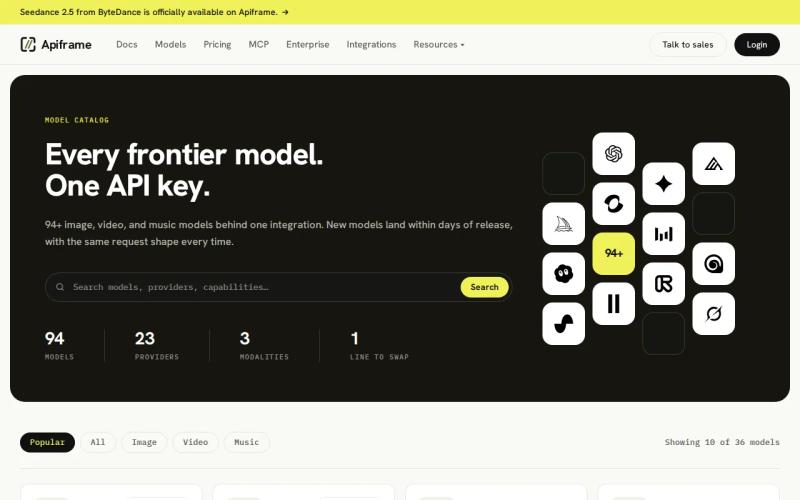
The main appeal is the shared interface. Your app can send requests through one developer-friendly API instead of handling a different auth flow, response shape, and billing path for every media type. That makes a product handoff easier too. A frontend team can pass one job format to a backend service, while the backend controls model choice.
Apiframe is also the clearest fit when a workflow crosses formats. Think of a product that makes a campaign image first, turns that image into a short video, then adds music. One provider reduces the number of moving parts in that chain. Our AI image API guide is a good starting point if you're mapping out what a first workflow like that could look like.
The trade-off is focus. A single API may not expose every niche control that a specialist provider gives one model. If your entire product depends on one narrow visual task, a focused service may give you more endpoint-level tuning.
Key takeaway: Pick Apiframe when your app needs more than one AI media type and you want one integration to manage the flow.
2. Replicate: Broad access to AI video models
Replicate gives developers access to a broad range of AI models, with video as a clear use case. It suits teams that want to test model options before they commit to a fixed production stack.
Its strength is model choice. A prototype team can compare different video models through a common service rather than building a separate integration for each early test. That helps when the product brief is still moving and you need to test prompt quality, output style, or generation time.
Replicate can also fit a team that wants versioned model deployments. That setup gives engineers a way to keep a known model version in a workflow while they test a newer one separately. Check the model card and input schema before you build around any particular endpoint.
The limitation is scope across a full media product. Replicate is primarily focused on video, while Apiframe covers images, video, and music through one interface. That difference matters when one user action needs several outputs. You may still need another provider for sound or a second media path.
Cold starts and uneven model behavior can also affect a user-facing flow, depending on the model you select. Test the full request path, not only the first successful output. A video that looks good in a demo still needs predictable error handling and a clear loading state.
Replicate is a sensible test bench for model discovery. It is less direct when your goal is one consistent media layer across the whole app. Our Replicate pricing alternatives comparison can help when cost becomes part of that decision.
3. WaveSpeedAI: One API for image, video, audio, and LLMs
WaveSpeedAI lists image, video, audio, and LLM support. It is aimed at teams that want broad media coverage while keeping model calls inside one API layer. Our WaveSpeedAI API guide covers pricing, model catalog, and a working code example if you want the full picture before testing it.
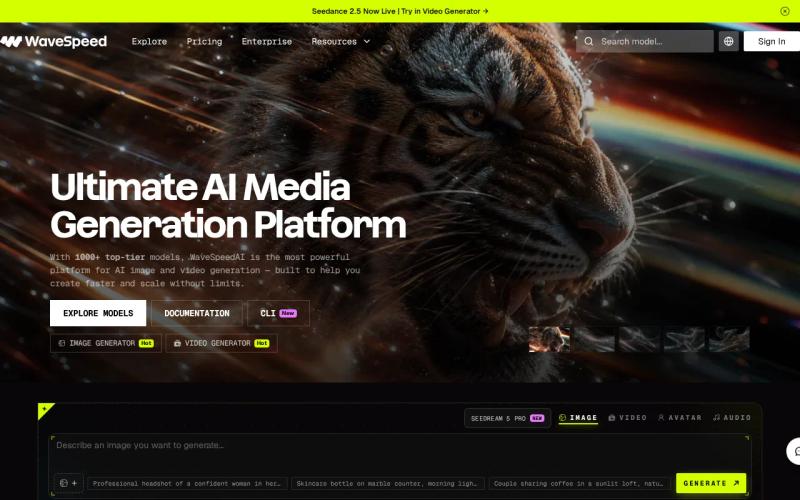
That scope makes WaveSpeedAI useful for a product with mixed generation jobs. A creator tool might need an image endpoint for a thumbnail, a video endpoint for a clip, and an audio endpoint for a voice or soundtrack. Keeping those calls under one provider can reduce the number of service contracts your team has to track.
It also gives teams a path to connect media generation with text or reasoning tasks. For example, a backend could first prepare a prompt with an LLM, then send the result to an image or video model. You still need to define your own job queue and validation rules, but the provider count stays lower.
The caveat is that broad support does not tell you how each model behaves. Test startup time, output duration, failure rate, and total cost for the exact models you plan to use.
WaveSpeedAI is worth a look if audio belongs in your product and you want a wide model surface. Apiframe remains the stronger first choice when the priority is one clearly positioned API for image, video, and music generation.
Pro tip: POST the same test prompt to each candidate, then record time to first response, total generation time, output format, and failure behavior.
4. KIE AI: High-volume multimedia generation
KIE AI targets high-volume generation across video, image, audio, and text. It fits teams that care about throughput and want REST API or webhook support for production jobs.
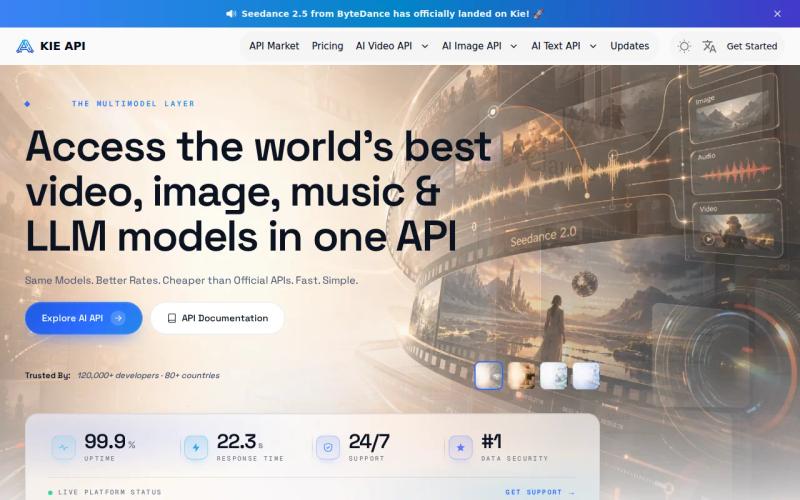
Webhooks matter when a generation job takes longer than a normal web request. Your server can submit a task, store the job ID, and wait for a callback instead of holding a connection open. That pattern works well for batch image work or video jobs that need a queue and a review step.
Many KIE AI models are priced around 30% lower than official rates, while selected high-demand models can show savings of 60% to 70%. Treat those figures as model-specific claims, not a blanket cost promise. Compare the live rate for your chosen model, output size, duration, and quality tier.
KIE AI has named video models such as Seedance, Kling, Veo, and Runway. That can help a team that already knows which model family it wants to test. Our Veo 3 API guide is a useful reference if Veo specifically is on your shortlist, whichever provider you end up calling it through. Using KIE AI doesn't remove the need to check schema changes, queue limits, and moderation rules before launch.
The main drawback is pricing clarity across the full catalog. If your workload changes each month, build a small cost sheet before you pick a provider. KIE AI may fit a high-volume pipeline, while Apiframe is easier to justify when your main concern is one shared API across media types.
5. OpenRouter: Flexible multi-model routing
OpenRouter is a multi-model router best known for giving developers one API key across hundreds of language models. It suits developers who want to switch model backends without rewriting the whole application.
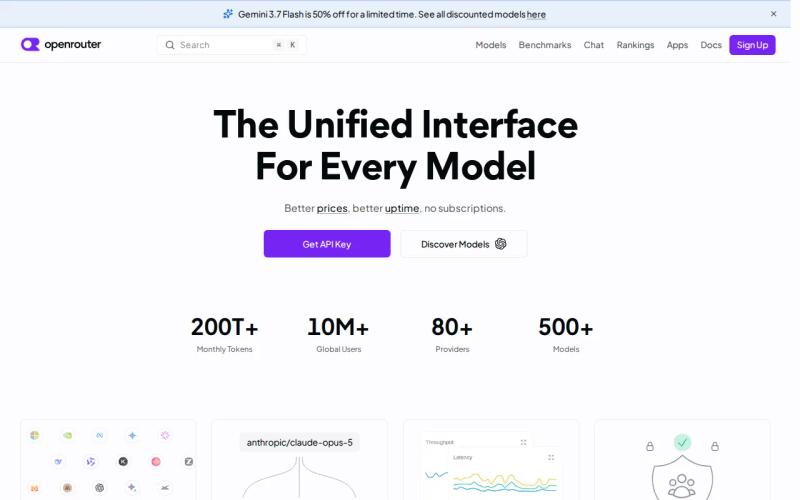
Routing can help when model availability or price changes. You can keep your app logic focused on the task, then adjust the selected backend in configuration. That is useful for agentic development, where one workflow may call a text model for planning and an image model for output.
Worth noting: OpenRouter has broadened its media coverage over the course of 2026, adding video generation (models like Seedance and Veo) and a small but growing catalog of audio and music models alongside its long-standing image support. That narrows the gap with a purpose-built media API somewhat, but OpenRouter's core identity, and the bulk of its catalog and tooling, is still built around language models and general routing rather than media generation specifically. If media generation is your main product feature rather than a secondary capability, a platform purpose-built around media jobs, webhooks, and credit-based billing per generation is still likely to be the more direct fit.
The trade-off with routing generally is that it adds another layer to debug. Your team needs to know which provider handled a request, how the response maps to your schema, and what happens when a route fails. A stable internal adapter can help, but it becomes part of your own maintenance work.
If model swapping across LLMs is the main goal, OpenRouter deserves a test. If media generation is the main product feature, a purpose-built unified media API is the cleaner starting point. Our guide to OpenRouter alternatives for AI media APIs covers that split in more detail.
fal ai alternatives compared
The best fal ai alternatives depend on the shape of your request flow. A video prototype has a different need from a creator app that makes an image, video, and music track in one session.
Integration details are often thin.
| Option | Best fit | Media scope in the research | What to test first | Main caution |
|---|---|---|---|---|
| Apiframe | One API across media | Image, video, music | Cross-media job flow | Specialist controls may differ by model |
| Replicate | Model discovery and video prototypes | Video | Cold starts and model consistency | May need another provider for other media |
| WaveSpeedAI | Broad media and LLM coverage | Image, video, audio, LLM | Per-model speed and cost | Full latency and price data can vary |
| KIE AI | High-volume generation | Video, image, audio, text | Webhook flow and batch cost | Rates are model-specific |
| OpenRouter | Flexible model routing | Image | Route changes and error handling | Less suited to full media output coverage |
Integration details are often thin, and latency and pricing comparisons need care too. A small pilot is more useful than a spreadsheet built from vague claims.
For a wider view of provider roles, see our AI media generation API shortlist. Our guide to choosing an AI media API is also worth a look if you're still narrowing down criteria before you start testing. When you compare tools, POST the same request shape where possible, and track the result in your own log so you can compare output quality beside spend and wait time.
Apiframe is the best starting point for most teams that need images, video, and music under one developer-facing API. A specialist may win for one narrow workload, but that advantage should be measured against the extra integration work.
Key takeaway: Choose by the media workflow you need to ship, then verify cost and latency with your own sample jobs.
FAQ
What are the best fal ai alternatives?
The best fal ai alternatives are Apiframe, Replicate, WaveSpeedAI, KIE AI, and OpenRouter, but each fits a different build. Apiframe is the strongest first choice for image, video, and music through one API. Replicate fits model testing. WaveSpeedAI covers broad media and LLM use. KIE AI suits volume, while OpenRouter focuses on routing, with a growing but still secondary media catalog.
Which fal ai alternative supports images, video, and music?
Apiframe lists images, video, and music through one API as its core focus. That makes it a better fit for an app with several media outputs. You can keep one integration while you test different models behind the workflow, instead of adding a new provider each time the product gains a media feature.
Is Replicate better than Apiframe for AI media?
Replicate may be better for teams that want to explore a broad set of model options, especially for video prototypes. Apiframe is the better fit when the product needs one API across image, video, and music. Compare both with the same prompts, output rules, and queue needs before moving a user-facing feature into production.
What should developers check in fal ai alternatives?
Check media coverage, request schemas, webhook behavior, pricing, latency, and error handling. These points decide whether a demo can become a stable product. For fal ai alternatives, also check if one API can support the full user journey. A low rate for one image endpoint may not offset a second integration for video or music.
Are AI media APIs priced transparently?
AI media API pricing is often unevenly disclosed. Ask for the exact unit, output limits, quality tier, and failed-job policy. Then run a small test batch. That gives you a better budget than relying on a headline rate alone.
Conclusion
Start with Apiframe if your product needs image, video, and music generation through one API. POST a few representative jobs, compare the output and total cost, then visit Apiframe if the workflow fits.