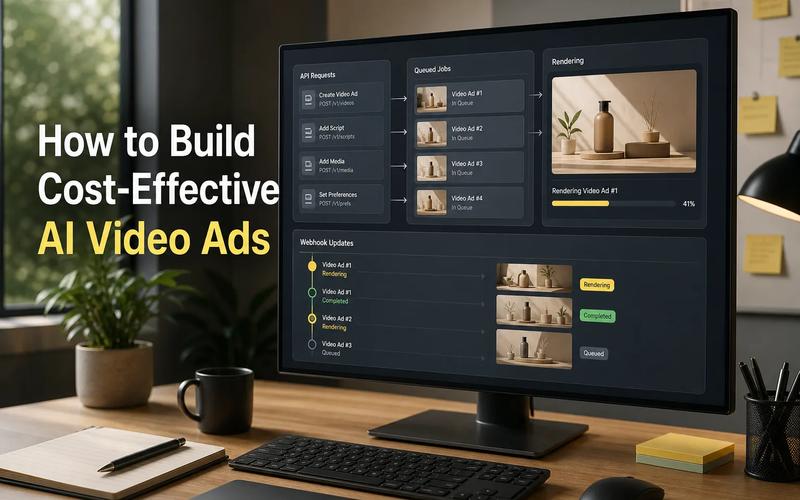
fal.ai pricing is easier to judge once you look past the sticker price. What matters most is what the API covers, which media types it supports, how fast it runs, and how clearly the provider lists its rates.
A quick note before we start: fal.ai is a single company, even though people search for it as "fal ai," "fal.ai," and just "fal." This guide treats it as one option and compares it against two real alternatives: Apiframe, a unified API for images, video, and music, and Replicate, a general-purpose model hosting platform. For a wider list of options, see our roundup of fal.ai alternatives.
1. Apiframe
Apiframe is a single API for generating AI images, video, and music. It's a strong pick for teams that want one clean integration instead of separate setups for every model provider.
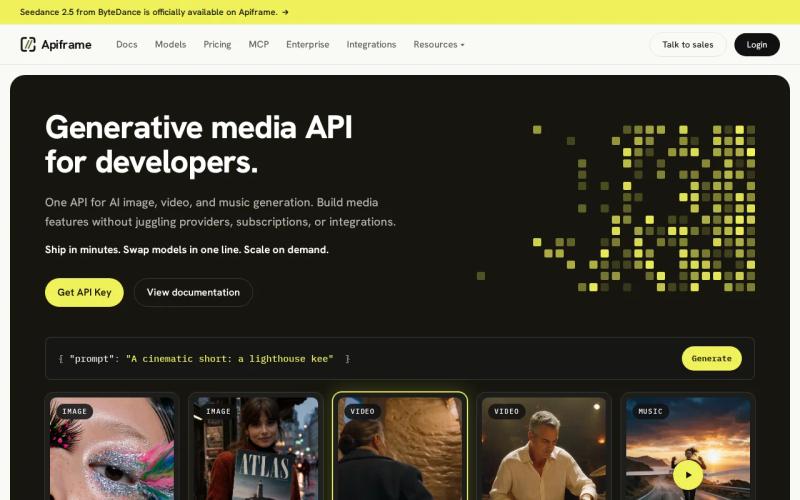
That single API changes how your team builds. You can create one request flow, then switch the model or media type without rebuilding your whole integration. This helps when a product starts with image generation and later adds short video clips or music.
Apiframe also keeps the client app simple. Your app talks to Apiframe, and Apiframe handles the connection to each underlying model. That means fewer endpoints for your team to learn and maintain. If you're comparing this approach against calling model providers directly, our guide to AI media generation APIs breaks down the trade-offs.
One thing worth flagging: like most providers in this space, Apiframe and fal.ai do not offer an unlimited free tier, so budget for a small paid test before you commit to a production rollout. Our pricing calculator guide can help you estimate that test cost ahead of time.
Key takeaway: Choose Apiframe when having one API across images, video, and music matters more than piecing together several billing dashboards.
2. fal.ai: Pay-as-You-Go Media Generation
fal.ai uses pay-as-you-go pricing for its serverless models and hourly GPU pricing for its Compute product. It works well for developers who want usage-based billing and broad media support, including image, video, audio, and 3D generation.
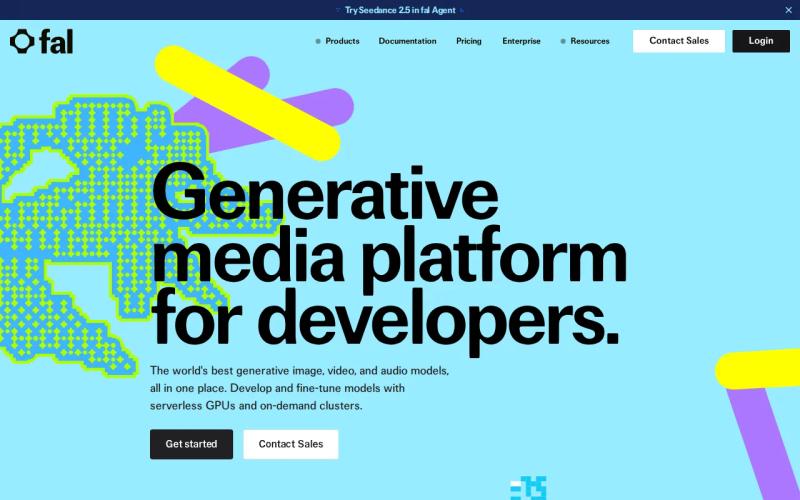
The clearest reference point is a starting rate of $0.003 per image for certain models. That's a useful anchor, but it's only a starting point. Video length, audio duration, model choice, and output quality all move the final bill. For a real-world comparison of video pricing across providers, see our Hailuo API pricing comparison, and for image-specific costs, our GPT Image 2 provider comparison shows how quality tier and resolution affect price just as much as the headline rate.
fal.ai splits its pricing by product type. Serverless usage is billed per output, while Compute is billed by GPU time. That distinction matters if you're comparing a handful of quick requests against a workload that needs a machine running for hours at a time. Our breakdown of per-second versus per-request video pricing walks through how these billing models compare in practice.
fal.ai's media range, spanning image, video, audio, and 3D, is broad. That's useful if your roadmap includes several media types, but it also means more models to test and more output costs to estimate individually.
There's no free tier, so your first request needs a funded account. Set a small spend cap for early testing, and track cost per successful output rather than relying only on the listed unit rate.
Key takeaway: fal.ai fits teams that want visible, usage-based pricing and the widest range of media types, as long as you're comfortable managing that variety yourself.
3. Fal AI, Low-Cost Image Generation
Fal AI is positioned here as a low-cost image option, with a stated starting price of $0.003 per image. It supports image, video, and music or audio generation, with a focus on pricing below official provider rates.
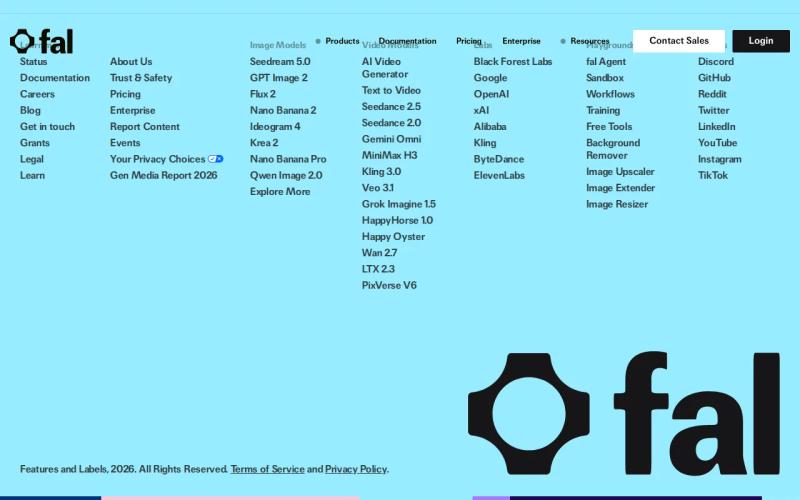
This option makes sense for a narrow image workflow. Say your app needs product concepts, ad variations, or user-made profile art. A low starting image rate can help you test demand without committing to a wide media stack.
The rate still needs context. A per-image figure does not tell you the cost of edits, higher quality output, video seconds, music duration, retries, or storage after generation. Before you compare it with Apiframe or fal.ai, write down the exact output your app will request.
Fal AI publishes no free tier. That makes the first test a paid test, even if the starting image price is small. A small unit rate can still grow fast when users request several versions per session.
Pricing clarity is also uneven across the shortlist. Fal AI discloses the image starting point, while the research does not provide a full rate card for every supported media type. Ask for the missing details if your product depends on video or audio.
For a model-by-model view of image costs, our GPT Image API provider comparison shows why output quality and resolution can matter as much as the headline rate.
Pick Fal AI when your first workload is image-heavy and the lowest stated starting rate carries the most weight. Pick Apiframe instead when you expect the product to add video or music through the same integration.
4. fal, Fast Inference for Production Teams
fal is the production-focused option in this list. The available research highlights a claim of up to 10 times faster inference, with support for image, video, and music or audio.
Speed matters when generation sits inside a live user flow. A faster response can reduce the time a user waits after posting a prompt. It can also help a production queue clear more jobs during a busy launch.
But the claim comes from a YouTube source, and the supplied material does not include a matching benchmark table. Treat up to 10 times faster as a claim to test, not a guaranteed result for every model or request. Your own latency test should use the same prompt size, output format, and traffic level you expect in production.
| Decision factor | Apiframe | fal.ai | Fal AI | fal |
|---|---|---|---|---|
| Best initial fit | One API for several media types | Broad media coverage with visible usage pricing | Image-led workloads with a low starting rate | Teams that need to test inference speed |
| Media listed in research | Image, video, music | Image, video, audio, 3D | Image, video, music or audio | Image, video, music or audio |
| Pricing detail | Not stated | Pay-as-you-go and hourly GPU pricing | $0.003 starting price per image | Not stated |
| Free tier | No free tier in research | No | No free tier in research | No free tier in research |
| Main risk | Confirm rates before forecasting | More model choices to assess | Limited full-rate detail | Speed claim needs your own test |
fal also has a pricing gap. fal publishes no clear rate, so a team cannot compare speed with cost from public data alone. Ask for current pricing before moving a high-volume workload.
That cost question matters because faster inference is useful only when the bill fits the product. A production team should track latency beside cost per completed output. If a fast endpoint costs more than the value of a quicker response, the speed gain may not help the business.
Use fal when response time is your first test. Keep Apiframe in the running if you need a single interface across media types and want to avoid managing several providers.
Ready to test one API for AI media generation? Confirm the current access and pricing terms before you commit your production budget.
Teams also need to explain a provider choice to people who do not read API docs. A clickable walkthrough can make an endpoint demo easier to review, and interactive product demo software can help turn recorded web app workflows into clickable demos or embedded tours.
How to Compare fal.ai Pricing Before You Buy
- Start with the exact output you need. "One image" isn't specific enough for a budget. Note the resolution, quality level, number of edits, video length, and expected retry rate.
- Check the billing unit. It might be per image, per output, per second, or per GPU hour.
- Check what isn't listed. A starting image rate doesn't tell you what video or audio will cost.
- Check for a free tier. As of this guide, neither Apiframe nor fal.ai offers one.
- Check how many integrations you'll need. One unified API can cut down on code and account management.
- Test latency with your own prompts. Don't treat a general speed claim as a guarantee for your use case.
Once you've done that, run the same small test through your top two choices. Save the request, the response time, the output quality, and the total charge. That gives you a real cost record before user traffic makes the numbers harder to track. If you want a deeper walkthrough of setting this up, our AI image API guide covers the basics of getting your first request running.
FAQ About fal ai pricing
How much does fal.ai cost?
fal.ai uses pay-as-you-go pricing for serverless models and hourly GPU pricing for Compute. Published rates start around $0.003 per image for certain models. That figure is a starting point, not a full budget for video, audio, 3D work, or retries.
Does fal.ai have a free tier?
No. Plan to fund your account before your first test rather than expecting to validate the API for free. Set a small spending limit and track the cost of each successful output.
Is Apiframe cheaper than fal.ai?
It depends on the model and output type, so there's no single answer. Apiframe covers images, video, and music through one API, while fal.ai publishes a $0.003 starting image rate for select models. Compare the exact model and output you plan to use before deciding on price alone.
What is the best fal.ai alternative?
Apiframe fits teams that want one API across images, video, and music. Replicate fits teams that want the widest possible model catalog. See our full list of fal.ai alternatives for more options.
Does fal support video and audio?
Yes. fal.ai supports image, video, audio, and 3D generation, though pricing and quality vary by model. Always test the exact video length or audio output your app will use before estimating costs at scale.
Conclusion
Choose Apiframe if you want one developer-friendly API for images, video, and music without juggling several provider accounts. Choose fal.ai if you want direct, usage-based pricing and the widest media range in one place. Choose Replicate if model variety matters more than a curated catalog. Whichever you pick, run a small batch of real prompts first, record the cost and speed, and confirm current pricing before you commit your production budget.