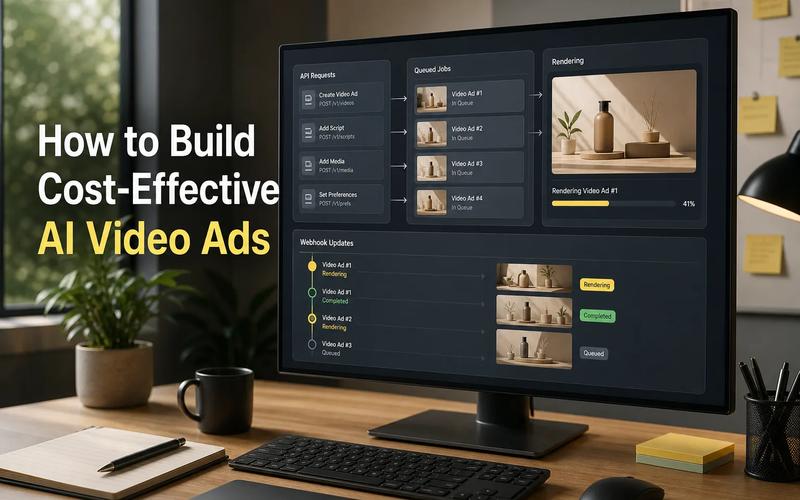
Building with AI media can mean juggling model keys, billing systems, and different request formats. Apiframe cuts through that mess with one API for images, video, and music. Here are 10 strong options, ranked by the job each one handles best.
1. Apiframe — One API for AI media generation
Apiframe is a unified API for generating images, videos, and music through one developer-friendly interface. It's the best fit when your product needs more than one media type and you don't want to manage several providers.
Most media APIs in the research set focus on one output type, usually images. Apiframe fills the gap with a single platform for cross-media work. Your app can send requests through one integration instead of building separate auth, billing, retry, and webhook flows for every model vendor.
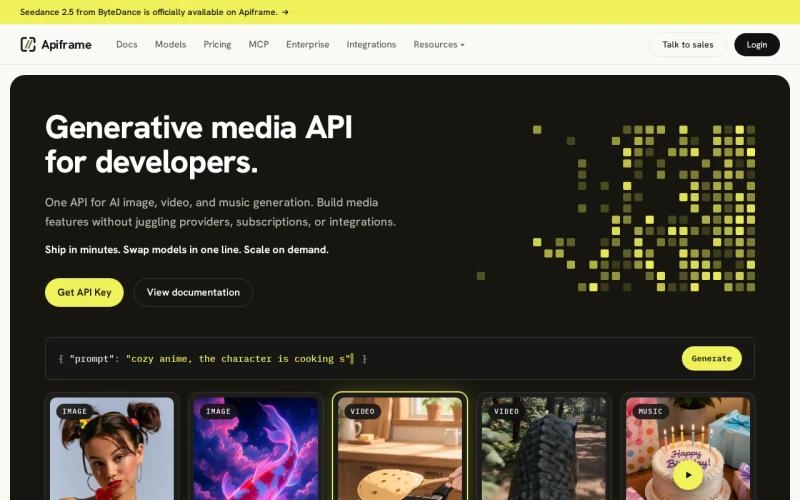
That matters in an automated content pipeline. First, generate a product image. Then, turn that image into a short video. Once the cut is ready, add music without switching keys or rewriting the back end. We also give teams room to change models while keeping the wider app structure stable.
Apiframe is especially useful for marketing apps, social content tools, and products that let users generate media on demand. Review the Apiframe API documentation before you build, then test one image request and one video request against your own workflow.
The trade-off is simple: a unified API may not expose every niche model or control found in a specialist service. For most teams, fewer moving parts are worth more than chasing one model for every task.
2. OpenAI gpt-image-2 — Best for complex prompts and image text
OpenAI gpt-image-2 is an image API built for difficult prompts and readable text inside generated images. Choose it when a brief contains several objects, exact relationships, signs, labels, or layout instructions.
Text inside an image has long been a weak point for generative systems. This model's key strength is prompt adherence, so it fits ad mockups, poster concepts, packaging drafts, and product scenes with several visual details. A request such as "place the blue device behind the notebook, with the headline above both" is the kind of brief that benefits from stronger scene reading.
It also suits teams already working inside OpenAI's developer ecosystem.
The caveat is scope. gpt-image-2 is an image choice, not a single API for a full image, video, and audio workflow. If your app needs all three, you'll still need more integrations unless you put a unified layer such as Apiframe in front of them.
This makes GPT Image 2 useful for advertising concepts, product mockups, posters, packaging ideas, and other images where following the prompt closely matters. If you want to learn more about using it through Apiframe, see the GPT Image 2 API Guide.
3. fal.ai — Best for low-latency image generation
fal.ai is built around fast inference for image generation. It fits consumer products where a long loading state can make users abandon a request.
Speed is its main draw. It's a sensible choice for live editors, prompt playgrounds, and tools that need quick image drafts.
The service also gives developers access to several open models through one account. That helps when you want to test different image systems without opening a new billing relationship each time. Its focus remains image generation, though, so a video or music workflow needs more pieces.
Variable traffic is the main concern. A sudden user spike can raise a metered bill, and hosted models may use different input schemas. Your team should wrap provider calls in its own request layer so model changes don't reach every part of your app.
Pick fal.ai when latency is the binding constraint. Pick Apiframe when the job crosses media types.
4. Replicate — Best for model variety and long-tail coverage
Replicate is a model marketplace with a very large catalogue. It's best for teams that need to test unusual models, community fine-tunes, or newly released open systems.
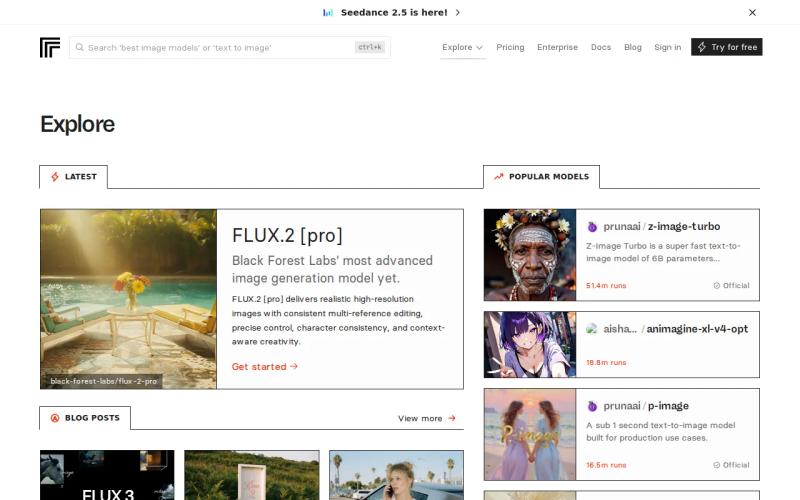
Its raw catalogue is above 50,000 models. That breadth is useful when a standard model can't handle a narrow style or domain. You can move from a popular image model to a specialist checkpoint without rebuilding the whole request flow.
Replicate also supports rapid prototypes. Developers can try a model, compare output, and decide if it belongs in production. Its container approach gives teams a path to package custom model code, which is helpful for research groups and product labs.
There's a cost to that freedom. Community models vary in quality, request shape, and latency. Less-used models may face cold starts, while a model that looks good in a demo may fail on your brand prompts. Test with a fixed prompt set before you expose a model to customers.
Replicate wins on breadth. It doesn't win on modality coverage, so it's less attractive as the only back end for a full media product.
5. ModelsLab — Best for high-volume, multi-modal generation
ModelsLab targets teams that need high image volume plus access to video, audio, and 3D through one API key. Its strongest angle is predictable flat-rate access to open-weight models.
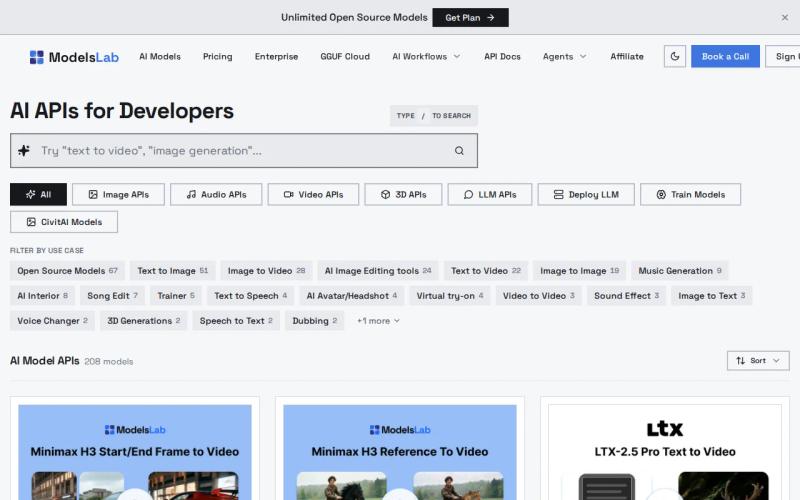
ModelsLab offers Basic, Standard, Open Source Unlimited, and Enterprise plans with different usage limits and features. Enterprise plans add options such as dedicated GPU instances, contractual SLAs, priority support, and self-hosted deployment.
Pricing can change. The more important rule is the billing boundary: the unlimited plan covers open-weight models, while closed third-party models are billed separately. That distinction belongs in your cost model before launch.
ModelsLab also supports REST calls, Python, JavaScript, webhook callbacks, and custom model paths and LoRA training. Its image, video, audio, and 3D scope makes it one of the closest alternatives to a unified media layer. Read the AI image API comparison when your workload is image-heavy and you need to compare model trade-offs.
The limitation is that flat pricing only helps when volume is high enough. Small teams should measure actual calls first.
Key takeaway: Choose a unified API when your workflow crosses image, video, and music. Choose a specialist when one narrow quality or speed target matters more.
6. GPT Image 1.5 — Best for consistent production image quality
GPT Image 1.5 is aimed at production image work where complex composition matters. It's a good fit for product scenes, campaign drafts, and images with several subjects in fixed positions.
Its strength is semantic detail. If a prompt asks for four objects with clear spatial relationships, the model is designed to follow that kind of instruction. It can also help with edits where the background should stay stable while one element changes.
The catch is speed and scale. Use a queue, set request limits, and keep a fallback model for draft work.
This is the quality-first image pick. It doesn't replace a multimodal API on its own.
7. Gemini 3 Pro Image — Best for multimodal documentation and infographics
Gemini 3 Pro Image fits multimodal products that turn technical material into visual assets. It's a useful choice for documentation, diagrams, infographics, and workflows already tied to Google's AI stack.
Its differentiator is integration with Google's multimodal systems. A documentation tool could take structured text, understand the surrounding context, and generate a visual that matches the subject. That is different from sending a short image prompt with no connection to the rest of the document.
For a developer portal, imagine a page that needs a system diagram for each new feature. The app can pass the feature brief and visual instructions in the same broader workflow. You still need a review step because generated diagrams can misread technical relationships.
Google-centered teams may find the auth and governance path familiar. Teams using another cloud stack should compare the setup cost before committing. The model is also image-focused in this shortlist, so it won't handle music or video without other services.
Choose it when the image is part of a larger multimodal document flow.
8. Flux 2 Pro (v1.1) — Best for professional photorealistic creative work
Flux 2 Pro (v1.1) is a high-end image model for professional photography, marketing assets, and creative production. Its main strengths are photorealism and prompt adherence, along with enhanced handling of complex, detail-heavy briefs.
It also works well when the prompt contains many production details. A creative team can specify lens feel, light direction, material texture, and scene layout in one request, then compare several outputs before a human selects the final direction.
Use this model for hero images. Use a cheaper model for bulk variations.
9. Flux 2 Dev — Best for open-weight quality and customization
Flux 2 Dev is an open-weight image model for teams that want strong output with more control. It's aimed at professional creative work where customization matters.
It offers about 90% of Pro quality. That makes it worth testing for marketing images, concept work, and internal design systems where the top model's last stretch of quality may not justify its cost.
Open-weight access also gives technical teams more room to shape the workflow. You can study deployment choices, test fine-tunes, and think about self-hosting rather than depending entirely on a closed endpoint. Self-hosting shifts the cost into GPU capacity, monitoring, patching, and model operations, so it isn't automatically cheaper.
License terms still matter. Open-weight does not mean every use is allowed without conditions. Put model rights, training data questions, and customer data handling into your launch review.
This is the better Flux choice when customization is part of the product plan.
10. Flux 2 Schnell — Best for real-time and high-volume generation
Flux 2 Schnell is designed for fast image generation. It suits real-time interfaces, prototypes, and high-volume jobs where users need a result quickly.
Generation speeds can be 4 to 10 times faster for real-time use cases. Treat that as a model positioning claim, not a promise for your own system. Network time, queue depth, image size, and cold starts can change the result.
It works well for thumbnail builders, social crop tools, and prompt testing. Let users generate a draft with Schnell, then send only the selected prompt to a higher-quality model. That two-pass flow keeps the interface quick without making every render expensive.
The trade-off is modality. Flux 2 Schnell produces images, so video, audio, and music still require more services. A unified layer can keep those calls behind the same product interface.
Choose Schnell when time to first image is your key metric.
AI Media Generation API Comparison: Capabilities, Speed, Cost, and Integration
The best AI media generation APIs differ less by brand than by workload. Compare output quality, response time, billing shape, integration effort, and the media your product must support.
| Option | Best fit | Media scope | Speed or cost angle | Main trade-off |
|---|---|---|---|---|
| Apiframe | One integration across media | Image, video, music | Unified workflow and billing path | Less specialized than a single-model stack |
| OpenAI gpt-image-2 | Complex prompts and image text | Image | Quality-led | Needs other APIs for video and audio |
| fal.ai | Low-latency image requests | Image | Inference-speed focus | Variable schemas and metered usage |
| Replicate | Model discovery and custom weights | Image-focused in the supplied comparison | Very broad catalogue | Cold starts and uneven model quality |
| ModelsLab | High-volume multimodal work | Image, video, audio, 3D | Flat plans for open-weight models | Closed models cost extra |
| GPT Image 1.5 | Consistent production images | Image | Quality tiers | Slower batch economics |
| Gemini 3 Pro Image | Docs and infographics | Image | Google multimodal integration | Less useful outside that wider stack |
| Flux 2 Pro | Photorealistic creative work | Image | High quality | License review and scene-layout limits |
| Flux 2 Dev | Customization | Image | Open-weight control | More model operations |
| Flux 2 Schnell | Real-time drafts | Image | 4 to 10 times faster positioning | Image-only scope |
For marketing videos, social clips, and automated content pipelines, judge the full request path. A fast image endpoint won't help if your app then waits on a separate video service and a separate music service.
Authentication is another hidden cost. Keep vendor keys on your server. Use async jobs for long video renders, store job IDs, accept webhook callbacks, and add retry rules for temporary failures. No-code tools can trigger these workflows, but production apps still need logs and usage limits.
Billing deserves its own test. Metered calls are easy to start with, yet retries and viral traffic can push costs up quickly. Flat plans are easier to forecast at high volume, while pay-as-you-go often fits early experiments. The AI video API pricing comparison is useful when video minutes become a major part of your budget.
Privacy also belongs in the technical review. Check retention rules, data ownership, model licenses, regional processing, and deletion controls. For sensitive customer files, self-hosting may give more control, but you then own the GPU stack and its security work.
If your product needs image, video, and music under one developer interface, start with Apiframe. If it needs one narrow image quality target, benchmark the specialist models against a fixed prompt set before choosing. Our roundup of the 9 best AI image generator APIs and our AI image API pricing breakdown are both worth a look if image quality specifically is your deciding factor.
FAQ
What is the best AI media generation API?
Apiframe is the strongest first choice when you need images, video, and music through one API. It reduces the number of keys, billing systems, and request formats your team must manage. A specialist may win for one narrow task, such as image text, low-latency inference, or open-weight customization.
Which AI media API supports images, video, and audio?
Apiframe supports image, video, and music generation through one interface, while ModelsLab supports image, video, audio, and 3D. Check the exact media type before you build because many image APIs in this market handle only image output. Also confirm whether each model uses the same billing and job flow.
Are AI media generation APIs free?
Free access is rare across the reviewed APIs, so most teams should plan for paid calls, credits, or GPU costs. A free trial can help you test prompts, but it may not reflect the bill from retries, larger files, or production traffic.
How do AI media APIs charge?
AI media APIs usually charge per image, token, GPU second, call, credit, or subscription plan. ModelsLab also lists flat plans for open-weight models, while other services use metered billing. Build a small cost sheet with your expected monthly requests, retry rate, output size, and quality tier before selecting a provider.
What should developers test before picking an API?
Test output quality, prompt adherence, latency, failure behavior, file delivery, authentication, webhooks, and billing. Use the same prompts across models, then add the prompts your users actually write. For a product that spans media types, test one complete chain instead of judging each endpoint in isolation.
Conclusion
Start with Apiframe if your app needs more than image generation. Create a small test flow that sends one image request, one video request, and one music request through the same integration. Then compare quality and cost against a specialist before you scale. Try Apiframe and move from model research to a working request path.