
Mobile ads need short clips, quick tests, and output that still looks sharp on a small screen. The best AI video API for mobile ad creatives really depends on how you want to balance quality, speed, model choice, and cost.
Apiframe is the strongest overall fit for campaign teams. Here are five options and the specific job each one handles best. For a wider look at the category, see our list of the best AI video generation APIs.
1. Apiframe, unified API access for mobile ad production
Apiframe is a single API for AI image, video, and music generation. It is a good fit for developers who want to build an ad pipeline without managing a separate key, request format, and billing system for every model they use.
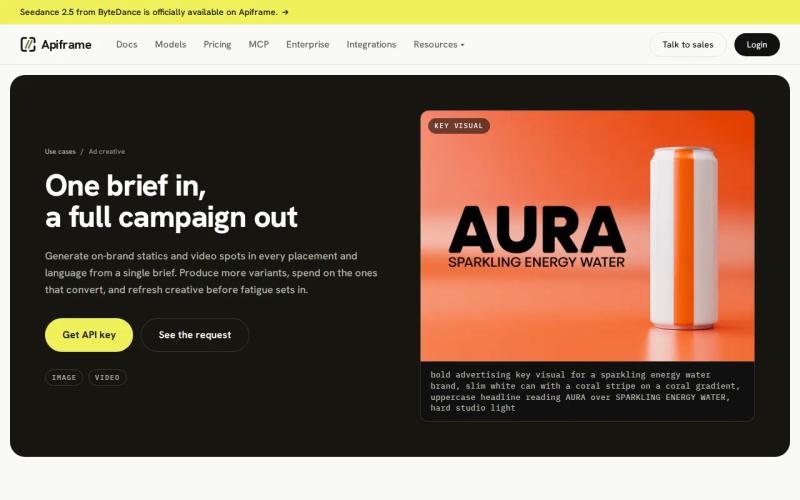
One Apiframe key gives you access to more than 70 models. The same request pattern handles submitting the job, checking its status, receiving a webhook (an automatic message sent to your server when a job finishes), and tracking credits. You can start a video job with POST /v2/videos/generate, get back a job ID, then either check on it yourself or wait for a webhook to tell you it is done. Our AI video generation API guide walks through that request and job flow step by step, and our guide on setting up webhook callbacks covers the notification part.
That matters when a mobile campaign needs a lot of versions. Your app can send the same product brief to several different models, then change the model value when you want a different look. You do not need to rebuild your integration every time a new model becomes worth trying.
Apiframe also gives campaign teams a predictable monthly structure. One credit equals $0.01. There is no free plan, but new teams can unlock 100 starter credits after a quick phone check or a one-time $1 payment. The Basic plan costs $39 per month (the first month is $19) and includes 4,000 credits. Credits are used when a request goes through and are refunded automatically if the job fails.
Output can reach 4K, though the exact credit cost depends on the model and settings you choose. Generated media stays on Apiframe’s CDN (the network that serves your files) for 90 days, so move your final assets to your own storage if you need them to last longer.
This is the right pick when model flexibility, predictable billing, and a single integration matter more than anything else.
2. Veo 3.1, premium quality for polished campaign visuals
Veo 3.1 is a quality-first option for polished campaign visuals. It suits teams that can wait a bit longer for a render and can justify a higher cost per second. Our Veo 3 API guide covers access routes and current pricing in more depth.
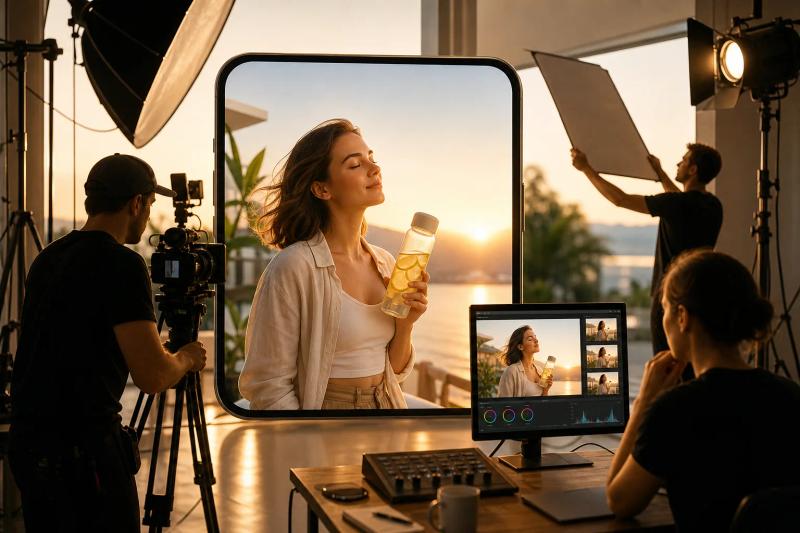
Veo 3.1 typically takes around two minutes per clip, with a maximum output of 4K. Per-second pricing varies quite a bit depending on which platform you use. It generally lands between $0.08 and $0.75 per second, with the top end being Google’s own official rate with audio. Check current rates directly before budgeting. That puts it well above budget-friendly models, but the cost can make sense for a hero ad where motion and scene quality carry the message.
Use it for the opening frame of a campaign, a premium product reveal, or a paid placement where visual polish matters more than producing many variants. A 10-second clip at the higher end of that range adds up quickly, so it is not the model to use for every rough idea. If sound matters for your ad, see our guide to the APIs that support synchronized audio with generated video.
A staged workflow tends to work better in practice. Generate a cheaper draft first. Check the hook, product placement, and shot length. Then send only the approved concept through the higher-quality render.
Video APIs also usually limit how many jobs can run at once, so check those limits ahead of a big campaign push.
Veo 3.1 is a strong fit for a small number of high-value clips. It is a weaker fit if your main job is producing hundreds of low-cost variants every day.
3. Kling 2.0, cost-efficient generation for ad variations at scale
Kling 2.0 fits mobile teams that need a lot of product videos without paying premium rates for every render. Its strongest use cases include e-commerce clips and social ad variations. Kling’s newer 3.0 model is also available, so see our Kling 3.0 API guide and our comparison of Kling 3.0 API providers if you want the latest version.
Reported waiting time for Kling 2.0 sits around one minute, with a starting price of roughly $0.02 to $0.04 per second. That price makes it useful for testing several different hooks against the same product shot.
Say a shop has one product image and four audience groups. You could test a close-up, a lifestyle scene, a motion-led opener, and a price-led version. The goal is not to render every idea at maximum quality. It is to get enough usable variants into review so the team can drop weak concepts early.
Kling 2.0 also works well when an ad needs visible movement, like a product rotation, a hand-held camera feel, or a short scene change that makes a still catalog photo feel more alive in a feed.
The catch is that a low per-second price does not tell you your full monthly bill. Retries, rejected outputs, and repeated prompt edits can add up fast. Track the number of accepted jobs per approved ad, not just the listed per-second price. Our guide on how to estimate the monthly cost of AI video generation shows how.
If you want to test Kling next to other video models, Apiframe’s unified video setup keeps the job format the same while you swap between models. That makes Kling a sensible high-volume option inside a larger campaign system.
4. Hailuo 03: fast turnaround for real-time creative workflows
Hailuo 03, MiniMax’s current general-purpose video model, is a speed-focused option for teams that need a clip while someone is still actively working in the app. It suits chat-based creation tools and fast creative review loops. Our Hailuo 03 API guide covers its full feature set and pricing.
Third-party pricing typically runs from around $0.01 per second at lower resolutions up to roughly $0.08 per second at 1080p, with native output reaching up to 2K. That mix gives it a clear place in early concept work and short social assets.
Speed changes how the review process feels. A designer can write a prompt, see the result, adjust one detail, and try again while the idea is still fresh. That is useful for a tool where the user expects a fast back-and-forth, instead of waiting on an overnight batch job.
Hailuo 03 can also work well as a draft model. Start with a short clip to check the scene, product position, and movement. Once the idea is approved, switch to a higher-resolution or more polished model for the final placement.
It is still worth testing wait times under your own real traffic, since a published speed or resolution figure may not hold up in a large campaign queue. Different access routes (MiniMax directly or a reseller) can also offer different resolution limits.
Pick Hailuo 03 when the person making the ad is actively waiting on the result. For batch work, compare total throughput and failure rates instead of choosing on speed alone.
5. ModelsLab, short-form promotional videos at a low starting cost
ModelsLab is built for short-form video at scale, including product demos and promotional clips. It suits developers who want access to several video models, including Kling, Wan, and others, through one API endpoint (the address your app calls).
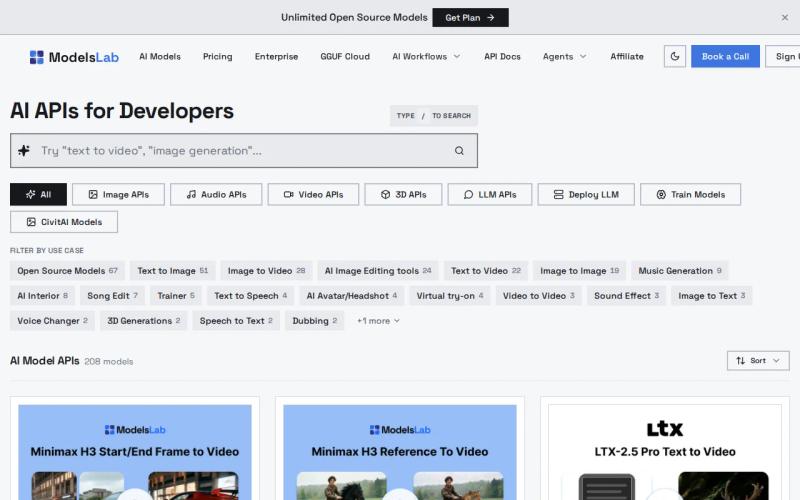
Its own tests report around 20 to 35 seconds to generate a 5-second 720p clip with its fastest model (Wan), starting around $0.03 to $0.08 per video. Kling through the same platform takes longer, at roughly 30 to 45 seconds, but delivers stronger motion at a higher cost. Webhook callbacks let your app keep working while the video renders in the background.
That setup maps well onto a catalog pipeline. A single database row can hold the product image, offer text, aspect ratio, and prompt. Your worker sends the request, and the webhook returns the video link and details once it is ready for review. Our guide on the best unified media APIs for short marketing videos compares more options for this kind of work.
The useful part is being able to choose the model for each job instead of forcing every asset through the same one. Resolution limits vary by which model you route to. Some ModelsLab endpoints list support up to 4K depending on the underlying model, while others cap lower, so confirm the limit for the specific model you plan to use before promising a resolution to your team. Before promising a delivery time to anyone, test the exact resolution, length, and queue size your app will actually use.
ModelsLab makes sense when the budget per clip is very tight and your workflow already runs on background jobs. Apiframe is the better fit if you also need image and music generation under the same account and billing, something our AI music API guide covers if sound is part of your ad plan.
Comparison table: best AI video APIs for mobile ad creatives
The right choice really depends on the specific job inside your campaign. Premium models suit a small number of hero assets. Faster, cheaper models work better for drafts and batch variations.
| API or model | Best fit | Reported latency | Resolution | Starting cost | Main trade-off |
|---|---|---|---|---|---|
| Apiframe | Campaign-scale production across models | — | Up to 4K | Free tier, then $39/month Basic | Per-model credit costs vary |
| Veo 3.1 | Polished hero ads | About 2 minutes | Up to 4K | $0.08 to $0.15/sec | Higher cost and slower renders |
| Kling 2.0 | Cost-sensitive ad variations | About 1 minute | — | $0.02 to $0.04/sec | Batch cost rises with retries |
| Hailuo | Fast interactive drafts | About 30 seconds | Up to 1080p | $0.01 to $0.03/sec | Not the strongest final-master choice |
| ModelsLab | Low-cost short-form volume | About 20 seconds | Up to 1080p | From $0.03/video | Output and speed depend on model ID |
Price needs context beyond the headline number, since published speed and resolution figures are not shared consistently across providers. Missing details can make a simple price list look more certain than it really is, so treat any single figure as a starting point for your own test, not a guarantee.
Per-second pricing can be cheap for a handful of clips. At higher volume, a flat subscription can make budgeting easier to forecast. A 4K option also gives you room to crop a vertical master into several different placements, while 1080p is often enough when the final frame stays close to the original shot. Our AI video API pricing guide breaks down per-second and per-clip billing in more depth if you want to model this out before choosing a provider. For a step-by-step budget example, see our guide on building a cost-effective video ad with AI APIs.
For a wider look at how model choice changes with resolution, audio, and creative control, our AI video generation API guide covers it in more depth. Our explainer on unified AI media APIs is useful if you are weighing single-purpose video APIs against a broader platform. Before you launch, our guide on testing the quality of AI-generated video can help you check results.
FAQ
What is the best AI video API for mobile ad creatives?
Apiframe is a strong fit when you need several models behind one integration. It supports more than 70 models, background jobs, webhooks, and one shared credit system. You can test a lower-cost model for drafts, then switch to a higher-quality option without rewriting your integration.
Which AI video API is cheapest for ad variations?
Hailuo 03 and ModelsLab (particularly its Wan-based option) have the lowest reported starting costs among these options. The cheapest listed price is not always the cheapest overall campaign path, though, since retries and prompt changes add more jobs to the bill. Track cost per approved ad instead of cost per generated second. Our list of free AI video generation APIs shows what you can test for free.
Which AI video model is best for 4K mobile ads?
Apiframe and Veo 3.1 are the clearest 4K options here, with some ModelsLab-routed models also reaching 4K depending on the underlying model. A 4K master can help when you are cropping one source video into several placements, but plenty of mobile ads still finish fine at 1080p. Render in 4K only when the extra detail or crop room is worth the added cost.
Is per-second pricing better than a monthly AI video plan?
Per-second pricing tends to work well for low or uneven usage. A monthly plan can be easier to forecast when your team runs a lot of ad jobs every week. Compare the full cost, including retries, failed jobs, storage, and model access, before deciding which billing style fits your workflow. Our guide to choosing an AI media API walks through this trade-off in more detail.
How do I add AI video generation to a mobile ad app?
Use a background job flow instead of keeping the user’s request open and waiting. Send the prompt and model in a request, save the returned job ID, then either check for status or receive a webhook once it is done. Add your own storage step too, since hosted media may only stay available for a limited time. Our Getting Started with Apiframe guide shows how to send your first request.
Conclusion
Choose Apiframe if you want one API for campaign-scale mobile video, with model choice, background job handling, and predictable monthly billing all in one place. Start with a draft model, measure your cost per approved asset, then check current pricing across a couple of candidates before you build out your full production queue.


