
Most AI video APIs cap out at 15 seconds and 1080p. Apiframe stands out with video up to 20 seconds long at 4K resolution, through a single API, plus a free-credit starter tier. Here are six options, what each one does best, and the trade-offs worth testing before you commit.
We looked at the current G2 and Trustpilot listings for Apiframe, WaveSpeedAI, Replicate, fal.ai, and KIE AI, 26 reviews in total at the time of research. Apiframe holds 4.8 out of 5 on G2 across 13 reviews, with 84% rated five stars, and reviewers specifically called out its documentation and Midjourney integration. WaveSpeedAI showed a low Trustpilot score from a small number of mostly one-star reviews, and KIE AI sat similarly low, with reviewers citing lost credits. Replicate and fal.ai each had only a single G2 review at the time, too little to draw a real conclusion from, which left Apiframe's larger, higher-rated review base as the clearest public track record among this group. Review counts and scores on these platforms shift often, so it's worth pulling a fresh check before you cite specific numbers anywhere public.
1. Apiframe
Apiframe is a single API for AI image, video, and music generation. It's the best fit for product teams that want short marketing videos without juggling separate accounts, tools, billing rules, and response formats for every provider. For a broader look at how different providers handle multiple media types, this comparison of AI media generation APIs covers integration complexity across several options.
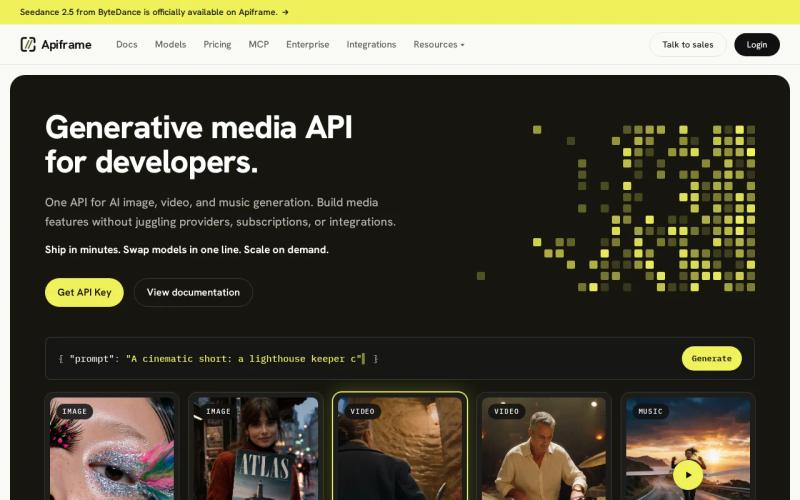
Apiframe gives developers access to more than 70 models behind one interface. You submit a request, get back a job ID, then either check on the result yourself or get notified automatically once it's done. Switching models just means changing one setting instead of rebuilding your integration from scratch.
That matters when a marketing app needs more than just video. A user might start with a product image, turn it into a short clip, then add music on top. Apiframe keeps all of those jobs under one account and one shared credit balance. Generated files stay available for 90 days, so your app should save anything important to your own storage before that window closes.
Apiframe lists video output up to 4K, which gives it a clear edge when an ad needs a sharp product close-up. It also offers background processing, automatic notifications when a job finishes, usage tracking, limits on how many jobs can run at once, and credit refunds when a job fails. Those details end up mattering more than raw model count once users start sending a lot of jobs at the same time.
The trade-off is that output quality and speed still depend heavily on the specific model you pick. None of the providers in this comparison publish average response times, so it's worth running your own test prompts before committing to one. The AI video API guide is a good starting point if you need to match duration, resolution, audio, and cost to your specific workflow.
2. WaveSpeedAI: broad model access with longer video support
WaveSpeedAI is a gateway to several AI video models. It's worth a look for teams that need longer generated footage, since its listed maximum video length is 120 seconds.
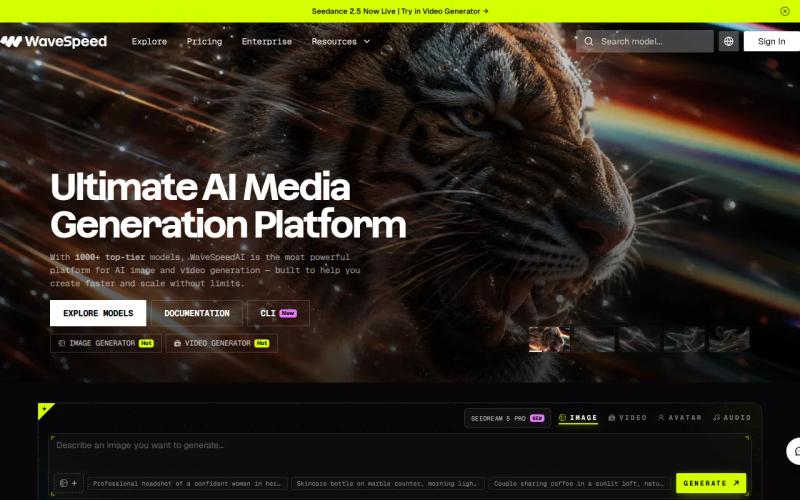
That figure stands out in this list. Most of the other fully specified options here max out at 15 seconds or less, so WaveSpeedAI could suit a workflow that needs a longer draft to edit down later. For short ads, though, extra length isn't automatically useful. You may end up paying for footage that gets cut away in editing.
WaveSpeedAI also offers free credits for testing. That lowers the cost of an early proof of concept, but free testing credits don't tell you much about what production use will actually cost. Measure the price of an approved 6-second or 15-second clip, then repeat that test at the resolution your ad team will actually use.
Treat the long-video claim as a reason to test it, not proof that it's automatically the right fit for a short-form campaign.
Choose WaveSpeedAI when longer source clips genuinely matter. Choose Apiframe when a stronger resolution ceiling and one account across image, video, and music matter more.
3. Replicate: simple model execution for short clips
Replicate is built around running individual models through a simple API. It's a good fit for developers who want to test a specific model with minimal setup.
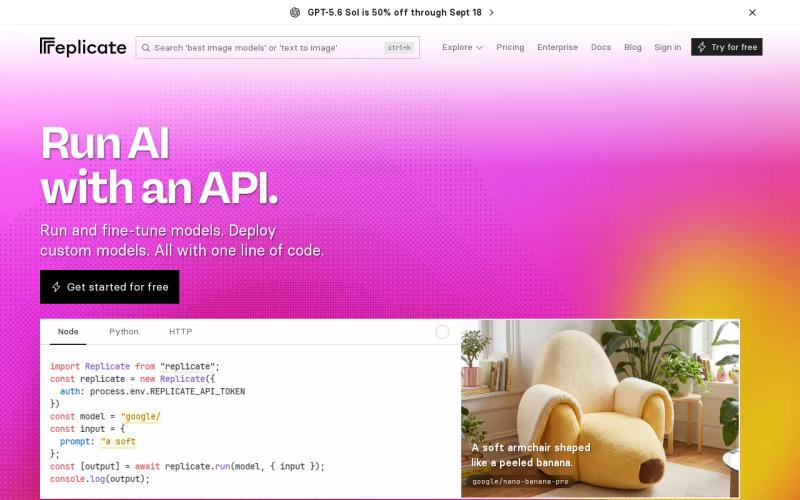
Its main strength is quick, one-line model execution. That makes it useful during early model research, especially when your team wants to compare several community models before settling on a production choice. It's also a familiar tool for developers who prefer working model by model rather than through a full media suite.
The listed video limit is 15 seconds, with a maximum resolution of 1080p. That covers a lot of social ads, product teasers, and short vertical clips comfortably. It may feel tight if your workflow needs a longer scene in one generation, or if the final campaign needs 4K output.
Replicate's model-first approach can also mean more work on your end. Input fields, output formats, and job behavior can vary from model to model. It's worth building your own internal layer to smooth over those differences if this feature is going into a customer-facing product.
For a quick experiment, Replicate is an easy option to try. For a product that needs to move between image, video, and music jobs, a shared media API like Apiframe cuts down on the number of separate systems your team has to maintain.
It's also worth remembering that a request returning successfully isn't the same as the video actually being finished. Since generation runs in the background, your app should check job status separately rather than assuming a successful response means the video is ready.
4. fal.ai: SDK access to hundreds of open models
fal.ai provides a unified API and developer toolkits for calling hundreds of open models. It's aimed at developers who want broad access to open-source models through one common interface.
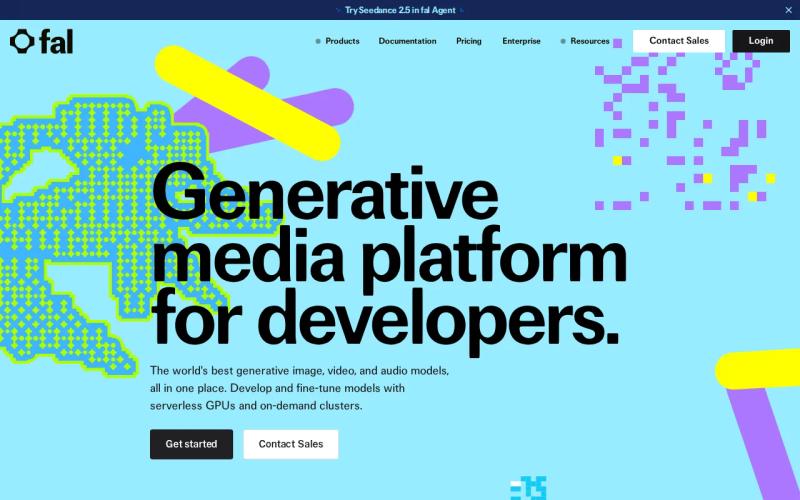
The large model catalog is the main draw here. It gives a technical team room to try different approaches without hosting each open model themselves. That's useful when one model handles a product shot well while another produces better motion or scene transitions.
fal.ai is worth evaluating when open model variety is your top priority. Check the details on the specific model page you plan to use, rather than assuming a platform-wide limit applies across every model.
Quick setup can speed up your first integration, but it doesn't remove the need for a stable structure on your end. If your users can pick between models, store the model ID with each job, along with the prompt settings and output details. Otherwise, reviewing outputs later can get confusing if you can't tell which model produced which clip.
fal.ai makes the most sense when open model breadth is your main concern. Apiframe is a better starting point when your app needs a shared layer covering video plus other media types, with one billing setup and one notification format.
The word "open" also deserves a closer look. Check the license for each model before using its output in paid ads or client work. Access through an API doesn't replace that review.
5. KIE AI: one API for multiple media models
KIE AI is a unified API for multiple media models. It fits teams that want a single endpoint for generation but don't need a free tier while testing.
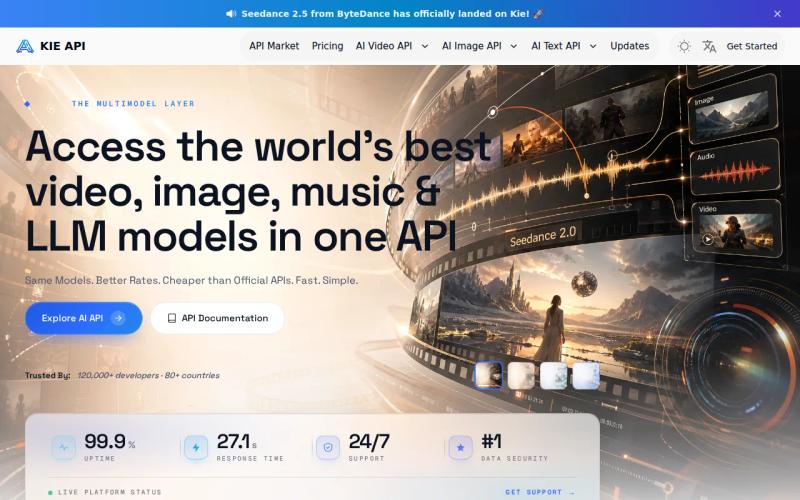
KIE AI lists a maximum video length of 15 seconds and a maximum resolution of 1080p. Those limits suit many social placements, where a short vertical clip is the final asset. They're less useful when the same source video must support high-resolution web, retail, or broadcast deliverables.
Not having a free tier raises the cost of comparison testing. You'll want a clear test plan before spending on prompts. Pick a small set of products, camera movements, text overlays, and reference images. Save every result and keep track of failed jobs, output length, and total spend.
KIE AI's unified setup may still cut down on integration work compared with calling several model vendors directly. But "unified" doesn't mean every model behaves the same way. Check how reference images, aspect ratios, sound, and retries work for the exact model you're planning to use.
Pick KIE AI when its model lineup matches your campaign and a paid test is acceptable. Pick Apiframe when 4K output, free credits, and cross-media jobs all need to be part of your first release.
6. GoAPI: a simple, cost-focused starting point
GoAPI positions itself around simple, affordable generative AI APIs. It's worth testing for small teams that want a low-friction way to try media generation for the first time.

GoAPI offers a free tier, which helps when you're still deciding whether AI video belongs in your product at all. It doesn't publish average response times, though, so you can't compare speed based on the information it makes public.
That missing data changes how you should evaluate it. Don't judge the service off one successful clip. Send the same set of prompts through several runs, then log completion time and failure rate yourself. Test the exact aspect ratio your marketing team actually needs, since a strong landscape result doesn't always translate to a good vertical ad.
GoAPI may suit a small, narrow prototype well. Apiframe is the clearer fit for teams that expect the prototype to grow into image, video, and music generation under one API. Its catalog of more than 70 models also gives you more room to switch between models without reworking the rest of your media setup.
Comparison table: unified media APIs for short marketing videos
Use this table to narrow the field before you run paid tests. A dash means the supplied comparison did not state the detail, not that the capability is absent.
| Option | Best fit | Video limit | Resolution | Free tier | Main watchout |
|---|---|---|---|---|---|
| Apiframe | Cross-media products | Up to 20 seconds | Up to 4K | Yes, usage-based credits | Test model-level cost and speed |
| WaveSpeedAI | Longer video drafts | Up to 120 seconds | — | Free testing credits | Long limit is an outlier |
| Replicate | Model testing | Up to 15 seconds | Up to 1080p | — | Model-specific interfaces |
| fal.ai | Open model breadth | — | — | — | Check each model page |
| KIE AI | Paid multi-model tests | Up to 15 seconds | Up to 1080p | No | No free testing tier |
| GoAPI | Early prototypes | — | — | Yes | Limited published specs |
For a campaign that needs sharp product footage, Apiframe has the clearest advantage based on what's published. For a campaign that needs unusually long source footage, WaveSpeedAI is worth a real test. Across the board, response speed remains something you'll need to measure yourself, since it isn't consistently published anywhere. For more detail on comparing a single-purpose model against a broader platform, the guide to unified AI APIs is a useful next read.
Buyer's Checklist for Selecting a Unified Media API
Start with the finished ad in mind, not the model catalog. Write down your target duration, resolution, aspect ratio, audio needs, and expected monthly job count.
- Check cost per second, not just cost per request.
- Test failed jobs and how retries behave.
- Confirm that notifications are delivered reliably, and that repeated notifications don't cause duplicate work.
- Store your output files before any hosted retention window runs out.
- Run the same set of test prompts through your final two candidates.
For Apiframe specifically, our breakdown of AI video API pricing is a good place to start when estimating current per-model costs. The public plan price alone won't tell you what a finished campaign will cost.
FAQ
What is the best unified media API for short marketing videos?
Apiframe is the strongest first choice when you need short video plus image or music generation behind one API. It offers 4K output, video up to 20 seconds, more than 70 models, and a free-credit starter tier. You should still test the exact model, prompt style, and output volume before moving a campaign into full production.
Which API supports the longest AI video clips?
WaveSpeedAI lists the longest limit here, at up to 120 seconds. That makes it worth testing if you need longer source footage. For short marketing videos specifically, duration alone isn't enough. Compare final resolution, how many usable shots you get per batch, cost, and turnaround time before choosing based on length.
Are these media APIs fast enough for live user features?
There isn't enough published speed data across these providers to answer that with real confidence. Run repeated test jobs with the same prompts, record queue and completion time yourself, then decide whether your feature needs to run as a background job instead of something users wait on live.
Which options have a free tier?
Apiframe has a usage-based free-credit starter tier, while WaveSpeedAI provides free testing credits and GoAPI lists a free tier. KIE AI lists no free tier.
Should I choose one model API or a unified media API?
Choose a single model API when one specific model already meets your quality and output needs. Choose a unified media API when your product might switch models later or add another type of media. That choice affects more than just your first request, it also shapes authentication, job tracking, billing, notifications, and how much work a future migration takes. The guide to choosing an AI media API walks through this decision in more depth, and the free trial comparison across AI media APIs is useful if you want to test a few options before committing.
Conclusion
Start with Apiframe if your marketing product needs high-resolution short video plus room to add image and music jobs later. Send the same small set of test prompts through two finalists, measure cost and completion time yourself, then check the getting started guide to test your first integration.


