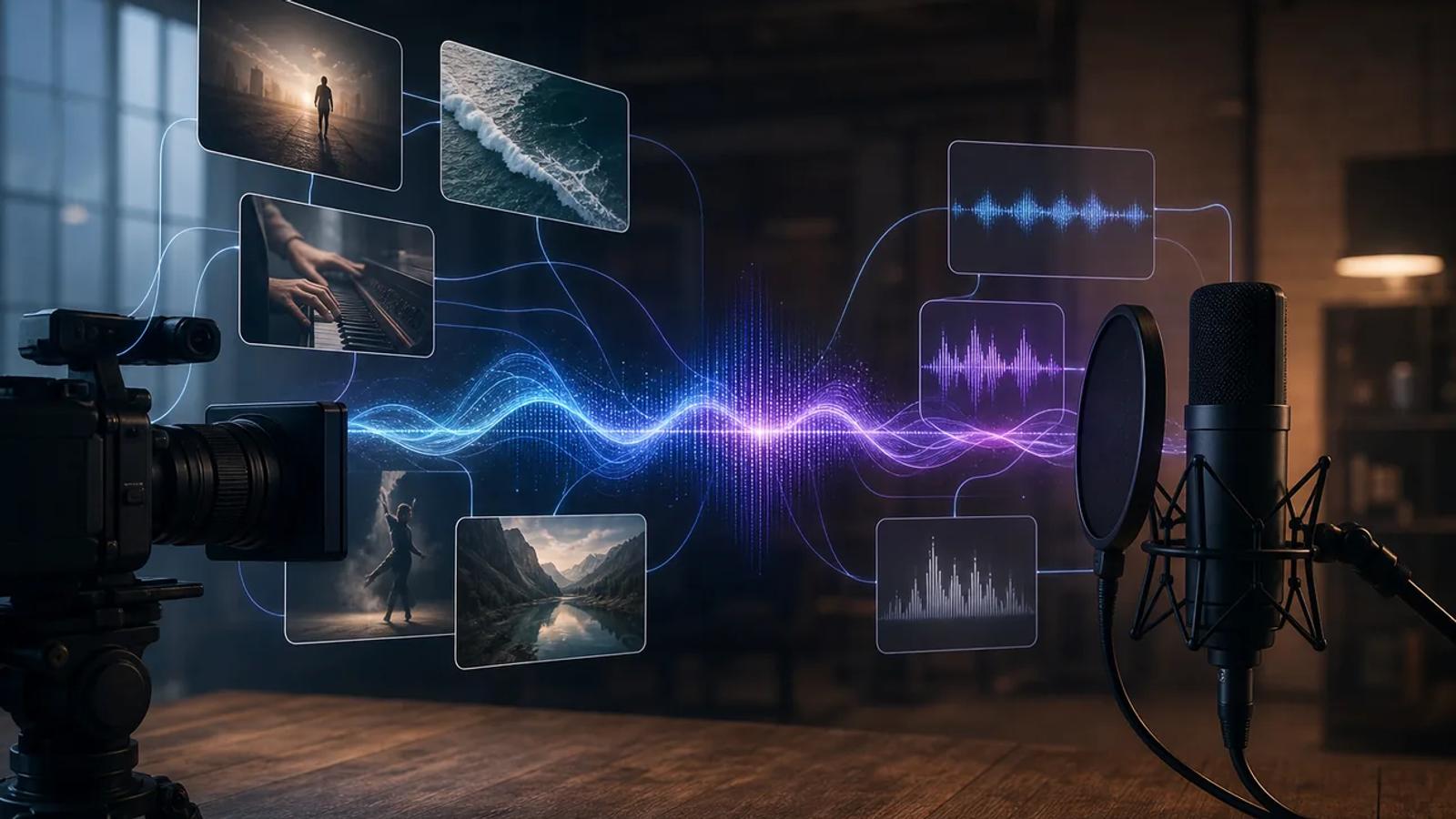
Many video APIs claim to support audio, but that can just mean a separate lip-sync step tacked on after the video renders. The stronger options generate sound together with the picture, in one single video job. Here are six APIs worth considering for that, with Apiframe first for teams that want one API across several models with native audio support.
We pulled Trustpilot ratings for Apiframe and three named alternatives, Runway ML, Sora, and Kling AI, covering more than 700 reviews total as of August 2026. Apiframe held a 4.6 out of 5 rating across 22 reviews, with 95% rated five stars. Runway ML and Kling AI both scored close to 1 out of 5 across several hundred reviews each, and Sora scored around 2.2 out of 5 across a much smaller sample. Runway reviewers specifically pointed to videos exported with no sound as a recurring complaint, and Apiframe stood out as the only one of the four with a majority five-star record. Review scores and counts shift as new reviews come in, so it's worth pulling a fresh check before citing exact figures anywhere public.
1. Apiframe
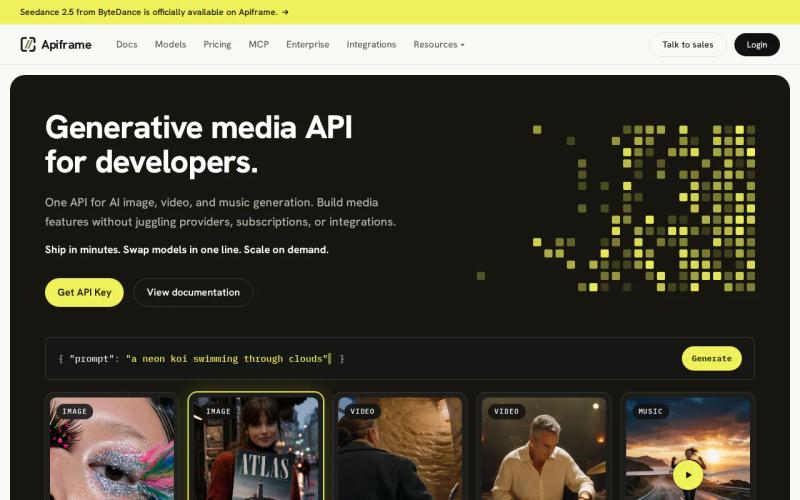
Apiframe is a unified API for AI image, video, and music generation. It fits developers who want synchronized video audio without managing a separate account, SDK, billing system, or webhook setup for every individual model.
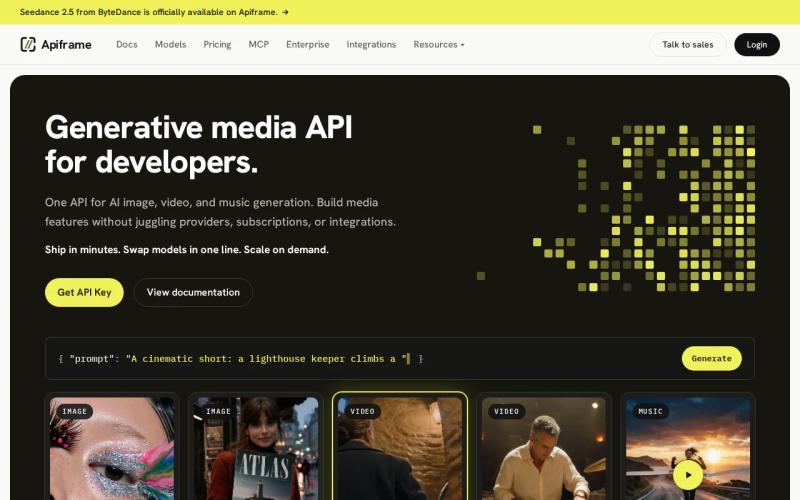
We expose more than 70 models behind one REST API. For video, that catalog includes Veo 3.1, Sora 2, Seedance 2.5, Kling 3.0, Runway Gen-4.5, Hailuo 03, and other models with different audio modes.
That model choice matters because synchronized audio isn't one single feature with one fixed meaning. One model might generate speech, music, sound effects, or ambient sound as part of the clip itself. Another might add lip sync after the silent video is already finished. Apiframe lets you pick the model you need while keeping the same authentication method, background job structure, webhook setup, and credit account across all of them.
For example, you'd send a video request to POST /v2/videos/generate. The API returns a job ID and a "queued" status. You can then poll the job or provide a webhook URL. When you want to test a different model, you just change the model parameter instead of rebuilding your whole integration.
curl -X POST https://api.apiframe.ai/v2/videos/generate \ -H "X-API-Key: afk_your_api_key" \ -H "Content-Type: application/json" \ -d '{"model":"veo-3.1","prompt":"A street musician plays violin in gentle rain, with natural dialogue and city ambience"}'Apiframe is also a good fit if your app might need more than video down the line. The same account can handle image jobs, music generation, CDN delivery, usage tracking, and automation through workflow tools, including an MCP server that connects Apiframe's media generation into AI agent workflows for teams building agent-based systems.
The trade-off is straightforward: a unified API gives you breadth, while going directly to a single provider may expose that provider's specific controls a little sooner. It's still worth testing the exact model, audio mode, resolution, and content policy your product actually needs before committing. The AI video generation API guide is a good place to see this pattern laid out in more detail.
Pick Apiframe when your main concern is avoiding integration sprawl, or when you need to compare several audio-capable models inside one product.
2. Veo 3: native audio generated with every video
Veo 3 is a strong choice when synchronized dialogue, effects, and ambient sound are central to what you're prompting for. It generates audio together with the video, instead of asking you to score a silent clip afterward.
That makes it useful for short narrative scenes. Say your prompt describes a person speaking beside a busy road. The model can treat the voice, the road noise, and the visible action as one connected scene, rather than as separate assets your app has to line up manually.
Veo 3.1 typically produces clips at 720p or 1080p, with audio generated in the same pass, and supports up to three reference images. A reference frame can help keep a product, character, or location closer to what you intended.
Veo 3 is best for teams that care about native sound quality and clear, specific scene prompts. It's less attractive when you need long sequences, highly repeatable character performance, or a very low cost per second. Short clips can still add up in cost at higher output settings, so it's worth testing a small batch before setting a production budget around it.
Use a prompt that states both the sound source and the visible cause together. "A glass falls from the table and shatters on the floor" gives the model a much stronger audio cue than "add realistic sound." Keep spoken lines short, then review the timing by watching the result with audio turned on.
Veo 3 belongs near the top of any shortlist for teams asking which APIs support synchronized audio with generated video. Its main strength is the single-pass audio-and-video approach, not simply the presence of an audio track.
3. OpenAI Sora 2: synchronized audio in the same call
Sora 2 generates synchronized audio in the same call as the video. It suits teams that want to use a text prompt or a starting image to guide a cinematic clip that already includes sound.
The model accepts a text prompt and a starting image as inputs, with a listed maximum output resolution of 1080p. That input pattern is less flexible than an API that also accepts reference video or audio, but it can be enough for product scenes, concept shots, and short visual stories.
Sora 2 is worth testing when camera motion and physical action matter as much as speech does. Describe the shot in plain terms: state the subject, the movement, the setting, and the sound cue, in that order. If you're using a starting image, be clear about what should stay fixed and what should move.
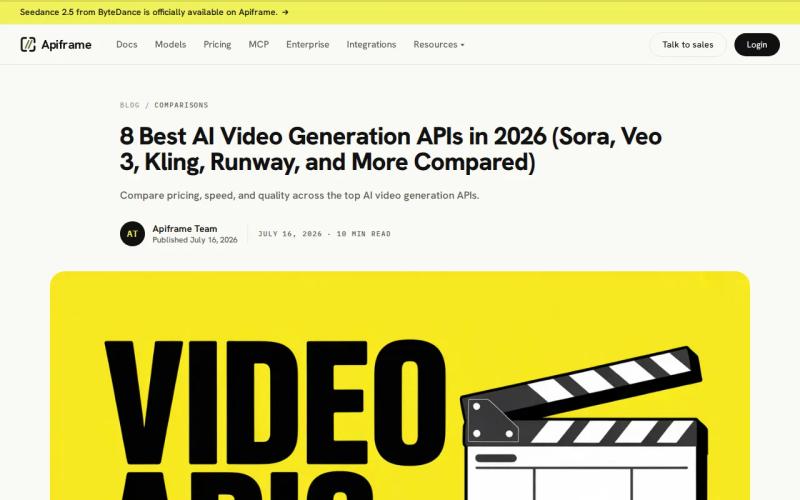
One advantage of using Sora 2 through Apiframe is being able to compare its output against Veo, Seedance, or Kling without adding a separate authentication flow for each one. You can also keep the same job-polling and webhook logic across every model you test, which cuts down the work needed to run controlled prompt comparisons.
The caveat is control. Audio generated in the same call doesn't mean every voice, line, or sound effect will land exactly where you want it. If your app needs a locked voice track, frame-level editing, or strict dialogue changes, it's worth keeping a post-production step available as a backup.
For a simple answer: yes, Sora 2 is among the APIs that generate audio alongside the video itself. Whether it fits your workflow depends mainly on whether text and image inputs are enough for what you're building.
4. ByteDance Seedance 2.0: 4K audio-video generation
ByteDance Seedance 2.0 is built for teams that want native synchronized audio along with several types of reference input. It accepts text, images, video, and audio, giving it one of the widest input sets in this group.
You can use a reference image to guide a subject, a short video to guide motion, or an audio file to guide the direction of the sound. The model supports output up to 4K, making it a strong candidate for high-resolution spots and scenes where an existing clip needs to shape the final result.
Seedance 2.0 performs joint audio-video generation, meaning the sound is genuinely part of the video job itself, not added afterward. The model can generate music, effects, beat-aware cuts, and lip sync, and you can steer the audio further with a reference track when the mood or timing needs more direction.
Apiframe exposes Seedance through the same video endpoint used by its other models. A model-specific audio setting enables synchronized generation, while the rest of your queue, retry, and webhook code stays exactly the same. It's worth checking Seedance 2.0 API documentation for the specifics before shipping anything built around it.
There is a catch worth watching for. More reference files mean more decisions for the model to weigh. If the image, video, and audio cues disagree with each other, the output may follow the wrong one. Keep your references short and purposeful. Start with one image and one audio cue, and only add a video clip once motion control genuinely needs it.
Choose Seedance 2.0 when your creative brief already includes several types of media reference, or when 4K output is part of the delivery spec.
5. Kling 3.0: unified multimodal audio and video generation
Kling 3.0 uses a unified framework for joint audio and video generation. It's a good fit for teams making cinematic clips that need environmental sound, music, or dialogue built into the same output.
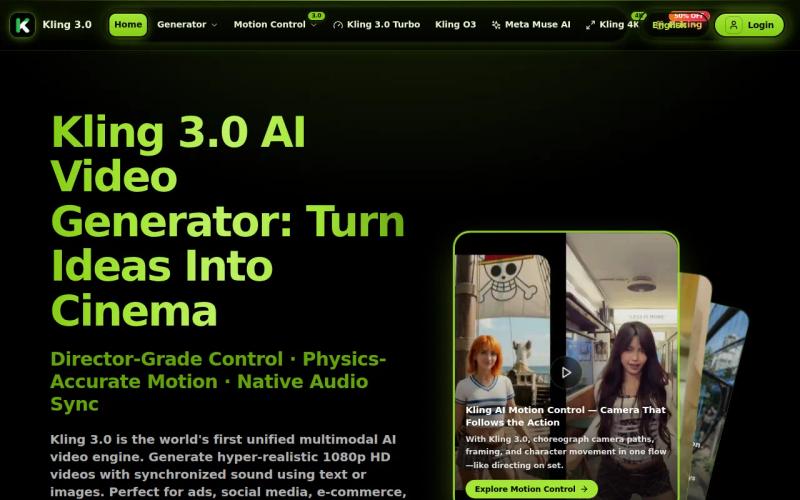
Kling 3.0 supports output up to 4K and native audio in its Omni mode, where sound is generated together with the picture in a single pass, including music, effects, and environmental soundscapes.
Use Kling when the shot needs several layers of sound working together. A prompt like "two people talk in a market while carts roll past and rain hits the awning" gives the model both visible events and audio events to connect. Avoid vague instructions like "make it sound cinematic," since that kind of phrasing doesn't tell the model what should actually happen at any given moment.
As with other native-audio models, the output is a generated performance. You may get a strong first result, but exact lines and exact sound placement can still vary between generations. Keep a fallback plan ready if your app promises fixed dialogue, brand-approved music, or a repeatable voice identity.
Kling 3.0 is a sensible pick for high-resolution scenes with rich, layered sound. It's less suited to a workflow that needs every word and sound cue locked down before rendering even begins.
6. Runway Gen-4.5: precise control through API hooks
Runway Gen-4.5 supports native audio through API hooks, including lip sync and environmental sound effects. It fits teams that care about a broad range of controls and already work with text, image, or video inputs.
Its approach to syncing audio differs from the joint-generation method used by Veo, Seedance, and Kling. Audio is added through separate API hooks rather than generated in the same pass. That can still produce a well-synchronized result, but your integration should confirm which mode is actually active and whether the audio step is optional.
Runway is a good candidate for a workflow that starts from an existing image or clip. You might use a shot you already have as the visual base, then apply an audio or lip-sync operation through the API on top of it. This structure can give your team more control over each individual stage, though it also means tracking more state in your job system.
When comparing Runway against native joint generators, don't just ask whether the final video file has sound. Ask how many requests it takes, which request actually owns the job, how failures get reported, and whether a retry could create a mismatched audio track. Those details affect your queue design far more than a simple feature checkbox does.
| Decision point | Runway Gen-4.5 | Native joint-generation models |
|---|---|---|
| Audio approach | Audio added through API hooks | Audio and video generated in one pass |
| Useful inputs | Text, image, video | Varies by model, often text plus reference media |
| Best fit | Teams that want staged control | Teams that want one audio-video render |
| Main risk | More workflow state between stages | Less frame-level control over the generated performance |
Runway deserves a place on this list when your team values precise control over a single-pass workflow. Before going to production, log each request and keep track of the relationship between the video job and its separate audio operation.
FAQ
Which APIs support synchronized audio with generated video?
Apiframe, Veo 3, Sora 2, ByteDance Seedance 2.0, Kling 3.0, and Runway Gen-4.5 all support workflows that can return synchronized audio with generated video. The method behind it differs though: some models generate sound and picture together, while Runway uses separate API hooks for its audio features.
What does native synchronized audio mean in an AI video API?
Native synchronized audio means the model generates sound as part of the video job itself, rather than adding a track after a silent clip is already rendered. That can include dialogue, effects, ambience, or music. It doesn't guarantee perfect timing on its own, so you'll still want to check speech, cause-and-effect sounds, and voice consistency yourself.
Is Apiframe a direct video model provider?
Apiframe is a unified API platform that gives developers access to many image, video, and music models through one interface, rather than being a single model provider itself. You can send background jobs, receive webhooks, and switch models just by changing a parameter, which makes it useful when your product needs to test several audio-capable providers side by side.
Which synchronized video API supports 4K output?
Seedance 2.0 and Kling 3.0 are both listed with output up to 4K, and Apiframe also provides access to 4K-capable models through its catalog. It's worth checking the specific model's page before making any delivery promises, since resolution depends on the exact model, mode, and current parameters in use.
Should I use native audio or a separate lip-sync API?
Use native audio when the scene needs sound that responds directly to visible action. Use a separate lip-sync stage when you already have an approved voice track, or need tighter control over the exact spoken words. A unified API like Apiframe lets you test both approaches while keeping one queue and webhook setup for everything. The comparison of unified media generation APIs is a useful next read if you're weighing this decision more broadly.
Conclusion
Choose Apiframe if you want one integration covering Veo, Sora 2, Seedance, Kling, Runway, and other media models. Start with a small set of test prompts, compare native audio against a staged sync approach, then send your first test job through the Apiframe API documentation. If you're deciding between a single-provider setup and a broader unified platform, the guide to choosing an AI media API and the overview of what a unified AI media API actually is are both worth reading first, and the free trial comparison across AI media APIs can help you test a few options before you commit to one.


