Cloudinary is strong for media storage, transformation, and delivery. AI generation is a different problem: it needs model access. The best Cloudinary alternatives now split into two camps, platforms that generate media through developer APIs, and platforms that store and deliver it. Here are five options, with the trade-offs that matter before you switch.
Worth naming the split up front, because it decides which list you should be reading. If your product needs to create images, video, or music, you want a generation API. If it needs to host, transform, and serve files that already exist, you want a media CDN. Cloudinary sits mostly in the second camp with some AI editing layered on top, which is why a straight one-to-one replacement rarely exists.
1. Apiframe
Apiframe is a unified API for generating AI images, video, and music. It's best for developers who want one integration instead of separate provider accounts for each model.
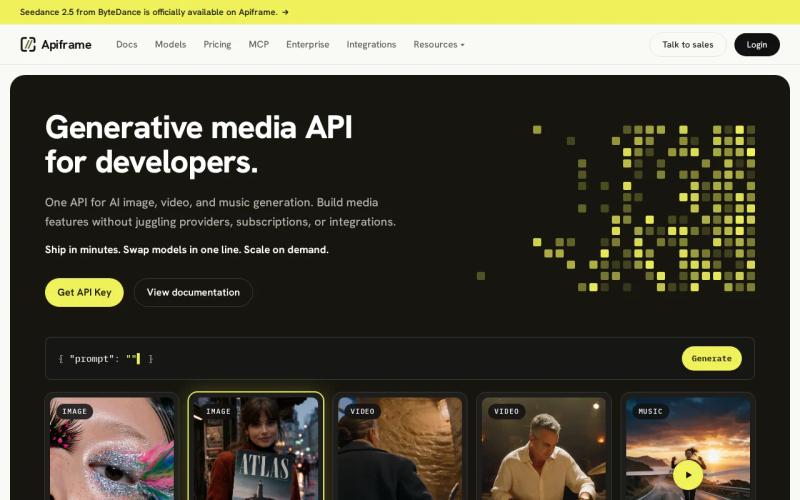
The idea is one developer-friendly interface for AI media generation. You POST a prompt, select a model, and keep the same app flow as you test new image or video models. You don't need to rebuild your backend each time a model changes.
That setup fits apps with several media features. A design tool might need image generation first, then video previews later. A marketing workflow may need product scenes, short clips, and music. Keeping those jobs behind one API reduces the number of auth keys and request formats your team has to maintain. Our roundup of AI media generation APIs covers how this compares against calling providers directly.
Apiframe also makes model choice part of the request rather than a full architecture change. Our AI image API guide is a good starting point if image generation is your first workflow.
The trade-off is simple: you still need to test output quality against your own prompts. A unified API reduces integration work, but it doesn't remove the need for model evaluation. Start with one narrow workflow, such as text-to-image, then add video once your output and spend targets are clear.
Key takeaway: Choose Apiframe when your product needs to generate image, video, and music through one API rather than manage several provider accounts.
2. WaveSpeedAI: A broad unified API for AI media
WaveSpeedAI is a unified API covering image, video, audio, and LLM workloads. It's best for teams that want broad model access through one integration. Our WaveSpeedAI API guide covers its pricing tiers, model catalog, and a working code example in more depth.
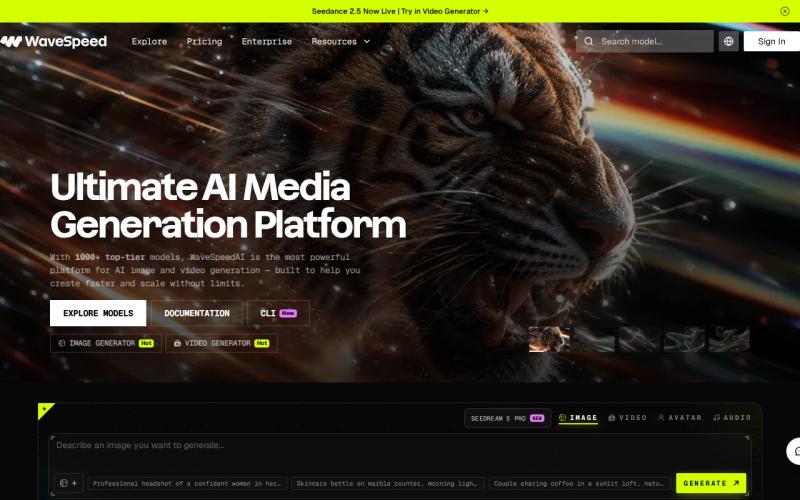
The main appeal is breadth. WaveSpeedAI describes a catalog of more than 1,000 models behind a single SDK, and markets itself on fast generation, with claims of sub-two-second image generation and video in under two minutes. Test those figures against your own model, resolution, queue load, and region before you build around them, since real-world speed varies.
That distinction matters. A team building an interactive image editor cares about the wait between a prompt and the next edit. A batch pipeline may care more about throughput and cost. WaveSpeedAI's pitch is aimed at the first case, where slow output breaks the product flow.
Pricing is set per model rather than as one flat rate, so ask for the rate that matches your exact output type before you commit.
Pick this option when model range is the main blocker. If you need a smaller set of media jobs with a clear budget, another option may be easier to audit.
3. Kie AI: Low-cost access to image, video, and music models
Kie AI is an AI media API covering video, image, music, and chat models through one prepaid credit wallet. It's best for developers who want lower per-model rates and media generation beyond still images.
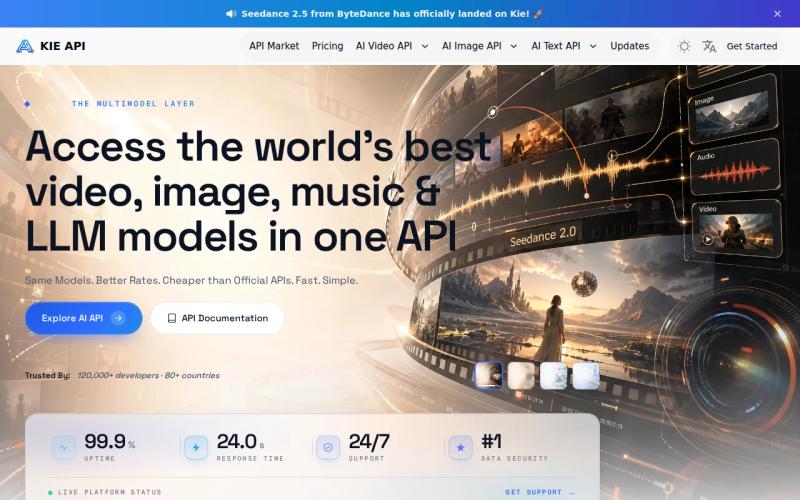
Its main selling point is price. Independent testing has found many Kie AI models priced around 30% below official provider rates, with selected high-demand models showing larger savings. Treat those as model-specific figures rather than a blanket discount, and check the live rate for the exact model, resolution, and duration you plan to use.
Music support may matter if your app needs a finished creative package. A short video maker could send a visual prompt through one flow, then request a music track for the same project. You'll still need to check how the API handles job status, retries, file delivery, and usage limits before launch. Our AI video generation API guide covers what that async job flow looks like in practice.
One risk worth knowing about with any reseller model: access to a given model isn't guaranteed to be permanent. Kie AI had to remove Midjourney from its platform at Midjourney's request, which is a reminder to keep your integration behind a service layer you control.
Choose Kie AI when per-model cost is your first filter and music support is part of the plan. If you need one stable API contract across many model types, compare it closely with Apiframe.
4. CometAPI: A multimodal API with trial credits
CometAPI is a unified API for image, video, audio, and text. It's best for teams that want to test a multimodal workflow before committing to a paid plan.
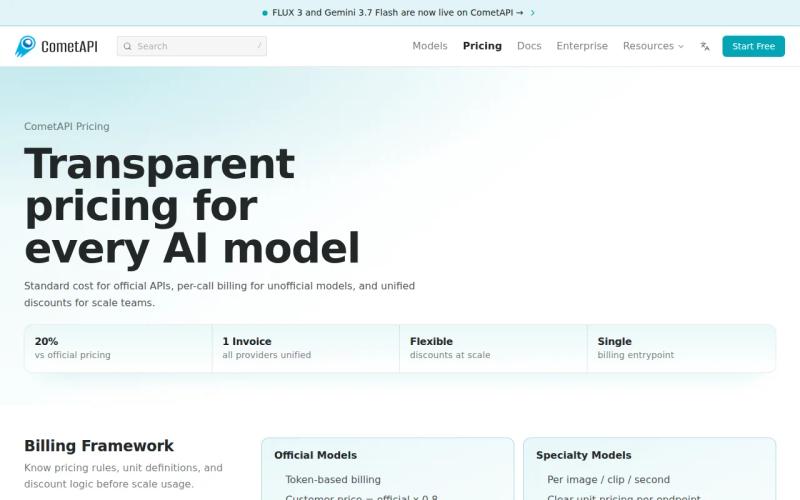
CometAPI offers free trial credits without requiring a credit card, which lowers the barrier for a proof of concept. You can test request formats and output handling before asking finance to approve recurring spend. The company states it prices models below official vendor rates with no surcharge on credit purchases.
CometAPI also stands out because its coverage includes text alongside image, video, and audio. That fits an app where a text prompt starts the job and media output completes it. Still, coverage on a product page doesn't answer every engineering question. Check model names, output formats, queue behavior, and error responses during your trial. Our pricing calculator guide walks through how to turn trial usage into a real budget estimate.
Treat the trial as a test window, then measure the cost of one complete user action rather than one isolated generation.
CometAPI makes sense when you need multimodal coverage and a low-friction first test. Before production, record the exact credit use for your most common job and set a budget alert.
5. Mega, cloud storage for teams prioritizing free capacity
Mega is a cloud storage option, not a direct AI generation API. It's best for teams that mainly need free space for media files after generation happens elsewhere.
The research source lists 20 GB of free storage. That is the only quantified free allocation in the four researched alternatives. It can help a small team store source files, test exports, or an early media library without paying at once.
But free capacity has a catch. The supplied review identifies speed limits as a notable limitation. A large upload may take longer than expected, and that delay can affect a handoff between a generation job and the next step in your app.
If your goal is to add AI creation to a product, you'll still need a generation provider.
This is the free-tier lesson many comparisons skip: storage volume and transfer speed are separate decisions. A generous quota doesn't mean the workflow will feel fast. Test a file size close to your real export before you move a production archive.
Choose Mega when free storage is the main need. Don't choose it as a direct replacement for an AI media generation layer unless your architecture includes another API.
Key Takeaway: A free storage quota can reduce your bill while still adding wait time. Measure transfer speed as part of the workflow.
Cloudinary Alternatives Compared
These alternatives split cleanly into two groups. Apiframe, WaveSpeedAI, Kie AI, and CometAPI are AI media generation APIs. Mega, along with Bunny.net, imgix, and Uploadcare, handles storage, transformation, and delivery.
| Option | Best fit | Media or storage scope | Pricing or free detail | Main watchout |
|---|---|---|---|---|
| Apiframe | One API for AI media | Image, video, music | Usage-based plans | Test model output for your use case |
| WaveSpeedAI | Broad model access | Image, video, audio, LLM | Pricing varies by workload | Confirm production rates |
| Kie AI | Image cost testing | Image, video, music | Starts at $0.02 per image | Check integration patterns across media types |
| CometAPI | Multimodal prototypes | Image, video, audio, text | Trial credits, no card required | Measure credit use after the trial |
| Mega | Free media storage | 20 GB free storage | Free tier | Speed limits |
Use this rule: pick an API-first generation tool when your product must create media. Pick a storage and delivery platform when the creation step already exists elsewhere. If you need both, keep those layers separate so a storage change doesn't force a model migration, and vice versa. Our guide to choosing an AI media API covers the evaluation criteria for the generation side specifically.
Pricing structures differ enough across these tools that headline rates rarely compare directly. Generation APIs bill per output or per second of media. Delivery platforms bill on some mix of storage, bandwidth, and transformations. Map each one to your own expected usage pattern rather than comparing entry prices.
Pro tip: Build one test job that matches a real user action. Track request time, output quality, file size, retries, and total credits used.
FAQ: Cloudinary Alternatives
What is the best Cloudinary alternative for AI media?
Apiframe is the strongest first choice when you need one API for AI image, video, and music generation. It suits product teams that want to avoid separate model integrations. Start with one endpoint and one narrow workflow, then test output quality and cost before adding more media types.
Which Cloudinary alternatives have a unified API?
Apiframe, WaveSpeedAI, Kie AI, and CometAPI all offer unified APIs across multiple media types, though their catalogs and pricing models differ. A unified API can reduce provider-specific code, but you should still test model coverage, output quality, and error handling yourself.
Which alternative has a free tier?
CometAPI offers free trial credits with no credit card required, and Kie AI provides free initial credits on signup. On the delivery side, ImageKit has one of the more generous free tiers among Cloudinary alternatives. These are different offers: one gives you room to test API calls, the other gives you bandwidth and storage.
Which AI media API has the clearest price?
Kie AI publishes per-model rates openly, which makes it easier to estimate a specific workload. Whichever provider you choose, ask for the price that matches your exact output type, image, video seconds, or audio duration, and measure a full job rather than a single request.
Can Mega replace Cloudinary for AI image generation?
It is a storage service with 20 GB free and documented speed limits. Use it for file storage only if your architecture already has a separate image or video generation API.
Conclusion
Choose Apiframe if your goal is to add AI image, video, or music generation without managing several model providers. Choose a delivery platform like ImageKit if storage and transformation are the real need. Test one production-shaped request first, then pick the plan that matches your expected volume.