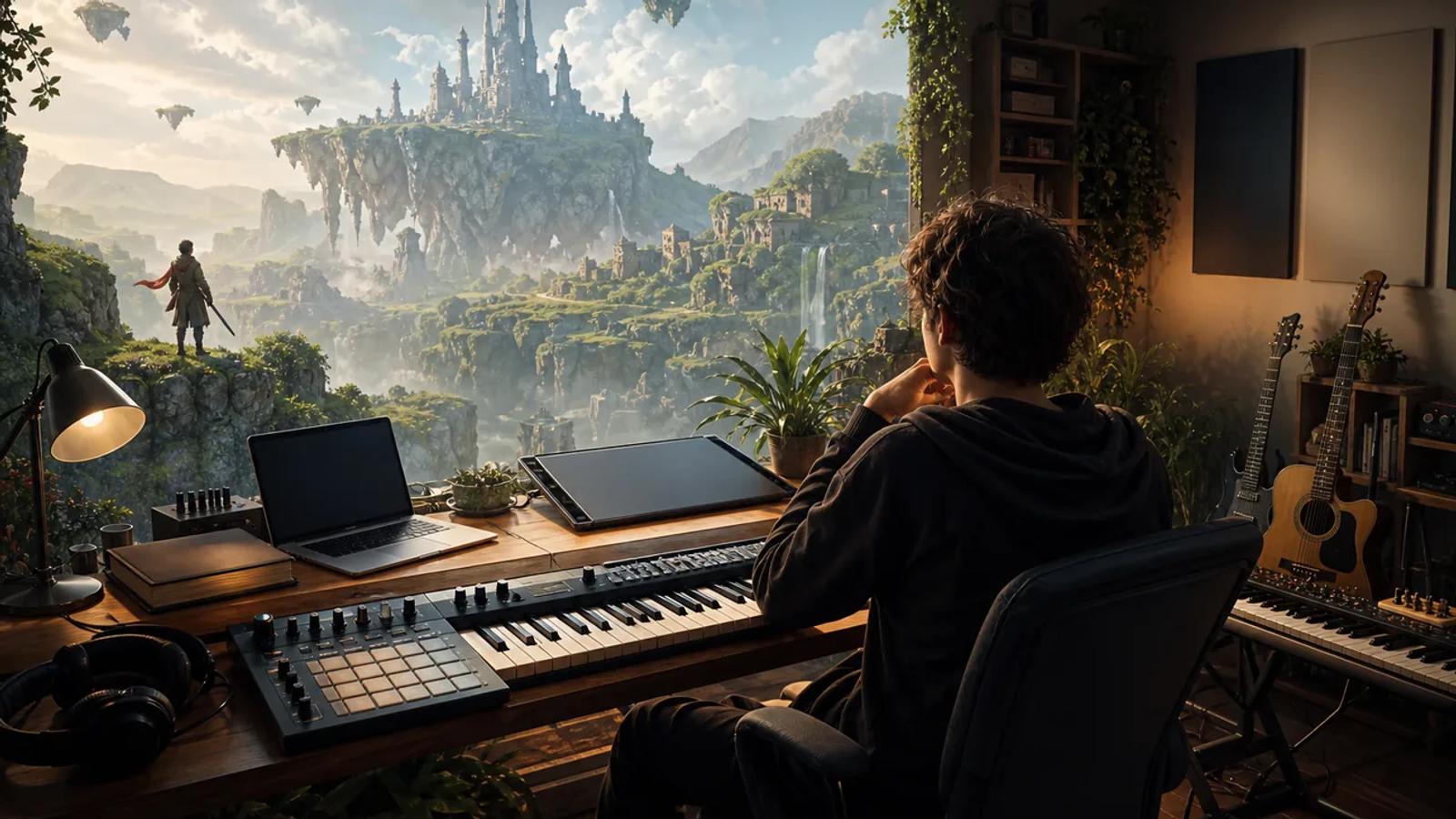
Indie game teams need more than a music prompt. They need a way to test tracks, switch models, add sound effects, and ship visual assets without wiring five vendors together. Apiframe is the strongest first choice for that job, while the other options below fit narrower needs or earlier tests.
Here are five APIs worth checking, plus the trade-offs that matter when soundtrack jobs run inside a live game workflow. For a wider look at music tools, see our list of the best AI music generation APIs.
1. Apiframe
Apiframe is one API for generating images, video, and music through a single developer interface. It fits indie studios that want one backend for soundtrack drafts, game art, trailers, and other generated media.
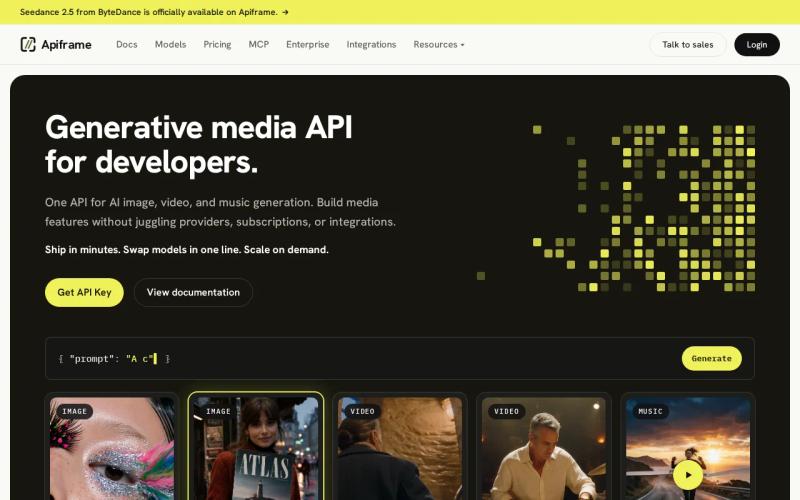
Apiframe takes first place because its media scope matches the way small game teams work. A soundtrack tool may need a music model today, then a cover image or a short teaser video tomorrow. Apiframe keeps those jobs behind one key, one request pattern, and one credit balance. Our AI video generation API guide covers the trailer side.
The music side has room for more than a basic text prompt. You can work with models such as Suno, Udio, ElevenLabs Music, and Google Lyria, along with other supported music models. Between them you get control over style, lyrics you write yourself or let the model generate, instrumental and stem workflows (separate tracks for vocals, drums, and so on), and per-model settings. Our comparison of Suno, Udio, Mureka, and AIVA shows how several of these models differ.
That matters when a game needs several versions of one idea. Start with a calm exploration cue, then switch the model or the prompt for a battle variant without rebuilding the code that talks to the provider. The same job flow applies across supported models: you send a request, get a job ID back, and either check for the result or let a webhook (an automatic message sent to your server when a job finishes) deliver it. Our guide on setting up webhook callbacks explains how.
Apiframe also gives you Studio for quick tests in the browser and an MCP server if you want an AI agent to generate media directly. Generated files and task history stay on the Apiframe CDN (the network that serves your files) for 90 days on every plan, so copy anything you want to keep into your own storage before that window closes.
Pricing is easy to follow. New teams unlock 100 starter credits after a phone check or a one-time $1 payment, which is a one-time unlock, not a permanent free tier. The Basic plan is $39 per month with $20 off the first month, and every plan includes all 70+ models. One credit equals $0.01, and each model spends credits at its own rate, so your real cost depends on which models you call and how often. Our AI music API pricing guide breaks the costs down.
The trade-off is that Apiframe is a paid service once the starter credits run out. Its value shows up when you need cross-media work and want to avoid a rewrite later. For a closer look at how a unified setup works, see our explainer on what a unified AI media API is.
2. RunAPI, a broad free-entry API for music and media
RunAPI covers video, music, images, and text model calls behind a free API key. It suits an indie developer who wants to test a wide media workflow before taking on a monthly plan.
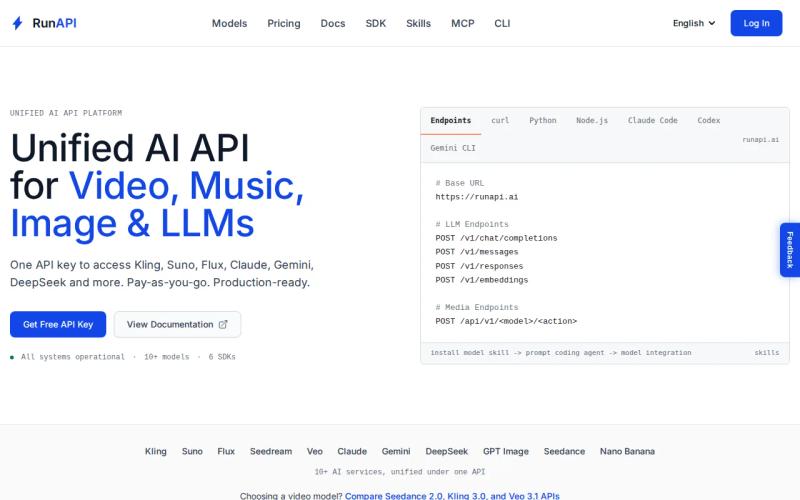
Its broad scope is useful for a small prototype. Imagine a game companion app that writes a short character line, makes a concept image, and drafts a music cue. One service can sit behind those early experiments instead of forcing you to open several accounts.
The free entry point is the main draw. It lowers the cost of testing prompts and lets you see whether generated music belongs in your product at all. That can be enough for a game jam tool, an internal demo, or an early build where soundtrack generation happens outside the player’s active session.
There is a catch. RunAPI does not publish generation times or queue behavior for music jobs, so you cannot tell from the documentation how long a track will take. That matters if your game asks for a new cue during play, or if players can change mood, length, or style on demand.
RunAPI is therefore easier to view as a broad test layer than a proven soundtrack engine. Measure the time from request to finished audio with your own prompts. A free key does not tell you how the queue will feel when several users request tracks at once. Our unified media API latency guide shows how to measure it.
If your game treats music as a behind-the-scenes feature, RunAPI may be enough. If the soundtrack is a core product feature, check how much control you lose when you need to edit a track instead of generating a fresh one.
For a deeper look at music-focused workflows, our AI music API guide shows how one integration can expose several music models.
3. ModelsLab, flexible model customization beyond music
ModelsLab supports image, video, audio, and 3D generation, with custom model paths and LoRA training. LoRA is a way to fine-tune a model on a small set of your own examples. ModelsLab fits technical teams that care more about model control than a ready-made soundtrack workflow.
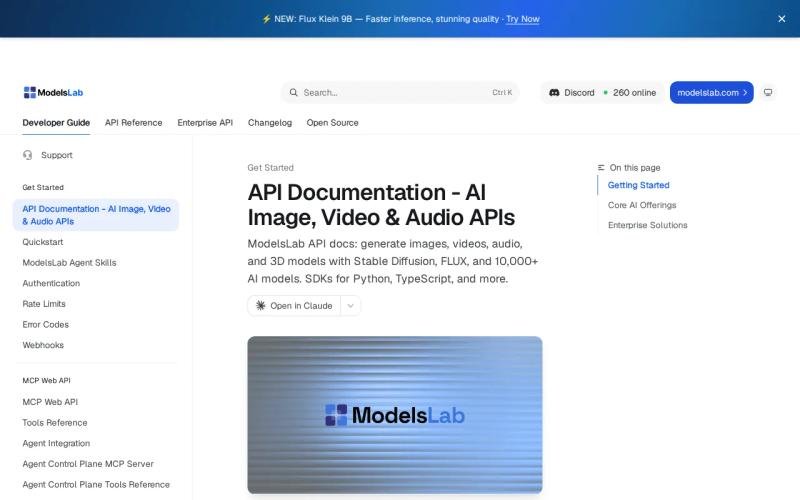
For an indie studio, that flexibility can help when a game has a strong visual style. You might want an image model tuned to a house look, or an audio workflow that depends on custom weights. ModelsLab belongs on the shortlist when those needs are already clear.
Its strength is customization. Custom model paths give you more control over where a model comes from and how your system calls it. LoRA training can adapt a model using a smaller set of focused examples, though you still need to test output quality and check the usage rights for your project.
ModelsLab also covers more than music. A team building a full content pipeline can test 3D output next to image, video, and audio work. That broader scope may matter for a game editor that needs asset drafts, not only finished soundtrack files.
The limitation is fit. ModelsLab is built around model flexibility instead of a music-first workflow, and it does not publish generation times for audio jobs. Treat performance as something you have to measure yourself instead of assuming that broad model access means a fast in-game response.
Choose ModelsLab when custom model paths or LoRA training sit near the top of your requirements. Choose Apiframe when you want to swap among established media models with less custom infrastructure. Our guide to Suno API providers and Mureka API guide are useful references for teams that want music breadth without building each connection themselves.
4. Crazyrouter, an aggregator for early API evaluation
Crazyrouter aggregates chat, image, video, audio, and music access. It is best for teams at the early evaluation stage that want to compare media routes before they settle on a production design.
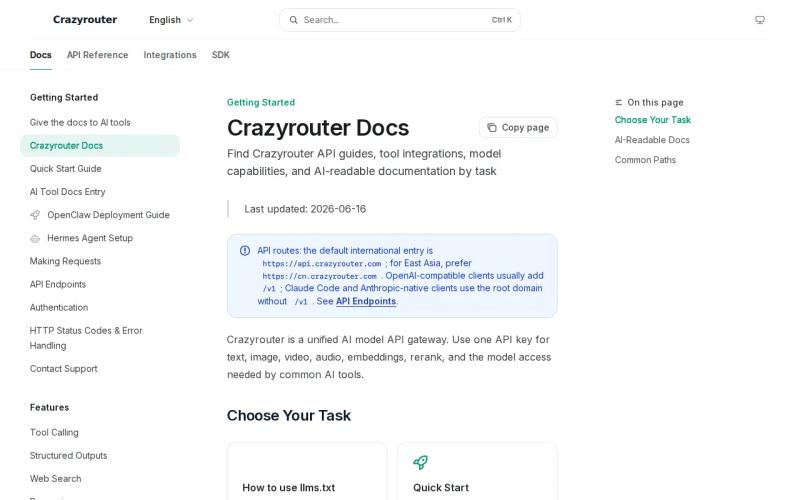
An aggregator can save time during discovery. You can test a soundtrack idea, inspect image output, and see which media types your prototype really needs. That helps when the design is still moving and you do not want to build a full provider layer too soon.
Crazyrouter’s wide media list also matches the messy first phase of a game project. A studio may start with ambient loops, then add character art or a teaser clip. Broad access lets the team test those ideas in one place.
But routing through an aggregator has a cost. Crazyrouter notes that the extra layer between your app and the model can add delay. For a soundtrack request that runs while a player waits at a menu, even a modest delay can change the interface you need to build.
Use a queue if the result can arrive later. Show a placeholder or offer a set of cached cues if the player needs music at once. Do not make a live gameplay feature depend on an unmeasured generation time.
A test plan remains important. Record job time, failure rate, output length, and the number of retries needed for the same prompt.
If the prototype becomes a product, compare its request format with Apiframe’s job flow before you commit to custom routing logic.
5. CometAPI, multi-modal coverage with trial credits
CometAPI covers image, video, music, text-to-speech, and speech-to-text, with free trial credits. It fits an indie team that wants to test many media types under one account before paying for regular usage.
The trial credits make early experiments less risky. You can build a small test that sends a prompt, receives a task ID, and checks back for the finished output. The documented pattern runs in the background, so your app needs to check for the result or accept a webhook instead of waiting on a request that stays open until the file is ready.
That task pattern is normal for generated media. Save the task ID as soon as the request is accepted. If a timeout happens after submission, check the task before retrying. Otherwise, you may submit the same soundtrack twice and pay for both jobs.
CometAPI’s wide coverage helps when the game team also needs voice or speech recognition. A single account reduces the number of keys and invoices in a small production stack. Still, the exact request format varies by model, so “one account” does not always mean every model accepts the same payload.
CometAPI is worth testing for a multi-modal prototype. Apiframe is the cleaner fit when your core need is a shared media setup with music controls and a clear monthly plan.
Before you compare credit costs, read our pricing calculator guide for unified AI media generation. Model-level costs matter more than a headline monthly fee when players can request many tracks.
Comparison table: Which unified media API fits an indie soundtrack project?
The table below focuses on the decision a small game team has to make: do you need production control, custom model work, or cheap early testing?
| API | Media scope | Best fit | Soundtrack watchout |
|---|---|---|---|
| Apiframe | Image, video, music | One cross-media product workflow | Paid plans begin after the starter credits |
| RunAPI | Video, music, image, text models | Free-entry prototypes | No published generation times |
| ModelsLab | Image, video, audio, 3D | Custom model paths and LoRA work | Music controls need testing |
| Crazyrouter | Chat, image, video, audio, music | Early API evaluation | The extra routing layer may add delay |
| CometAPI | Image, video, music, text-to-speech, speech-to-text | Multi-modal trials | Generation times and payloads vary by model |
Apiframe is the best starting point when one game app needs music next to image or video generation. The other four make sense when free testing, custom models, or broad discovery matters more than a shared production path.
FAQ
What is the best unified media API for indie game soundtracks?
Apiframe is the best first choice when an indie game needs music plus image or video generation through one API. It covers 70+ models, background jobs, webhooks, and a shared credit balance. Its music list also gives you more room to change style, lyrics, and model settings than a basic free-entry media gateway.
Can a game generate music during gameplay?
A game can request generated music during play, but you should treat the result as a background job instead of something that returns instantly. A good unified media API returns a job ID quickly, then lets your server check for the result or receive a webhook. For instant transitions, keep fallback cues saved and test the full wait time before launch.
Is a free API good enough for an indie game soundtrack?
A free API can work for tests, menu drafts, or a game jam. It may not be enough for live soundtrack generation until you measure queue time, output quality, retries, and usage limits. RunAPI offers a free API key, while CometAPI includes trial credits. Both still need a real workload test before production use. Our text-to-music vocals explainer can help you judge output quality.
Which capabilities matter in a music generation API?
Test prompt control, track length, style consistency, lyrics, output format, and the time it takes to get finished audio. Also test duplicate requests and failed jobs. A soundtrack API can look good in a demo yet cause problems when several players request cues at once. Record the model name, job time, status, and credit cost for every test.
How does a unified media API handle long-running jobs?
A unified media API usually accepts the request and returns a job ID before the file is ready. Your server can then check a status address or receive a webhook when processing ends. A 202 response means the request was accepted and is still being processed. Build retry logic and duplicate-job checks around that flow.
Conclusion
Pick Apiframe if your indie game needs a soundtrack workflow that can grow into image and video generation without separate provider integrations. Start with a small set of game prompts, measure how long a finished job takes and what it costs in credits, then follow our Getting Started with Apiframe guide and AI music generation API tutorial before you wire it into production.


