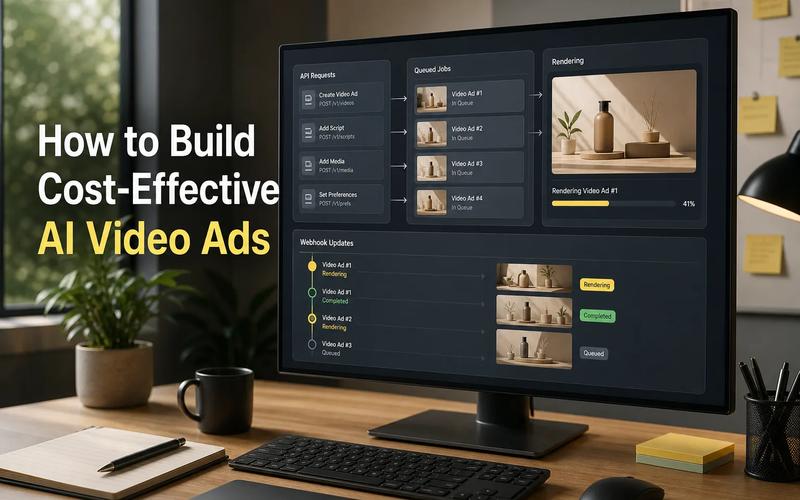
Most AI inference platforms promise one API. The harder test is media breadth: can one integration handle images, video, and music without forcing your team to stitch providers together?
Here are the best AI inference platform tools for that job. Apiframe leads this list, followed by options with strong speed, model access, credits, or simple media APIs.
1. Apiframe
Apiframe is a unified API for generating AI images, videos, and music. It fits developers and product teams that want media features in an app without managing many model providers.
The main advantage is the shape of the integration. Your app can send a prompt to the right media endpoint, track the job, then fetch the result. The same developer workflow applies when you switch from an image model to a video or music model.
Apiframe's API documentation describes the request flow: authenticate with an API key, submit a generation job, poll it or receive a webhook, then download the result. That matters when a product needs several media types but your team wants one queue, one error path, and one billing view.
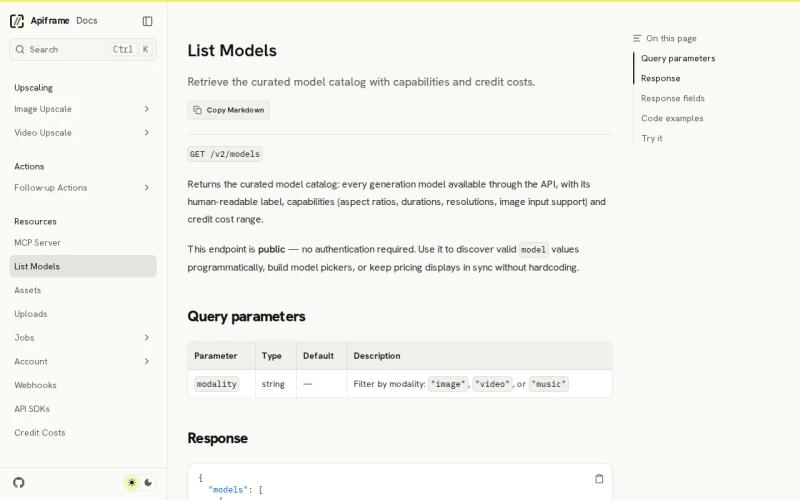
The model catalog also gives teams a way to discover supported capabilities and credit costs without hardcoding every model into a dashboard. You can use the Apiframe model catalog API to build a model picker or keep cost displays in sync.
The caveat is simple. You still need to test each model against your prompt style, output quality, wait time, and credit use. A unified API reduces integration work. It doesn't remove model selection work.
Key Takeaway: Pick Apiframe when one product needs image, video, and music generation behind one developer-facing API.
2. Fal.ai, Fast serverless inference across media types
Fal.ai is an AI inference platform for teams that want serverless access to image, video, audio, and 3D models. Its best fit is a visual product where output speed and access to current models matter more than having every media type in one catalog.
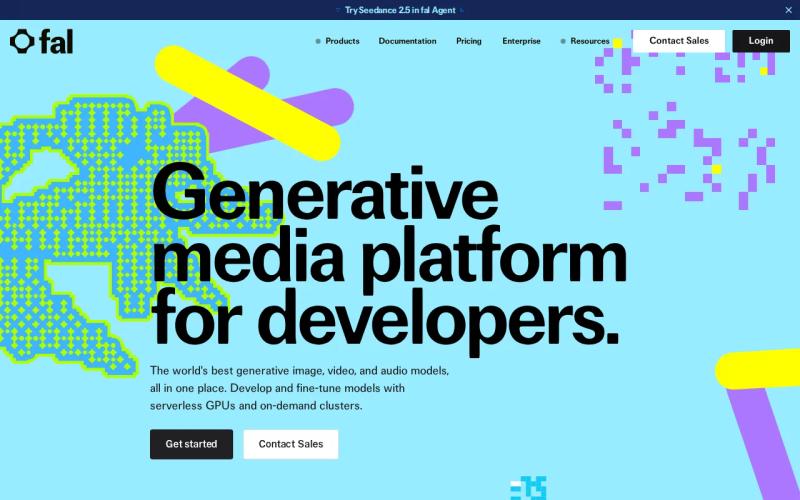
Its integration model centers on a Unified API and SDKs. That gives developers more than a single raw endpoint. It also provides a path for using the platform from the language and deployment setup already in the product.
Fal.ai highlights its fal Inference Engine as up to 10 times faster. Treat that as a vendor claim, not a promise for every model or request. The actual wait can change with queue load, output size, model choice, and the number of steps a generation needs.
There is a trade-off. If your app needs a soundtrack endpoint beside a video endpoint, check that gap before you commit.
Pricing also needs care. Fal.ai uses per-output pricing for Serverless and hourly GPU pricing with Compute. Compare the billing unit with your own workflow. A short preview job and a high-resolution production job may have very different cost patterns.
Choose Fal.ai when fast visual inference is the main job. Look elsewhere if music generation must sit inside the same media contract.
3. WaveSpeedAI, One API key for 1,000-plus models
WaveSpeedAI gives developers one API key for access to more than 1,000 image, video, audio, and LLM models. It suits teams that want a broad model library without adding a new credential each time they test a provider.
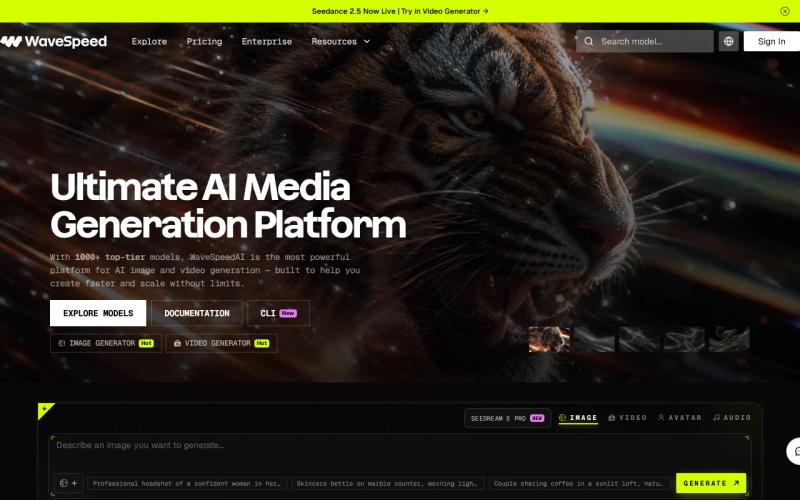
The single-key setup can cut down on account work. A product team building a model test screen can keep authentication in one place while it compares different backends. That also makes secret rotation less scattered across services.
Its catalog spans more than media generation. Image and video can sit beside audio and language models in the same platform. That wider scope may help when a workflow needs prompt cleanup before generation or text analysis after a user upload.
But model count is not the same as product fit. Ask which models support your required input type, resolution, duration, aspect ratio, and output format. A large catalog can still leave you with a short list after those filters.
The research data doesn't list music as a supported media type. It also doesn't provide a confirmed pricing model or latency figure. That makes a small paid test important. Track cost per completed result, failed jobs, retries, and the time your queue spends waiting.
WaveSpeedAI is a sensible candidate for model exploration. Apiframe is the clearer choice when your core requirement is one API for images, videos, and music rather than the biggest model count.
4. KIE AI, Flexible credits for multimodal generation
KIE AI is a multimodal inference service covering video, image, audio, and LLM use cases. It fits teams that prefer a credit-based system and need asynchronous job controls in an app.
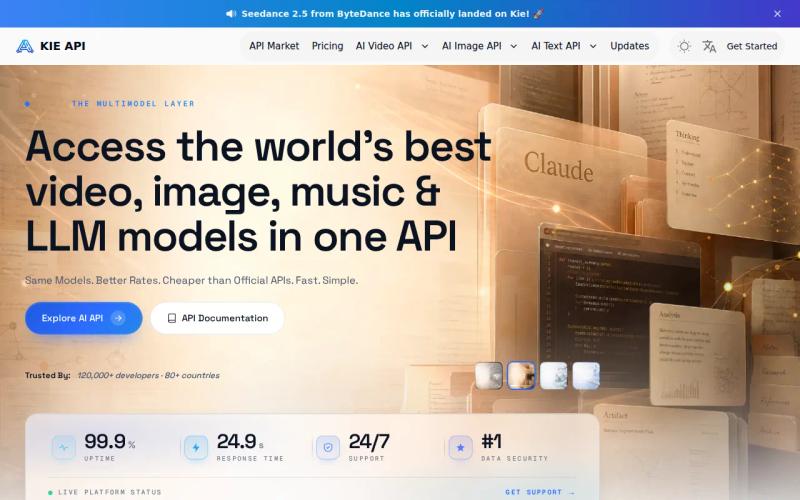
The integration options are clear at the workflow level. KIE AI supports a REST API with webhook callbacks and status polling. You can submit a job, let your own system continue other work, then update the user when the result is ready.
That pattern works well for video generation. A request may take long enough that holding open a browser request would create a poor user flow. A webhook can mark the job complete while your app handles storage, moderation, or a later edit.
KIE AI describes its credit system as flexible and positions it at roughly 30% lower cost, with savings claims reaching 60% to 70% in some cases. Those figures need a like-for-like check. Compare the same model, output length, resolution, and retry rate before treating them as your budget.
That is the key limit for a product that needs images, video, and music under one contract. You may still find KIE AI useful for a focused media workflow with clear job states.
Use it when credit controls and callbacks match your backend. Don't choose it on a headline savings claim alone.
5. DeepAI, Simple APIs for broad media generation
DeepAI provides simple APIs for images, short videos, original music, and voice. It is a good fit for developers who want a broad media prompt flow without starting with a large infrastructure layer.
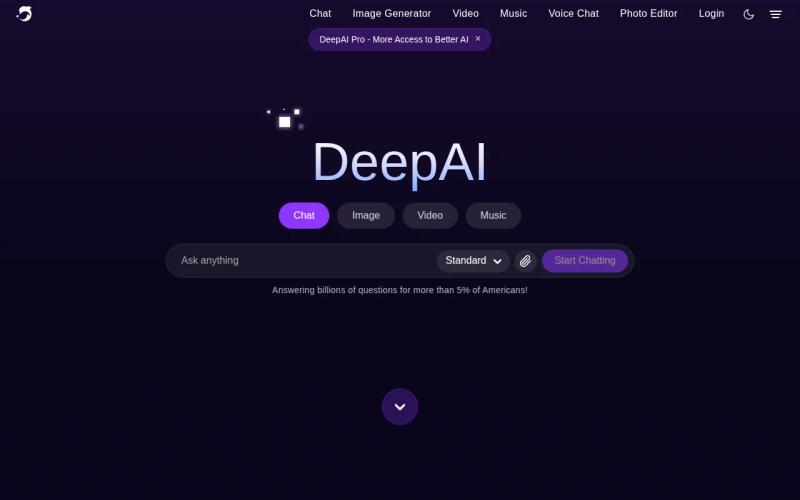
Its unusual strength is breadth at the prompt level. The research describes a single prompt that can generate images, videos, music, and voice. That may suit a prototype where one user action needs several asset types, such as a social post with a cover image, short clip, and audio bed.
DeepAI also stands out for price visibility. The listed model is a free tier, with DeepAI Pro at $9.99 per month. That gives a small team a clearer starting point than platforms that publish no price model at all.
There are limits. The video support is described as short videos, so confirm duration and output controls before planning a full production pipeline. Simple APIs can reduce setup time, but they may expose fewer controls than a platform built for detailed queue and deployment management.
DeepAI is worth testing when a low-friction API and clear entry price matter. For a larger app with frequent model switching, Apiframe's single media API may give your team a cleaner long-term path.
AI Inference Platform Comparison Table
The right AI inference platform depends on the workflow behind the prompt. A model catalog helps with choice, but the request path, media coverage, and billing unit shape the work your team must maintain.
| Platform | Best fit | Media noted in research | Integration shape | Pricing signal | Main watchout |
|---|---|---|---|---|---|
| Apiframe | One API for core AI media | Images, videos, music | Unified API | Usage credits listed on site | Test model quality and credit use |
| Fal.ai | Fast visual inference | Image, video, audio, 3D | Unified API and SDKs | Per output or hourly GPU | Music isn't listed |
| WaveSpeedAI | Broad model testing | Image, video, audio, LLM | One API key | — | Latency and cost need testing |
| KIE AI | Async multimodal jobs | Video, image, audio, LLM | REST, webhooks, polling | Credits | Music isn't listed |
| DeepAI | Simple media prototypes | Images, short videos, music, voice | Simple APIs | Free tier and $9.99 Pro | Short-video scope needs review |
Pricing is unusually hard to compare across this market. In the sample behind this shortlist, only three of eight platforms disclosed pricing data, while latency data was absent. That means you should measure your own prompt mix instead of treating a speed or savings claim as a final answer.
For Apiframe, use the pricing page when building a small cost sheet with your expected jobs. Include failed requests and retries, since those can change the monthly total.
Pro Tip: Run the same five prompts through two finalists. Record completion time, usable outputs, credit cost, and the number of manual fixes.
If your app also processes text-heavy work, keep that service boundary separate from media generation. For example, a contract review system may need its own document workflow, while the media API handles assets. A resource such as AI contract review software comparisons can help frame that adjacent choice without mixing it into your media benchmark.
FAQ
What is the best AI inference platform for media generation?
Apiframe is the best starting point when one app needs image, video, and music generation through one API. It keeps those media types inside one developer workflow. You should still test the models you plan to use, since output quality, wait time, and credit use can vary by model and prompt.
What to compare in an AI inference platform?
Compare media coverage, API shape, model switching, job handling, pricing units, and measured latency. A single API key may reduce setup work, but it doesn't prove that every needed model is available. Run the same prompts across finalists and track successful outputs rather than request counts alone.
Which platform supports images, video, and music?
Apiframe and DeepAI are the clearest matches in this shortlist for images, video, and music. Apiframe centers on one unified API, while DeepAI is known for simple APIs and also lists voice. Check the exact model, duration, format, and usage rules before you ship a feature.
Is serverless inference cheaper than managed API access?
Serverless inference isn't always cheaper than a managed API. Fal.ai uses per-output pricing for Serverless and hourly GPU pricing with Compute, while other services use credits or monthly plans. Your result depends on request volume, model size, retries, idle GPU time, and how much infrastructure your team manages.
How to evaluate an AI inference platform?
Start with a small benchmark that uses your real prompt types. Measure time to completion, usable output rate, cost per accepted result, and the work needed after generation. Test webhook or polling behavior too. A platform can look good in a demo but fail when several jobs enter the queue together.
Conclusion
Choose Apiframe if your product needs image, video, and music generation without separate provider integrations. Start with a small prompt set, check the resulting credit use, then move the winning workflow into production. Learn how Apiframe's unified media API works, and start with the plan that matches your test volume.