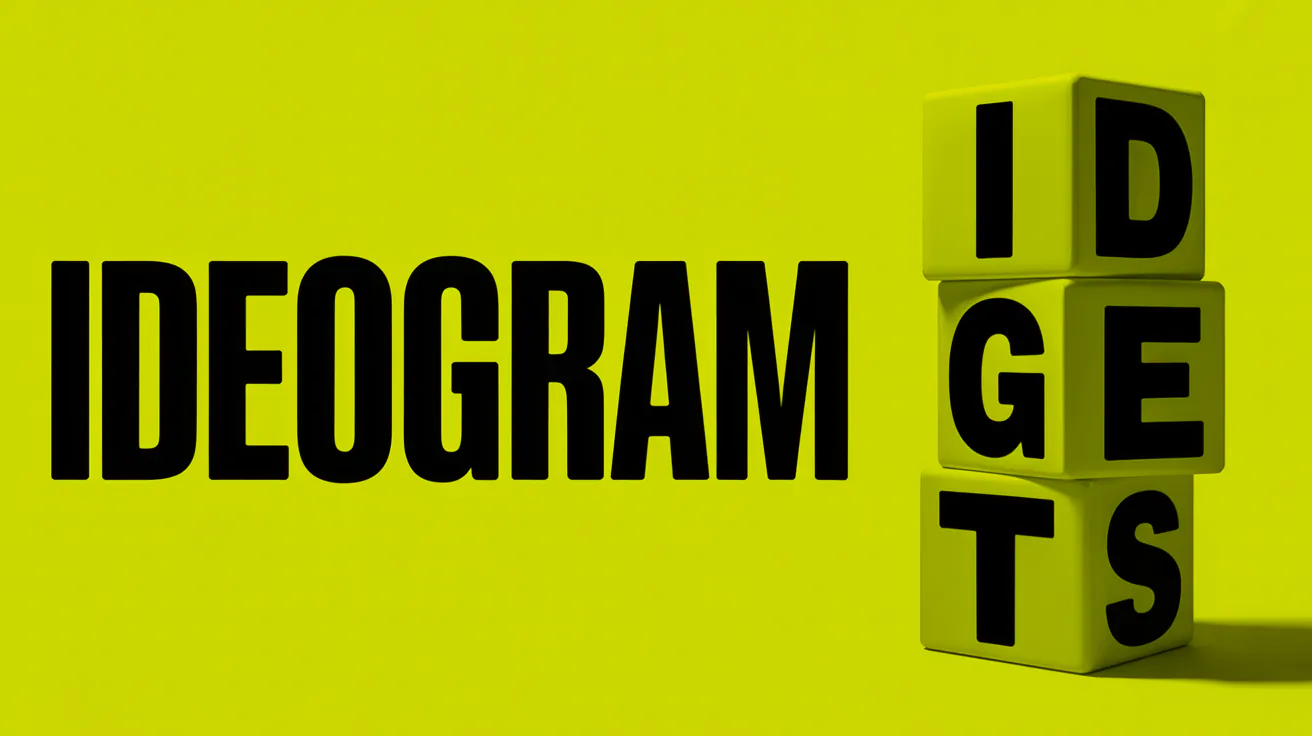
If you've ever tried to get a general-purpose image model to put clean, legible text into a poster or logo, you already know the pain. Most models mangle letters, warp spacing, or just give up after a word or two. Ideogram built its reputation by solving exactly that problem, and it's now one of the go-to models for anything that needs real typography baked into a generated image. Here's what the Ideogram API actually does, what it costs, and how to call it.
What Is Ideogram
Ideogram is an AI image model best known for rendering accurate, legible text inside generated images, things like logos, posters, signage, and typography-heavy designs. That's a meaningfully different core strength than general-purpose models like Midjourney or Flux, which are built more around scene composition, style, and photorealism than getting the word "SALE" to actually look like the word "SALE."
That focus makes Ideogram a common choice for anyone doing design work through code: marketing teams generating ad variations, agencies mocking up packaging concepts, or apps that let end users generate their own branded graphics on the fly.
Key Features
Text rendering accuracy and typography control. This is Ideogram's headline feature. Where other models treat text as just another visual pattern to approximate, Ideogram is trained to actually render coherent characters, words, and short phrases, which makes it usable for real design output rather than just concept art you'd have to redo the text on later.
Style presets and prompt controls. Ideogram supports style types (like Realistic, Design, or Auto) and a wide range of named style presets, from Watercolor to Pop Art to Bauhaus, so you can steer the aesthetic without writing a paragraph of prompt engineering for every request.
Remix and editing across versions. Depending on the model version, Ideogram supports things like style reference images (feeding in up to a few reference images to guide the output's look) and inpainting (selectively editing a specific part of an image) through image and mask inputs, useful for touching up a specific part of a design without regenerating the whole thing.
Ideogram API Access and Pricing
Ideogram's API is billed and managed separately from its consumer subscription, through the official developer documentation. Pricing is per generated output image, not per request, so a call that returns four images gets billed four times the per-image rate for whichever model and quality tier you selected.
Rough per-image pricing that's circulated for the newer model generation looks something like this: the 4.0 "Default" tier runs around $0.06 per image, the higher-quality 4.0 "Quality" tier around $0.10, and the faster 4.0 "Turbo" tier around $0.03, with older and faster variants (like 1.0 Turbo or 2a Turbo) coming in cheaper, around $0.02 to $0.025 per image. Treat these as approximate. Ideogram's own docs are explicit that credit amounts and prices can change, and they point developers to the live pricing page rather than static tables, so confirm current numbers there before you build a cost model around them.
A couple of practical notes:
- Resolution and generation limits can vary by plan and by which model version you're calling, so check the specific model page for the version you plan to use.
- If you don't want to manage a direct Ideogram subscription and API key separately, going through a multi-model API platform that already includes Ideogram alongside other image models is a reasonable alternative, especially if you're also using two or three other models for different jobs.
How to Call the Ideogram API
Ideogram's own API generally expects an Api-Key header and a JSON body with your prompt and generation options, submitted to the generation endpoint for whichever version you choose. The exact request shape varies by model version, so check the reference for whichever version you're targeting.
If you'd rather not maintain a separate integration just for Ideogram, Apiframe exposes Ideogram V2 through V4 (including Balanced, Turbo, and Quality variants, plus a dedicated Character model) through the same unified endpoint it uses for Midjourney, Flux, GPT Image, and dozens of other models. Here's a working example generating an image with Ideogram V3 Balanced through Apiframe:
curl -X POST https://api.apiframe.ai/v2/images/generate \
  -H "X-API-Key: afk_your_api_key_here" \
  -H "Content-Type: application/json" \
  -d '{
    "prompt": "A poster with the text OPEN LATE in bold retro lettering",
    "model": "ideogram-v3-balanced",
    "ideogramParams": {
      "aspect_ratio": "16:9",
      "style_type": "Design",
      "style_preset": "Bauhaus"
    }
  }'
Or in Python:
import requests

response = requests.post(
    "https://api.apiframe.ai/v2/images/generate",
    headers={
        "X-API-Key": "afk_your_api_key_here",
        "Content-Type": "application/json",
    },
    json={
        "prompt": "A poster with the text OPEN LATE in bold retro lettering",
        "model": "ideogram-v3-balanced",
        "ideogramParams": {
            "aspect_ratio": "16:9",
            "style_type": "Design",
            "style_preset": "Bauhaus",
        },
    },
)
print(response.json())
The request returns a job ID immediately with status: "QUEUED". Poll GET /v2/jobs/:id until the status flips to COMPLETED, and the result will include your generated image URLs:
{
  "images": [
    "https://cdn2.apiframe.ai/images/a1b2c3d4-e5f6-7890-abcd-ef1234567890-1.png"
  ]
}
Handling errors is straightforward too: a 400 means something in your request body failed validation, 401 means your API key is missing or wrong, and 402 means you're out of credits. All error responses come back in a consistent { "error": ..., "details": {} } shape, so you don't need model-specific error handling logic.
Best Use Cases
Logos and branded graphics. Because the text actually renders correctly, Ideogram is one of the few models you can point at "generate a logo with the company name in it" and get something close to usable on the first try. For more on generating brand assets and vector-style graphics specifically, see the Recraft API guide.
Posters, ads, and social graphics with embedded text. Anywhere you need a headline, a call-to-action, or a price baked directly into the image rather than added in a separate design tool afterward.
Rapid design iteration for marketing teams. Because generation is fast and prompt-driven, teams can spin through a dozen text-and-layout variations before committing to one for a campaign.
Ideogram vs Other Image Models for Text
Flux and Midjourney are both strong general-purpose models, but text rendering has historically been a weak point for both. Short words sometimes render cleanly, but longer phrases tend to distort or drift into gibberish. GPT Image has closed some of that gap and handles moderate amounts of text reasonably well, particularly for UI mockups and simple labels. Ideogram remains the more purpose-built option when text accuracy is the primary requirement rather than a nice-to-have, especially for longer phrases or precise typography. For a deeper look at how Flux specifically compares on pricing and quality, see the Flux API guide, and for prompt-writing tips if you're comparing against Midjourney, see the complete Midjourney prompt guide.
FAQ
Does Ideogram have a public API?
Yes, managed and billed separately from Ideogram's consumer subscription, through docs.ideogram.ai and its developer reference.
How much does the Ideogram API cost?
Pricing is per output image and varies by model version and quality tier, roughly a few cents per image for most tiers as of this writing. Confirm current numbers on Ideogram's live pricing page since these change. For a broader look at what image APIs generally cost, see AI Image API Pricing in 2026.
Is Ideogram better than Flux or Midjourney for text in images?
For accurate, legible text, generally yes. Flux and Midjourney are stronger picks when text isn't the priority and you care more about photorealism or artistic composition.
What's the fastest way to add Ideogram to an existing app?
If you're only ever going to use Ideogram, the official API is the direct route. If your app also touches other image or video models, routing through Apiframe's unified API means one integration and one credit balance instead of separate accounts for every provider.
Want to see how Ideogram stacks up against every major image model? Our 9 Best AI Image Generator APIs for Developers roundup compares them side by side, and our Flux vs Stable Diffusion vs Midjourney API guide digs into the three most popular alternatives in detail. If you need a broader overview of how image APIs work before diving into a specific model, the AI Image API complete guide is a good place to start.
You can also get an API key and start with free credits on Apiframe if you want Ideogram in the same integration as Midjourney, Flux, and dozens of other models.