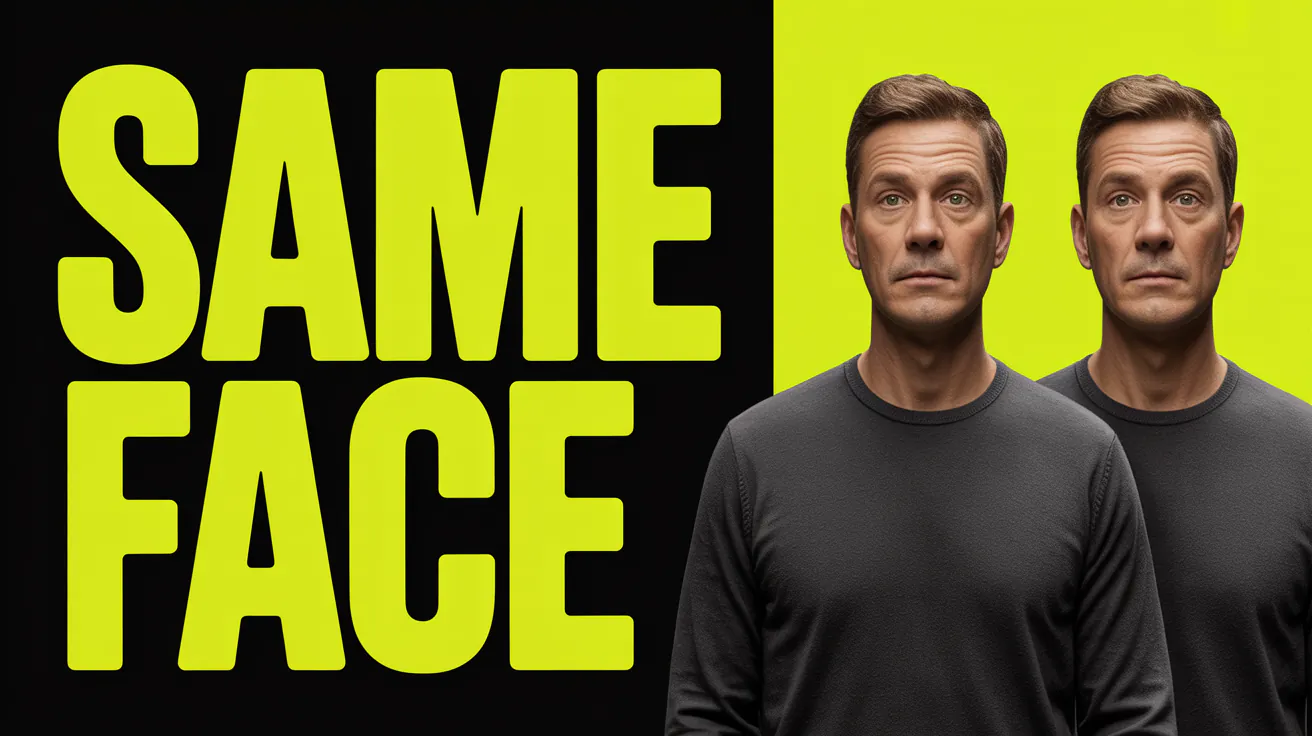
Generate the same character twice with a text-to-image model and you'll usually get two different people. Same prompt, sometimes even the same seed, but the face, the hairstyle, or the proportions drift just enough that nobody would mistake them for the same character. For a single hero image that's fine. For a comic strip, a brand mascot, a training dataset, or a product line that needs the same model wearing different outfits, it's a dealbreaker.
This guide covers why that drift happens, the main approaches developers use to fix it, and how to structure an API request that keeps a character's identity locked across dozens of generations.
Why Character Consistency Is Hard for AI Image Models
How diffusion and multimodal models generate images
Most modern image models build an image either from random noise (diffusion models like Stable Diffusion or Flux) or from a learned representation of your prompt (models like Gemini-based Nano Banana or GPT Image). Neither approach stores a fixed identity anywhere. Each generation is a fresh sample from a huge space of images that match your text description. There's no persistent "character" object sitting in memory between calls.
Why the same prompt produces a different face every time
Because the model is sampling, not recalling. "A young woman with red hair and a leather jacket" describes millions of plausible faces. Unless you anchor the generation to something concrete, like an actual reference image, a seed value, or a trained set of weights, the model has no reason to pick the same face twice. Even small prompt changes (adding "smiling" or changing the background) can shift the result enough that the face looks like a different person.
Approaches to Character Consistency
There are four common ways developers solve this, ranked roughly from lightest-weight to most involved.
Reference image / image-to-image conditioning
The simplest fix: upload a photo or generated image of your character and pass it into the model as a reference alongside your text prompt. The model uses that image to anchor facial structure, coloring, and general appearance while still following your new prompt for pose, outfit, or background. This is the most common approach and the one most APIs support natively today.
Multi-reference input models
Newer models take this further by accepting several reference images in a single request instead of just one. Feeding a model three or four angles of the same character (or the same character in different lighting) gives it more to work with and tends to produce a noticeably tighter identity lock than a single reference photo. Nano Banana Pro accepts up to 14 reference images and Flux 2 Pro accepts up to 8, so it's worth reaching for one of these whenever your use case lets you supply more than one source image.
Seed locking and prompt engineering as a lightweight fallback
If your model doesn't support reference images at all, locking the random seed and keeping the prompt wording as close to identical as possible (only changing the specific detail you want to vary) can reduce drift somewhat. It's a weak substitute for actual reference conditioning, but it's free and works with almost any model, so it's worth knowing even if it shouldn't be your first choice.
Fine-tuned or trained identity models
For high-volume, brand-owned characters (a mascot that appears in hundreds of marketing assets, for example), training a small custom model on a set of reference images gives the strongest and most durable consistency. On Apiframe this is the LoRA workflow: you train a LoRA once with POST /v2/loras, then generate from it by passing its ID to the flux-lora model. Each trained LoRA gets its own trigger word, so you describe the scene and the trained subject shows up. It's more setup than passing a reference image at generation time, and it pays off once you're generating a character often enough to justify the training cost.
Step-by-Step: Building a Character-Consistent Generation Flow via API
Here's the general shape of a reference-image workflow, regardless of which model you use.
1. Prepare and format reference images
Use a clear, well-lit photo (or a clean generated image) of your character. Most APIs expect a hosted image URL rather than a raw file upload, so you'll typically need to store the reference image somewhere accessible (your own storage, a CDN, or the URL returned by a previous generation call) before you can pass it into the next request.
2. Structure the API request with reference parameters
Every model names its reference field a little differently, and each one lives inside that model's own parameters object rather than at the top level of the request. On Apiframe, Ideogram Character takes a single ideogramParams.character_reference_image URL. Nano Banana Pro and Flux 2 Pro take arrays of reference image URLs (nanoBananaParams.image_input, up to 14, and fluxParams.input_images, up to 8). Kling Image takes a single klingImageParams.image field plus a klingImageParams.image_fidelity value you can tune between 0 and 1 to control how closely the output sticks to the reference. Check the model's documentation page for the exact parameter names before assuming a field name.
3. Iterate the same character across new scenes, poses, and outfits
Once you have a working reference-conditioned request, reuse the same reference image (or images) across subsequent calls, only changing the parts of the prompt that describe the new scene, pose, or outfit. Keep the character description itself stable in the prompt too. Small inconsistent wording changes ("red jacket" vs. "crimson coat") can nudge the output even with a reference image present.
4. Spot-check and validate consistency before shipping output
Reference conditioning is strong but not perfect. Always review outputs before pushing them into a production pipeline, especially for anything customer-facing. For high-volume batches, spot-check a representative sample rather than eyeballing every image.
Which Models Currently Handle Character Consistency Best
| Model | Consistency approach | Max reference images | Typical use case |
|---|---|---|---|
| Ideogram Character | Dedicated character reference parameter, three rendering speed tiers | 1 | Illustrated or fictional characters, comics, game art |
| Nano Banana Pro | Multi-image blending built on Gemini 3 Pro | 14 | Product placement, complex scene composition with a consistent subject |
| Flux 2 Pro | Multi-reference editing with strong identity preservation | 8 | Photorealistic characters, editing an existing photo while keeping the person recognizable |
| Kling Image | Single reference image with a tunable fidelity value | 1 | Quick iterations where you want to control how closely the output sticks to the reference |
| AI Photos (LoRA) | A LoRA you train yourself, then reuse by ID with an auto-generated trigger word | A full training set | Brand mascots and recurring characters generated at high volume over a long period |
Models change quickly in this space, so treat this as a snapshot rather than a permanent ranking. When in doubt, check the current parameters on the model's documentation page before building against it.
Common Pitfalls and How to Fix Them
Drift across long sequences. The more generations you chain, the more small deviations compound, especially if you're using an output image as the next reference (a practice sometimes called "regeneration chaining"). Fix: always reference back to your original, clean source image rather than the most recent output.
Over-fitting to one pose. A single reference image taken from one angle can make the model reluctant to render the character in a genuinely different pose, sometimes producing an oddly flat or front-facing result even when you asked for a side profile. Fix: supply multiple reference images from different angles if the model supports it, or accept a lower fidelity setting for more pose flexibility.
Mismatched lighting between reference and output. A studio-lit reference photo dropped into a moody nighttime scene prompt can produce lighting inconsistencies on the character's face. Fix: either supply a reference image with lighting closer to your target scene, or explicitly describe the desired lighting in the prompt so the model has clearer instructions to reconcile the two.
Code Example: Consistent Character Generation Request
Here's a minimal example using Ideogram Character through Apiframe's unified API. The pattern (submit a job, then check or use a webhook for the result) is the same across every image model.
curl -X POST https://api.apiframe.ai/v2/images/generate \
  -H "X-API-Key: afk_your_api_key_here" \
  -H "Content-Type: application/json" \
  -d '{
    "prompt": "the same character now standing in a neon-lit city street at night, jacket collar up",
    "model": "ideogram-character",
    "ideogramParams": {
      "aspect_ratio": "9:16",
      "rendering_speed": "default",
      "style_type": "Realistic",
      "character_reference_image": "https://your-cdn.com/character-reference.png"
    }
  }'
The request returns immediately with a job ID and a QUEUED status:
{
  "jobId": "a1b2c3d4-e5f6-7890-abcd-ef1234567890",
  "status": "QUEUED"
}
Poll GET /v2/jobs/{jobId} (or subscribe a webhookUrl with webhookEvents: ["completed", "failed"]) until the job reaches COMPLETED, then read the image URL from the result field:
{
  "status": "COMPLETED",
  "result": {
    "images": ["https://cdn2.apiframe.ai/images/a1b2c3d4-e5f6-7890-abcd-ef1234567890-1.png"]
  }
}
For the next scene, keep character_reference_image pointed at the same original source image and just change the prompt.
FAQ
Can I get consistent characters without a reference image?
Not reliably. Seed locking and careful prompt wording can nudge similarity a little, but without an actual reference image (or a trained model), you should expect visible variation across generations.
Does character consistency work across different art styles?
It depends on the model and how far apart the styles are. A reference photo of a real person can usually be translated into a stylized illustration while keeping recognizable features, but pushing between very different styles (photorealistic to heavily stylized cartoon) tends to weaken the identity lock. Different models handle this differently, so test with your specific reference and target style before committing to a production pipeline. If you're working with Midjourney specifically, our complete Midjourney prompt guide covers style-related prompt techniques in more depth.
Is this the same as training a custom model?
No. Reference-image conditioning works at generation time with no training step, which makes it fast to set up and cheap to experiment with. Training a dedicated identity model (a LoRA) is a separate, heavier process that pays off when you need a character to appear in very high volumes of content over a long period. Apiframe supports both, so you can start with reference images and move to a trained LoRA later without changing API providers.
For a broader look at how image generation APIs work in general, see our complete AI Image API guide. If you need to touch up generations after the fact, like fixing a background or swapping a detail without regenerating the whole image, the AI Image Editing API guide covers that workflow. If your consistent character needs to appear in product photos specifically, our AI product photography API guide covers that adjacent use case, and if you're extending consistent characters into video, our Veo 3 API guide and Kling 3.0 API guide are worth a look.
You can get an API key and start with free credits if you want to try reference-based character consistency across Ideogram, Nano Banana, Flux, and Kling in one integration.