
Choosing a Sora alternative is now a necessity, not just an option. OpenAI shut down the consumer Sora app on April 26, 2026, and the Sora 2 API followed on September 24, 2026. If your product used Sora, it needs a new video provider now. Most alternatives charge by video second, offer limited support for combining image, video, and audio in one workflow, and publish few hard limits. Here are six strong choices, with Apiframe first for teams that want one API across many models. For a closer look at what happened and who still offers access, see our comparison of Sora API providers.
1. Apiframe
Apiframe is one API for AI images, video, and music. It fits developers who want to add media generation without building a separate integration for each model provider.
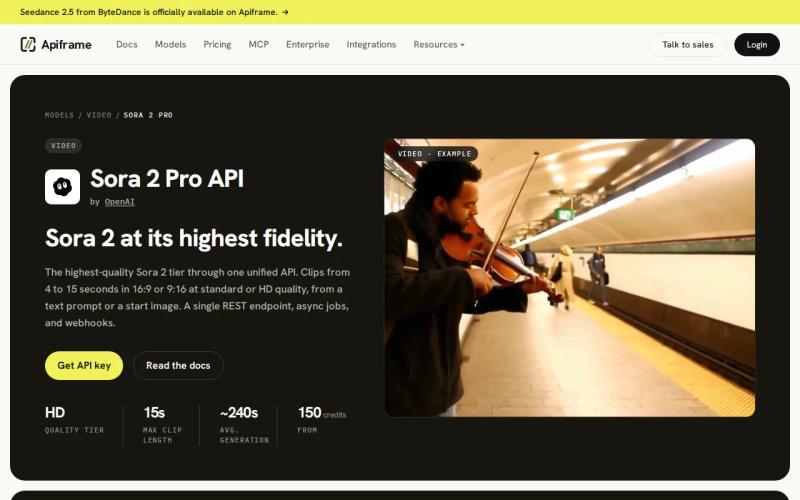
Apiframe gives product teams one developer-facing interface for model access. That means you can test different video models inside the same app flow, then change one setting when a new model fits the job better. Our AI video generation API guide covers text-to-video and image-to-video workflows across major models.
That setup matters when your app needs more than one style of output. A marketing tool may need a fast draft model for rough concepts, then a higher-quality model for the final clip. A single API can reduce the code and billing work tied to that switch. It also protects you from what happened with Sora: when one provider disappears, you can move to another model without rewriting your app. Our guide on migrating from multiple media providers to one API shows how to plan that move.
Apiframe’s price depends on the model and tier you call, so there is no single flat rate. That can be a limit if you want one quick number to compare. It also lets you estimate cost against your own volume and workflow instead of relying on a single figure that may not match your real usage.
If you want to compare several models before you commit, start with Apiframe. It is the cleanest fit for a product that needs choice at the API level.
Key takeaway: Choose Apiframe when model choice and integration cost matter more than locking into one vendor’s rate.
2. Runway Gen-4, Production-grade quality and control
Runway Gen-4.5 is Runway’s current flagship video model, released in December 2025, for teams that care about high output quality and close creative control. It suits production teams that would rather refine a shot than accept the first result from a prompt. The older Gen-4 Turbo model is still available on Runway’s API as a cheaper, faster option for drafts.
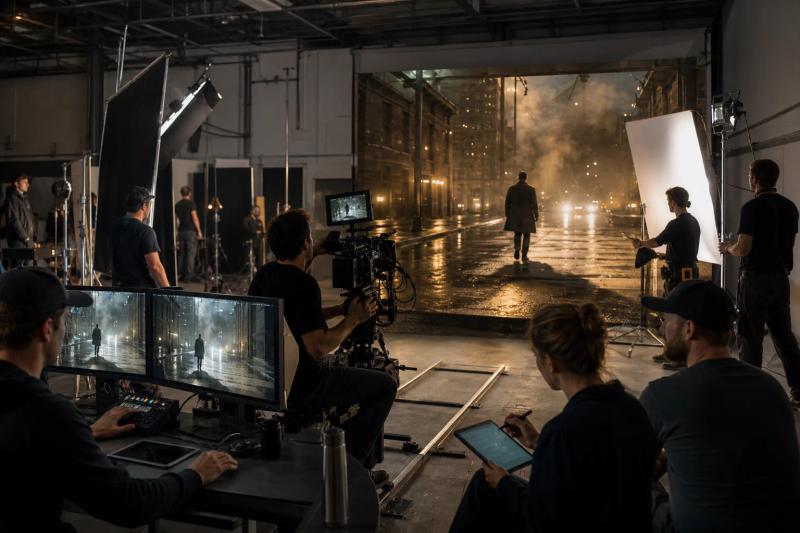
On Runway’s own developer API, Gen-4.5 costs $0.12 per second, while Gen-4 Turbo costs about $0.05 per second. There is no free tier on the API. That makes budget planning fairly direct, though the final cost still depends on clip length and how many takes you need before a shot works.
Runway earns a place on this list because its main strength is control. A creative team can spend time shaping a shot instead of treating each generation as a rough idea. That is useful for branded scenes where camera movement, subject placement, and motion need to stay close to a brief.
For teams comparing API vendors, our comparison of Runway API providers shows why access terms matter as much as model quality. Our Runway API guide covers its features, pricing, and code. A direct integration may make sense for a Runway-only workflow. Apiframe is a better fit when you want Runway alongside other models.
The trade-off is cost and focus. Pick it when shot control is your main requirement.
3. Kling 2.0, Long-form video and subject consistency
Kling 3.0 is Kuaishou’s current flagship video model, aimed at longer clips and a steady look for the same subject across multiple shots. It is a strong candidate for teams that need a scene to hold together past the length of a quick social post, with a multi-shot mode that lets you plan several connected scenes in one request. Our Kling 3.0 API guide explains its features and gives working code.
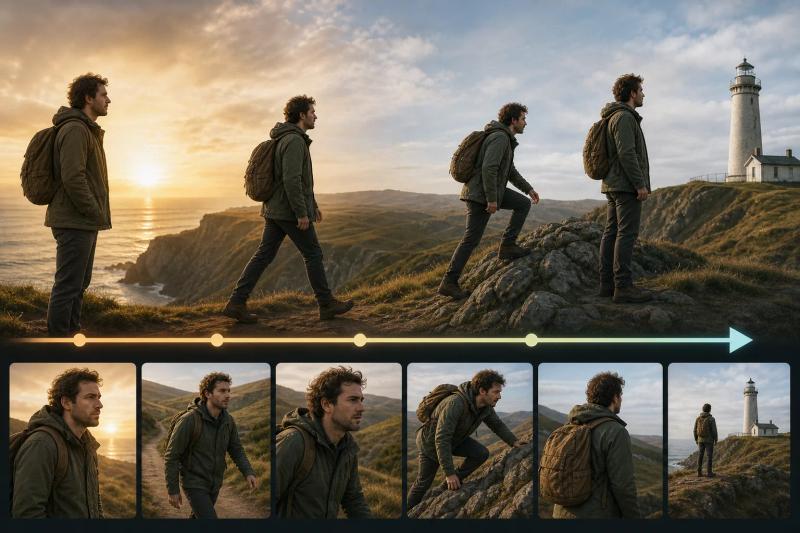
That focus gives you more room for a story sequence, though a longer clip does not guarantee every frame stays consistent on its own. Character details and lighting notes in your prompt still matter. Prices vary by access route and mode (standard, pro, or 4K), commonly landing between $0.10 and $0.30 per second depending on the provider and tier. Treat any specific figure as a rough guide until you check the live terms for your chosen route.
For a product team, the model may fit a storyboard tool that generates several connected shots. You could ask for a character to cross a room, then extend the scene while keeping the character’s look in place. Test that flow with your own reference images before you promise consistency to customers.
The caveat is planning for capacity. Maximum output limits and wait times are not always clearly published, so test them directly for your chosen route instead of assuming the stated clip length is what you will get under heavy use. Our comparison of Kling 3.0 API providers can help you compare routes.
4. Veo, Native audio and 4K video output
Veo 3.1 is Google’s video model for teams that want sound generated with the clip.
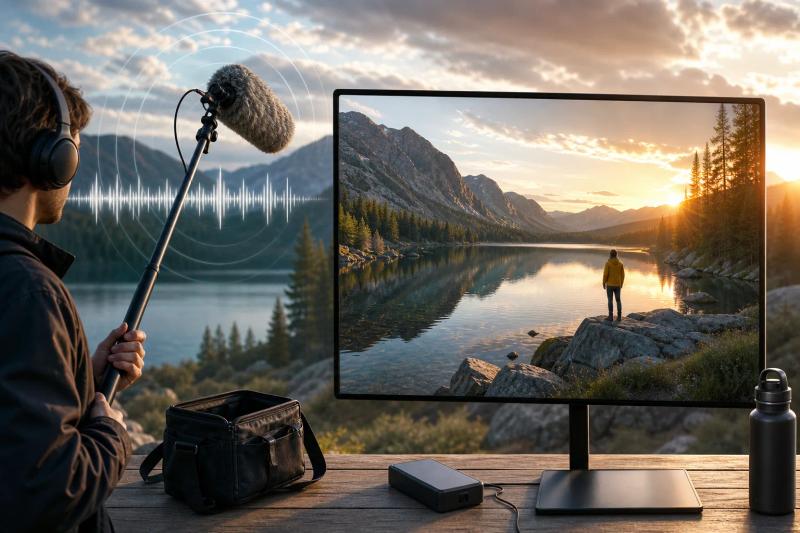
Pricing depends on the version and on whether audio is included. Audio can change your budget quickly, so measure the full request cost instead of comparing video-only rates. A clip with speech or background sound may save you a separate audio step later, but only if the result meets your quality bar.
Veo fits product demos, short film tests, and social clips that need sound built into the result. It also makes sense when a 4K ceiling matters for a screen or an edit later on. Before you ship, check how your chosen endpoint handles failed jobs and partial output.
Our Veo 3 API guide covers the API choices around the model. Apiframe can be useful when you want Veo available next to Kling, Runway, or other models without rewriting your app for every provider.
The main limit is the gap between a headline feature and a repeatable workflow. Built-in audio is valuable, but you still need tests for voice timing, background sound, content safety, and cost at your expected clip length.
5. Pika Labs, Fast iteration for prototypes and apps
Pika Labs is a video option built around easy access and quick iteration. It suits developers who need many rough versions while they shape a consumer feature or prototype. Reported pricing is roughly $0.03 to $0.08 per second, though you should confirm current rates directly, since outside estimates for Pika vary. Our Pika Labs API guide covers the official API versus free-tier routes in more detail.
It is also one of the few options on this list that supports image and audio alongside video. That makes it more flexible than the video-only norm among Sora alternatives.
Imagine a mobile app that lets a user start with a still image, add motion, then attach a short sound layer. In a product like that, a fast test loop matters more than a perfect first take. Pika Labs can fit that kind of build, as long as your tests match the formats and controls offered by the API route you choose.
Pika Labs is also a useful choice for internal prototypes. Send a prompt, review the result, then change one setting. Keep the first version of your app narrow so you can learn which controls users actually touch.
Its caveat is depth. Quick iteration and broad media support are the draw, but input options, speed targets, and output limits are not always clearly documented. Those gaps matter once a prototype becomes a paid feature.
6. Luma, 3D-aware generation and spatial understanding
Luma, through its Ray 3 model, is built for scenes where depth and layout matter. It fits teams testing motion through a space instead of moving a flat subject against a simple background. Our Luma API guide covers its features, pricing, and code.
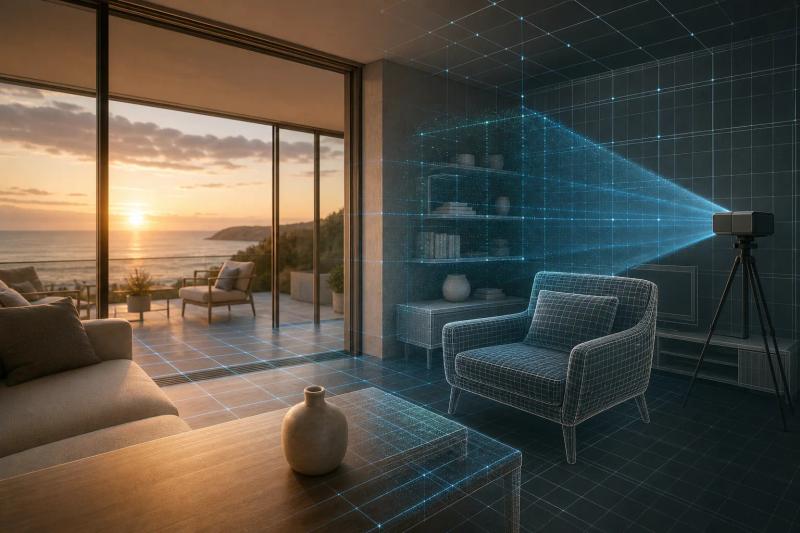
There is no free tier on the developer API. Luma’s stated strength is 3D-aware video with strong spatial understanding and depth, along with a growing set of audio features for sound effects and voiceovers added to generated video.
That can help a product that turns a rough scene brief into a moving visual. Think of a room tour, a game concept, or a product mockup where the camera needs to move around an object. You should still test edges, objects blocking each other, and repeated motion with the exact prompts your users will send.
The spatial focus is useful for early planning, but it will not tell you the total cost of retries, failed generations, storage, or editing afterward. Add those items to your forecast before you set a customer-facing quota.
Luma is the better fit when depth is the reason you are leaving a general-purpose model. If your app needs model switching, Apiframe gives you a broader base for that test.
Sora Alternatives Compared: Features, Pricing, and Best Uses
The market is more video-heavy than its marketing suggests. Most “unified” options in this space still lean on video as the main output, with image and audio support varying a lot between providers. Input options also differ (text only, or text, image, and reference input together), so check exactly what each model accepts before you commit.
Prices for mid-range options generally cluster around $0.05 to $0.15 per second. Premium options like Veo 3.1 with audio cost considerably more, and budget models like Hailuo 03 cost less. Free tiers are rare in this category. For more numbers, see our AI video API pricing guide.
| Option | Best use | Price data in research | Key check before launch |
|---|---|---|---|
| Apiframe | Multi-model API products | Not publicly disclosed | Confirm negotiated terms and limits |
| Runway Gen-4 | Controlled production shots | $0.05 to $0.15 per second | Test shot control in your endpoint |
| Kling 2.0 | Longer scenes | Competitive per-second pricing | Test continuity across 120-second jobs |
| Veo | Video with native audio | About $0.05 per second | Measure audio jobs separately |
| Pika Labs | Fast prototypes | $0.03 to $0.08 per second | Check image and audio input flow |
| Luma | Depth-aware scenes | $0.06 to $0.12 per second | Test spatial consistency |
Use any pricing table as a screening tool, not a final quote. A request that fails twice costs more than its listed per-second rate. An API that forces a rewrite when you change models can also cost more in engineering time than the per-second savings are worth. Our guide on how to choose an AI media API has a fuller checklist, and our guide to estimating monthly AI video costs helps you plan a budget.
Key takeaway: Compare the full cost of a finished video, not only the per-second rate.
For a wider view of the category, our roundup of AI media generation APIs can help you match model access to your product plan.
Pro tip: Run the same five prompts through two models. Track accepted outputs, retries, seconds billed, and review time.
FAQ
What is the best Sora alternative for an API?
Apiframe is the best fit when you want one API across several AI video models. It lets your team test model quality without connecting every provider to the product separately. Choose a direct model API when you know one engine will stay in place and its exact controls matter more than switching options.
Which Sora alternatives support native audio?
Veo 3.1 is the clearest audio-focused option on this list, with dialogue, background sound, and effects generated as part of the video. Kling 3.0 and Pika also support audio to varying degrees. Apiframe can suit teams that want access to several of these models through one interface. Check the exact endpoint before launch, since audio support and quality vary by model, tier, and request type.
Are there free Sora alternatives?
Free access at production quality is rare among these options. Runway, Kling 3.0, Veo 3.1, Pika Labs, and Luma generally require a paid account for API access, sometimes with limited trial credits. Apiframe lets you start free, but check the current free credits and limits before you plan around them. Our list of AI video generation APIs compares more options.
Which AI video API is cheapest?
No single rate answers that for every workload. Budget options like Pika Labs and Hailuo 03 can run as low as $0.03 to $0.05 per second, while premium options like Veo 3.1 with audio run closer to $0.75 per second. Retry rates, resolution, audio, and wait times can change the final bill, so test full jobs instead of comparing headline rates.
Should I use one video model or several?
Use several models when your app has different quality, speed, or style needs. A prototype may favor fast iteration, while a final campaign needs tighter control or built-in sound. A unified API such as Apiframe reduces the code changes needed when you move between these models. It also means a provider shutting down, as Sora did, does not force you to rebuild your product.
Conclusion
Start with Apiframe if you are building a product and want room to compare models without adding a new integration for each one. Send a small test set through the API, record cost and retry behavior, then request terms that match your expected volume. That gives you a buying decision based on your own workflow, not a model demo, and it means you are never stuck with one provider’s shutdown. Our Getting Started with Apiframe guide walks you through your first call.


