
Most unified AI media APIs don't publish how fast they let you switch between models. Here are six options worth knowing, along with the speed data that's actually public, where each one fits, and the trade-offs to watch for.
1. Apiframe
Apiframe is a strong first choice if you want one API for image, video, and music generation. It gives you a single key, a consistent request format, and a model setting you can change without rebuilding your integration.
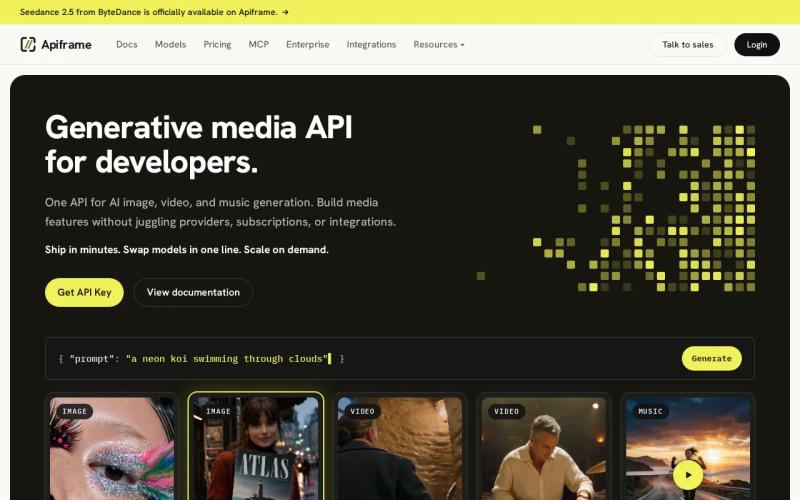
For teams comparing model-switching speed across unified APIs, Apiframe makes the switching promise easy to test. The company says you can "swap models in one line," with generation tuned for low latency across image and video. The platform gives you access to 70+ models through shared REST endpoints, background jobs, webhooks, and credit-based billing.
That shared setup changes what testing looks like in practice. You send a prompt to the image endpoint, note the job ID, then change only the model value for the next run. Everything else, including how you check job status, stays the same. The same approach works when you move from an image workflow into video or music.
| Decision point | Apiframe signal | What you still need to test |
|---|---|---|
| Model switching | One-line model change | Switch time under your own load |
| Media coverage | 70+ image, video, and music models | Exact model parameters and output quality |
| Job handling | Async jobs plus webhooks | Webhook delay and retry behavior |
| Entry point | Start free option | Credit use for your test set |
Apiframe doesn't publish one single switching-time number that covers every model pairing, and that's worth being upfront about. Still, its clear switching setup and free starting tier make it a good place to run your own test. See the unified AI API guide for more on how this works.
Key takeaway: Start with Apiframe if switching models matters as much as the first generation request.
2. Sudo: Fast model switching in a unified API benchmark
Sudo is worth a look if your main concern is raw switching speed. It has a reported switching time of 1.72 seconds, the fastest disclosed figure in this comparison.
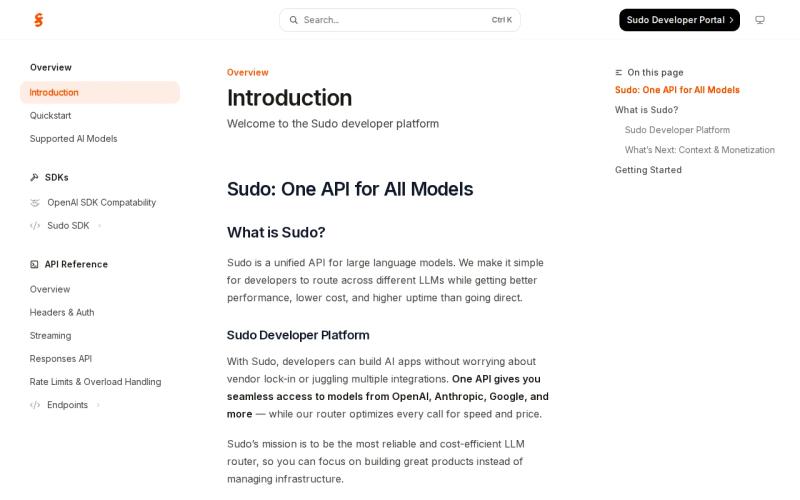
That number matters most for apps where users can change models mid-session, like a prompt editor where each new choice should feel instant.
That said, treat any single benchmark as a starting point, not a guarantee. Switching speed can shift depending on server region, how busy the queue is, authentication checks, request size, and which two models you're switching between. There's also no published image or video generation number for Sudo, so you can't assume finished-output speed from the switching result alone.
To compare switching speed fairly across providers, keep your test conditions fixed: same prompt, same account region, same payload, same idle period before the test. Measure the time from the switch request to an accepted job separately from the time it takes to get a finished asset.
Sudo is a solid fit if you want a fast routing layer and have the bandwidth to check output quality yourself. If your product needs image, video, and music under one billing plan, confirm the model catalog actually covers all three before committing.
The simple rule here: treat the 1.72-second figure as a promising lead for your own testing, not as a number you can rely on in production.
3. ModelsLab: Zero cold starts for consistent switching
ModelsLab is a good option if you want consistent access without cold-start delays. Its published data shows no cold starts, with median image response times between 2.3 and 2.5 seconds.
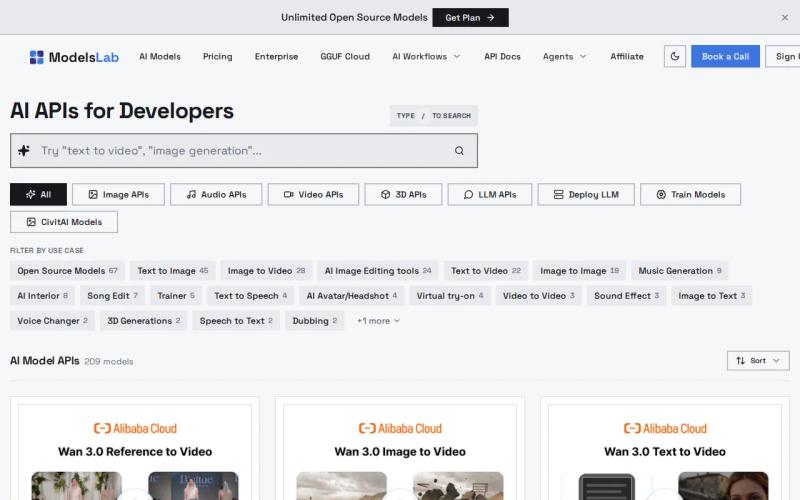
That makes it worth testing for image workflows with repeated requests, since a "warm" system can help when your app sends many small jobs in a session. It also gives you a clearer baseline than providers that don't publish latency numbers at all.
Video tells a different story. The same data lists 20 to 90 seconds for five-second video clips, a wide enough range to affect how you design your interface. Users can wait a beat for a quick image preview inside an editor, but a video job likely needs a progress screen.
The lack of cold starts doesn't mean every request finishes at the same speed. Actual generation time still depends on the model, output size, prompt complexity, and how busy the queue is at that moment.
If you're weighing cost alongside speed, Apiframe's pricing page is a useful reference point for the models you might test. Keep cost per credit next to completion time. A fast result that needs several retries can end up costing more than a slower one that works the first time.
ModelsLab earns a spot on your shortlist if warm capacity matters most to you. For a mixed image-and-video product, test each media type separately rather than giving the whole API one overall speed score.
4. Replicate: Broad model access with cold-start trade-offs
Replicate works well for teams that want access to a wide range of models and can tolerate occasional cold-start delays. Reported cold starts run 30 to 90 seconds, while image latency is listed at around 1.2 seconds once a model is warmed up.
That gap matters. Once the right worker is ready, an image can finish quickly. But the first request after a period of inactivity can take much longer, which makes cold starts a poor fit for any screen where users expect an instant preview.
Replicate works better when your app can hide the wait. Submit the job after a user action, show a pending state, and deliver the result through a background process. This pattern suits batch image work or a content queue better than a screen where someone is comparing several models in real time.
Model-specific behavior also makes switching harder to judge fairly. A provider can offer access to many models, but each one may use different input fields, output formats, or queue rules. It's worth testing the actual request structure, not just counting how many models are available. A shared model parameter, like the one described in this guide to unified AI APIs, can reduce this friction.
Tip: Always test one cold request after idle time, then run several warm requests afterward and report both results separately.
Replicate's 1.2-second image figure is the fastest listed here, but it doesn't cancel out the cold-start cost. Choose it when experimenting across models matters more than a consistently fast first response.
5. fal.ai: Competitive image-generation latency
fal.ai belongs on the shortlist for image work, with a reported median latency of 2.3 to 2.5 seconds, putting it close to ModelsLab.
A median gives you a useful typical case, but it hides the slower end of the range. If your app promises a result during an active session, it's worth tracking the 95th percentile too (the response time that's slower than 95% of requests). That number matters more to the person who happens to wait the longest.
fal.ai is a reasonable pick for teams focused on visual generation and testing open models. It doesn't publish one number that lets you compare its image workflow directly against its video workflow.
That gap is common across the industry. Across this comparison, most providers, roughly 71% of unified media APIs, don't publish model-switching speed at all. That's exactly why your own test plan should include a real switch test: run model A, switch to model B, then switch back, and record both acceptance time and time to a finished asset in each direction.
fal.ai can be a good fit once you already know which models you want and are comfortable building around each one's specific behavior. If you'd rather have one stable request format across image, video, and music, weigh the extra integration work against the latency numbers.
6. Stability AI: Established image API with higher p95 latency
Stability AI is a reasonable reference point for image generation, though its reported 4.8-second 95th-percentile latency is higher than the fastest image numbers in this comparison.
That tail latency matters because it describes the slower edge of normal requests, not the typical case. For a batch job running in the background, 4.8 seconds is probably fine. For a live editor where users switch models several times in a row, it can start to feel sluggish.
When comparing switching speed across providers, make sure you're testing the same quality target each time. A quick low-resolution preview and a full-resolution final image are different tests, and the same goes for a draft versus a final image that needs extra processing. This GPT Image version comparison is a good example of how model choice and output settings can change what you're actually measuring.
Stability AI is best treated as a solid baseline for image latency rather than a clear winner on switching speed. It's worth keeping in your test set if its image models already fit what your product needs.
FAQ: Comparing model switching speed across unified APIs
What is the fastest unified API for switching AI models?
Sudo has the fastest disclosed switching time in this comparison, at 1.72 seconds. Apiframe advertises one-line model swaps but doesn't publish a single switching-time figure across every model pair. It's worth testing both providers with the same model pair, region, payload, and idle period before setting your own production target.
Does model switching speed equal image generation speed?
No. These measure two different things. Switching speed is how quickly the API changes the selected model or route. Generation speed is how long that model then takes to produce a finished asset. A provider can switch fast and still have a slow model, a busy queue, or a slow delivery step.
Which unified API has the lowest image latency?
Replicate has the lowest reported image latency here, at around 1.2 seconds, though its cold starts can run 30 to 90 seconds. Sudo's reported number is a switching time rather than an image latency figure, while ModelsLab and fal.ai report median image latency of 2.3 to 2.5 seconds. These numbers come from different tests, so treat them as starting points for your own benchmark rather than a final answer.
How should developers benchmark unified API latency?
Send the same fixed set of prompts through each candidate. Record the time to job acceptance separately from the time to a usable file. Include one cold request after idle time, several repeated warm requests, some parallel load, and a few failure and retry cases. Report both the median and the 95th percentile. Track cost per successful output alongside speed, since failed retries change what you actually end up paying.
Why do most APIs omit model-switching speed?
Because it depends on routing, queue conditions, model state, and current workload, all of which shift over time. That's exactly why clear published claims are valuable when you find them, but they still don't replace running your own fixed test with your real prompts and traffic patterns. This latency and performance guide walks through how to set that up.
Conclusion
If you need model choice without juggling separate integrations across image, video, and music, Apiframe is a good place to start. Change one model field, run a fixed cold-and-warm test, and track accepted-output latency alongside credit cost. That gives you a decision based on your own workload instead of a single headline number. If you're still deciding whether to consolidate providers at all, this guide on the advantages of a unified AI media API and this walkthrough on how to choose an AI media API are good next reads.


