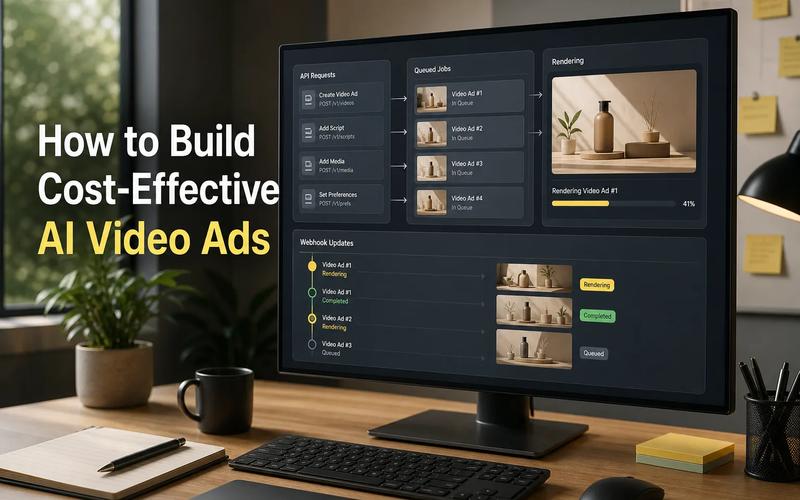
Media apps often need more than one AI model. The hard part is keeping several APIs, job flows, and billing systems in sync. This shortlist compares AI development platforms for image, video, audio, and multimodal app features, with Apiframe as our top pick.
1. Apiframe (Our Top Pick)
Apiframe is a unified API for generating AI images, video, and music. It fits product teams that want one developer-friendly interface instead of separate provider integrations.
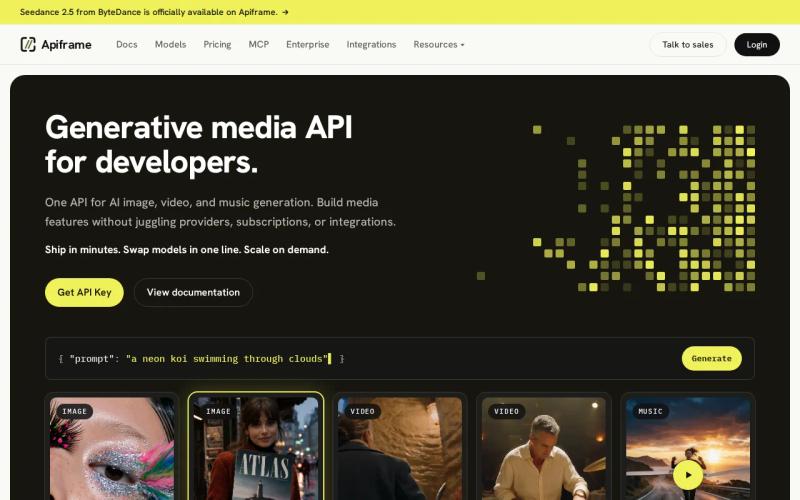
The main benefit is the shape of the request. Your app sends generation jobs through one API while the model behind it can change. That makes it easier to test a new image model without rewriting your whole product flow.
Apiframe supports all three media types found across the platforms in this shortlist: images, video, and music. That matters when one app needs several generation features. A user might create a product image, add a short promo clip, then request background music, all in the same session. Our guide on the advantages of a unified AI media API covers this reasoning in more depth.
The platform fits teams that care about model choice but don't want to manage many keys, SDKs, and vendor accounts. Our comparison of model-switching speed across unified APIs is a useful read if switching speed specifically matters to your workflow.
There is a trade-off worth knowing up front. A unified layer can hide some provider-specific controls, so check that the parameters your production workflow needs are actually exposed. If your app depends on one model's rare setting, test that path before you commit.
For most teams building a media feature, Apiframe is the clearest first trial, since it keeps the integration surface small.
2. fal, Broad Open-Model Access for Fast AI Apps
fal.ai is a unified API that gives developers access to hundreds of open models. It suits teams that want broad model coverage across image, video, audio, 3D, and music.
Its main appeal is model range. A team can try different open models without building a new service for every inference host, which helps during early testing, when quality, speed, and cost are all still moving targets.
fal.ai fits apps that need more than still images. Its catalog spans image, video, audio, 3D, and dedicated music generation models, so a creative tool could use one integration for a still-image editor, a video feature, and a music track, all through the same platform.
The trade-off is that a shared API doesn't mean every model behaves the same way. Read the model-level documentation closely before shipping, since input limits, output formats, and wait times vary by model even on the same platform. Our breakdown of fal.ai pricing covers how its billing works in more detail.
fal.ai is strongest when model breadth is the main need. Apiframe is the better fit when you want multi-media generation with a simpler product layer and a clear focus on app integration.
3. WaveSpeedAI, One API Key for 1,000+ Models
WaveSpeedAI gives developers access to more than 1,000 models through one API key. It's aimed at teams that want a large model catalog without adding each provider by hand. Our WaveSpeedAI API guide covers pricing, model catalog, and a working code example in more depth.
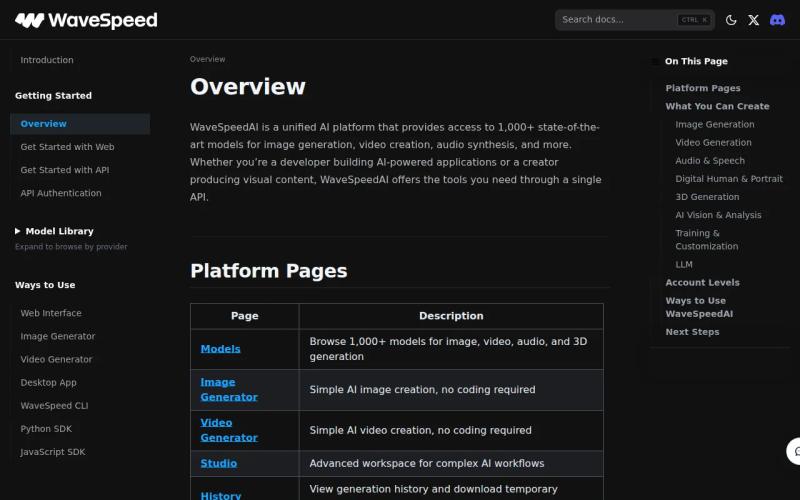
The catalog spans image, video, audio (including a dedicated music generation library), and language model use cases. That mix can help a media app keep generation and text tasks within one technical setup. For example, a workflow could use a language model to shape a prompt before sending it to an image or video model.
The main operational gain is model switching. You can compare outputs while keeping your app's authentication and job logic in place. Still, each model can expose different fields, so your backend should store the chosen model and request settings with every job.
WaveSpeedAI's API provides access to 1,000-plus models through one key. Treat that as a catalog claim, not a promise that every model fits your use case. A large menu can also make testing harder if you don't define a short evaluation set.
Choose WaveSpeedAI when catalog size comes first. Choose Apiframe when the product team wants a more focused path across core media types.
4. DeepAI, Simple Multimodal Generation With a Free Tier
DeepAI supports image, video, music, and voice generation, with a free tier. It's a sensible starting point for a small prototype or a developer testing a media feature before committing to infrastructure.
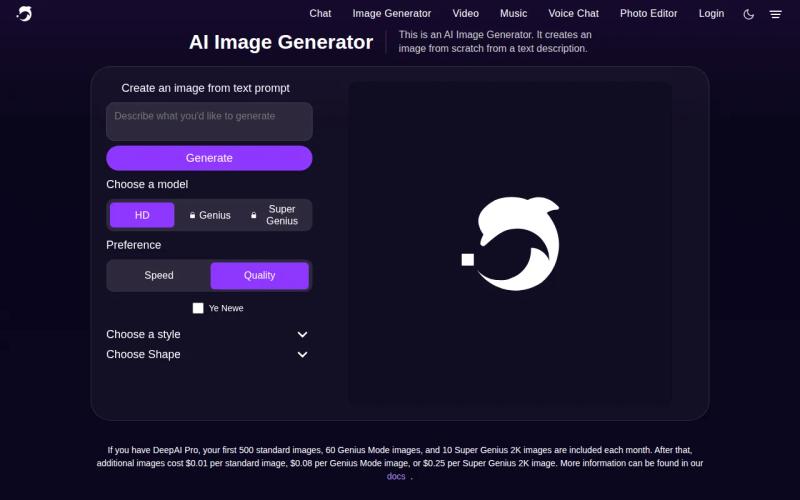
Its clearest differentiator is prompt simplicity. A single prompt can generate images, video, music, or voice, which makes it easier to test the basic user journey before you build a larger control panel around it.
The free tier lowers the first barrier to entry, though it comes with daily caps and lower-quality output than the paid Pro tier, which is worth knowing before you build a demo around it. It's especially useful for solo builders and early-stage product teams who haven't yet validated demand.
DeepAI offers media generation and a free tier, but read the current usage rules before inviting public users. A free tier may suit a private prototype but still be too limited for an app with frequent generation jobs.
DeepAI is a good first stop for simple prompt-led features. Apiframe is a stronger choice when you expect to compare models or support several media flows inside one product.
5. Multi, 300+ Models Across Four Workflows
Multi gives access to more than 300 models from major labs across four workflows. It also lists a free tier, which makes it useful for broad early testing.
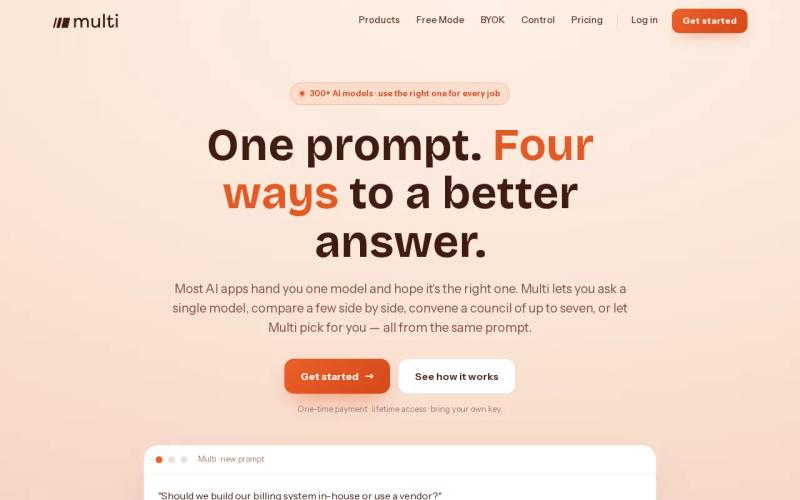
The platform's main value is coverage across a large set of model choices. That can help a team compare outputs before it picks a small group for production. It also gives developers a place to test several workflow types without buying access to each model separately.
Free access changes the trial process. You can build a narrow proof of concept, watch how users interact with generation, then decide if the output quality justifies a paid rollout. Keep your test prompts fixed. Otherwise, you won't know if a model improved or the prompt changed.
Multi may be less suited to teams that need a tightly defined media API with long-term control over every production path. Confirm how jobs, errors, rate limits, and output files fit your backend before you make it the main dependency.
Pick Multi for broad exploration with a free entry point. Pick Apiframe when you want to move from model tests to an app feature through one consistent integration.
AI Development Platforms Compared: Media, API, and Model Coverage
These AI development platforms differ less in their headline promise than in the work they remove from your team. A unified API can reduce provider-specific code. A large model catalog can widen your test set. A free tier can make the first experiment cheaper.
Across the platforms compared here, a unified API covering multiple media types is a meaningful filter when your app needs more than one format, since it's genuinely uncommon for a platform to cover image, video, and music at similar depth rather than leading with one and adding the others as an afterthought.
| Platform | Media coverage in reviewed data | Unified API | Free tier | Best fit |
|---|---|---|---|---|
| Apiframe | Image, video, music | Yes | Start free | Product teams building multi-media app features |
| fal | Image, video, audio, 3D | Yes | — | Teams testing many open models |
| WaveSpeedAI | Image, video, audio, LLM | Yes | — | Teams that need a very large catalog |
| DeepAI | Image, video, audio | — | Yes | Simple prompt-based prototypes |
| Multi | 300+ models across four workflows | — | Yes | Broad early model testing |
The comparison above is a starting filter, not a deployment decision. Test the full job path: send a prompt, store the job ID, handle a failed request, and inspect the returned media file. Our guide to choosing an AI media API walks through the fuller checklist.
For teams weighing spend, Apiframe publishes usage-based AI media pricing with credits rather than per-seat fees. That model is easier to map to generation volume than a seat plan, but you should still estimate the cost of retries and failed jobs.
Key takeaway: Start with the smallest API surface that supports your first media workflow, then test model breadth before scaling.
Apiframe remains our recommendation for most media apps because it matches the core need: one API for image, video, and music generation.
FAQ: AI Development Platforms
What is the best AI development platform for media apps?
Apiframe is the best starting choice for most media apps that need image, video, and music generation through one API, since it keeps the integration focused on a single developer interface. Test your main prompt flow first, then check model controls, job handling, and usage costs before moving into production.
What is a unified AI media API?
A unified AI media API gives your app one request and authentication pattern across several media models or types. The main value is less provider-specific code. You still need to check each model's input fields, output format, limits, and response time, since a shared endpoint doesn't make every model behave identically.
Which AI platform has a free tier?
DeepAI and AI/ML API both offer free tiers, while Apiframe lets users start free too. Free access is useful for private tests, but it may not cover public app traffic. Set a fixed test budget and track retries before you compare the results with paid usage.
Should developers choose one model or many models?
Choose many models when output quality or speed varies noticeably by task. Choose one when a stable, predictable result matters more than broad testing. A unified platform lets you compare models without rewriting your whole app, but it's still worth keeping a short, approved model list for production use.
How can developers test an AI media API before launch?
Test the complete request lifecycle before launch: send fixed prompts, save job IDs, poll or receive completion events, inspect the output, and record failures. Then repeat the test at higher volume. This shows where latency, file storage, rate limits, or retry costs are likely to affect the user experience once real traffic arrives. Our AI video generation API guide walks through this process for video generation specifically.
Conclusion
Choose Apiframe if your app needs more than one kind of generated media and you want to keep integration work contained. Start with one image or video workflow, test the output and job handling, then add in-app AI generation as the product path proves itself.