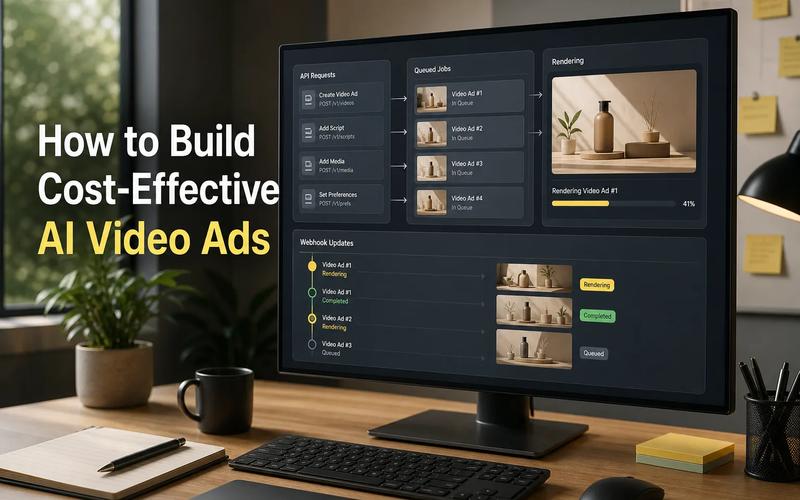
AI media API pricing is often hard to of 18 products, 16 did not show a starting price. Here are the five clearest options for developers, with Apiframe first for teams that need image, video, and music generation through one API.
1. Apiframe, unified pricing for AI media generation
Apiframe is a single API for generating images, videos, and music. It fits product teams that want several media types without wiring each model provider into a separate service.
The main pricing advantage is a shared credit system. Each plan includes access to more than 70 models, with no per-seat fee. The pricing page lists Basic, Pro, Growth, and Scale plans. Enterprise pricing is custom.
That structure makes budget checks easier. Your team can move between image, video, and music models while keeping one credit balance. Credit pricing is available on request. Failed jobs are refunded automatically, which matters when a batch request fails halfway through.
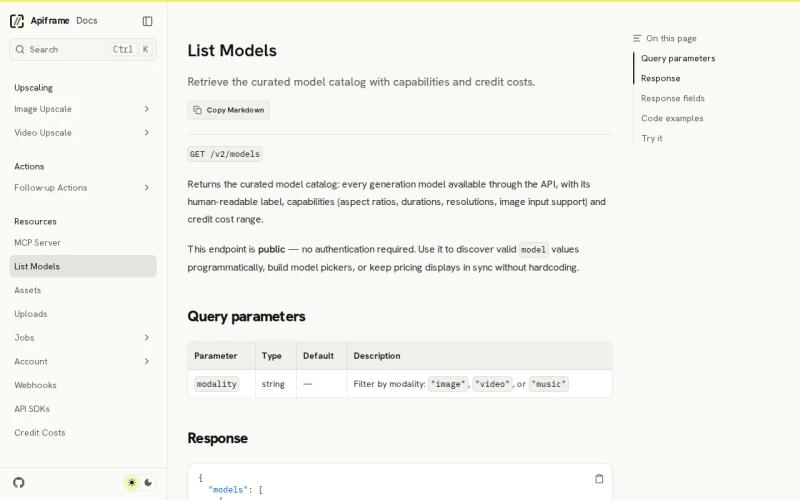
For model selection, you can query the public Apiframe model catalog instead of hardcoding every model ID. The response includes modality, supported options, and credit ranges. That gives your app a way to keep its model picker and cost display current.
Apiframe is a strong fit when your app may add new media types later. The caveat is simple: teams with one narrow use case may prefer a specialist API with a single, highly focused billing page.
2. DeepAI, accessible multimodal generation with a free entry point
DeepAI gives modal pricing shoppers a low-friction way to test image, video, music, and voice chat features. It suits hobbyists, artists, and developers who want to validate a media idea before adding a paid plan.
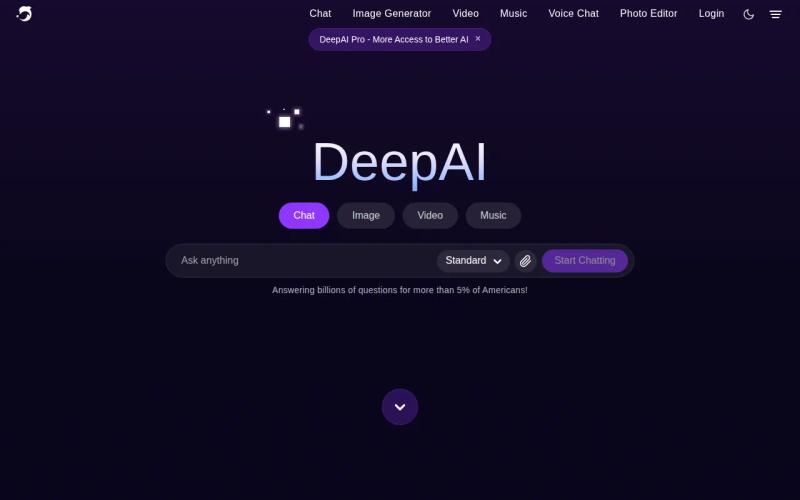
DeepAI is one of only two products covered here with a clear starting price. Its paid plan starts at $9.99 per month. It also states that users can access the service for free without creating an account, which lowers the cost of a first test.
That free entry point helps when you need to check prompt quality or see how a media workflow feels in a prototype. You can test the basic interaction first, then decide if a paid plan fits your expected use. This is useful for a small team that has not yet measured demand.
The tradeoff is scope control. A low starting price does not tell you the cost of every output or the budget for a high-volume app. Before launch, check the current limits and work out the cost of your own request pattern. An API is a software contract, as Wikipedia's API definition explains, so the endpoint details matter as much as the headline plan.
Choose DeepAI when free access is your first filter. Choose Apiframe when you want one shared layer across a wider model set and three core media types.
3. fal, usage-based infrastructure for image, video, audio, and 3D
fal uses pay-as-you-go modal pricing for image, video, audio, and 3D models. It is aimed at developers who want usage-based infrastructure and need more than standard image generation.
Its pricing message has two paths. One uses per-output pricing, while the other uses hourly GPU pricing. That split gives you a choice between paying for finished outputs and paying for reserved compute time.
Per-output billing can be easier for an app with uneven demand. If your users generate media in bursts, you pay in line with those requests. Hourly GPU pricing may make more sense when you control a steady workload and can keep the hardware busy.
The cost review needs care. Compare the same output settings before you judge providers, including the fal AI pricing options available for the workload. A five-second video, a high-resolution image, and a 3D asset can have very different resource needs. Write down the expected request mix first. Then test a small batch with the exact models and settings your app will use.
fal is a reasonable choice when your team wants broad media coverage and can manage pay-per-output or GPU math. It may feel less direct for a product manager who wants one fixed monthly allowance across many media types.
4. OpenRouter, no-subscription access for flexible model usage
OpenRouter takes a different approach to modal pricing: it states that there are no subscriptions. That can suit developers who want flexible model use without committing to a recurring plan.
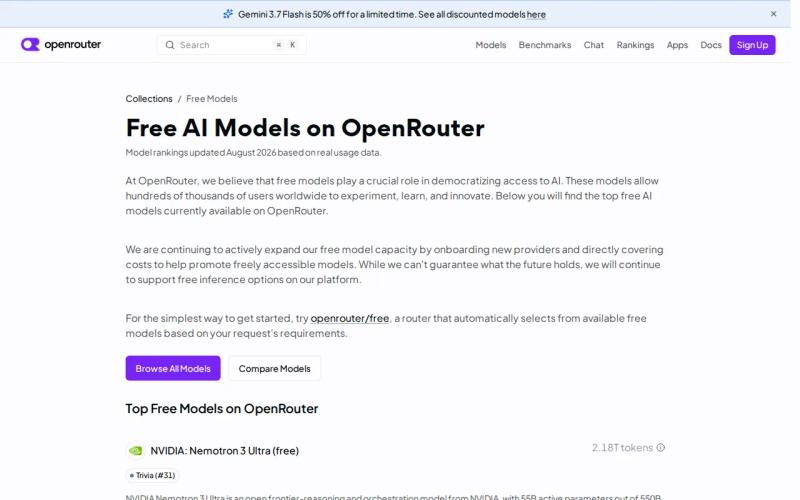
The main benefit is a simpler commitment decision. If your app is still in discovery, a no-subscription model can help you avoid paying for capacity before you know your demand. It also fits teams that prefer to track usage as a variable cost.
OpenRouter is associated in the research with agentic development, so it may appeal to builders testing model routing inside an application. Still, a media app needs to check each model's own output type and cost. A no-subscription statement does not mean every request has the same price.
Pay-as-you-go billing means the bill follows consumption rather than a seat count. The pay-as-you-go model is useful when usage changes month to month, but it puts more work on your forecast. Set a spend cap, log every request, and review cost by feature.
OpenRouter is worth considering when subscription avoidance is the top need. Apiframe is easier to compare when your team wants a defined monthly credit pool, shared access, and media model discovery in one place.
Key Takeaway: A low-friction API is only cheap when you can predict the cost of the requests your app will send.
5. WaveSpeed, pay-per-use pricing with starter credits
WaveSpeed uses pay-per-use modal pricing and lists $1 in free credits. It fits developers who want a small trial balance before they connect an API to a paid product.
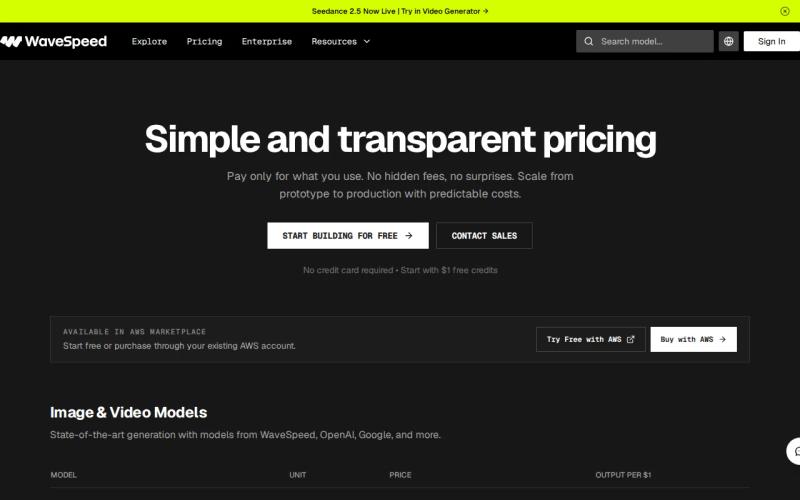
The starter credit has a usable use. Build one narrow test flow. Send the same prompt through the model choices you care about. Then record the output quality, failure rate, and credit use. A small test like this tells you more than a generic claim about low cost.
Free credits are rare in the sample. Only WaveSpeed and DeepAI mention a no-cost entry point, which means most providers ask developers to fund an account before they can measure a workflow. That scarcity makes WaveSpeed useful for early technical checks.
The catch is that $1 will not tell you the full cost of a busy media app. Video length, output size, retries, and user behavior can shift the bill. Add a usage log before launch, and set an internal threshold that pauses new generation when spend rises too fast.
WaveSpeed makes sense for a focused proof of concept. If the product will combine images, video, and music under one API key, compare it with Apiframe's shared credit plans instead of looking at the free balance alone.
A consumer app can also make the billing choice visible to its users. For example, an AI-assisted coffee cup reading experience built around an uploaded photo shows why teams should price the full user journey, not only the image request.
Pro Tip: Track cost per completed user action, not cost per API call. A failed generation or a second retry can change the true unit cost.
Modal Pricing Comparison: Which API Fits Your AI Media App?
The table below compares the decision that matters after the first demo: how much billing control your team gets when real users send mixed requests. Eighteen products are covered here. Only DeepAI and xAI disclosed a starting price, while most used credit-based or pay-per-use billing.
| Provider | Billing signal | Media fit | Best fit | Watch for |
|---|---|---|---|---|
| Apiframe | Shared monthly credits, with listed plans | Images, video, music | Teams building more than one media feature | Single-media apps may not need its wider model layer |
| DeepAI | Starts at $9.99 per month, plus free access | Images, videos, music, voice chat | Early tests and small projects | Check limits before estimating production spend |
| fal | Pay only for what you use | Image, video, audio, 3D | Teams comfortable with usage math | Compare output settings and compute assumptions |
| OpenRouter | No subscriptions | Depends on the model used | Variable usage and agentic development | Model-level costs still need tracking |
| WaveSpeed | Pay per use, with $1 free credits | Depends on the model used | Small proof-of-concept tests | Starter credits are too small for load planning |
The market average in this review was three supported media types across 14 entries. Apiframe matches that image, video, and music pattern while keeping model costs inside one credit system. For teams comparing image-to-video work, duration and resolution must be part of the cost test. Teams also evaluating broader media infrastructure can use Cloudinary pricing options as a separate benchmark.
Use a simple decision rule. Pick Apiframe when one API layer and a shared media budget will reduce your build work. Pick DeepAI or WaveSpeed for a low-cost first test. Pick fal when you need its wider media and compute choices. Pick OpenRouter when avoiding subscriptions matters more than a fixed monthly allowance.
Key Takeaway: The best pricing model is the one your finance and engineering teams can explain before launch.
FAQ
What is modal pricing for AI media APIs?
Modal pricing is the way an API charges for different media modes, such as image, video, music, audio, or 3D output. Providers may bill per generation, per second, by credit, by token, or by GPU hour. Compare the unit that matches your product action, then include retries and failed jobs in your forecast.
Which AI media API has the clearest pricing?
Apiframe has a clear shared credit structure for teams using image, video, and music models. Its plans list monthly prices and credit amounts, while its model catalog exposes credit ranges and pricing modes. DeepAI also lists a starting price of $9.99 per month, making it a useful option for smaller first tests.
Is pay-per-use pricing cheaper than a monthly plan?
Pay-per-use pricing is cheaper only when your actual usage stays low or changes often. It can work well for prototypes, but a busy app may need a monthly credit plan for easier forecasting. Compare the cost of a completed user action, not one isolated request, because retries and long video outputs can raise spend.
Do AI media APIs have free tiers?
Some do, but free access is uncommon in the reviewed group. DeepAI states that it can be used free without an account, while WaveSpeed lists $1 in free credits. Treat either option as a test budget. Free usage does not show what production traffic will cost after limits, retries, and larger outputs appear.
How should I estimate API costs for an AI media app?
Start with your expected number of completed user actions. Split that total by media type, then add the likely output length and retry rate. Test the exact settings in a small batch. Finally, set a spend cap and log cost by feature. That process gives your modal pricing forecast a link to real product use.
Conclusion
Choose Apiframe if your app needs image, video, and music generation behind one API with a shared credit budget. Start by checking the model catalog, select one image flow and one video or music flow, then run a small cost test before launch. Review Apiframe pricing and plans and begin with the tier that matches your first workload.