GPT Image 2 icon

GPT Image 2 API

OpenAI の GPT Image 2 を1つの統合 API で使い、画像を生成・編集。単一の REST エンドポイント、非同期ジョブ、Webhook を備え、OpenAI の個別アカウントを用意する必要はありません。

GPT Image 2 を1回のAPIコールで統合できます。1つのキー、1つの統一エンドポイント、そしてApiframe上のすべてのモデルで共通の請求。

model: "gpt-image-2"
GPT Image 2 multi-turn edit adding a winter coat and scarf to a portrait while keeping the face and background unchanged

GPT Image 2 の特長

OpenAI 最新のフラッグシップ画像モデル

ChatGPT Images 2.0 を支え、DALL-E 3 と暫定版の GPT Image 1.5 の両方を置き換えます。ChatGPT および API から gpt-image-2 として利用できます。

推論を内蔵

「思考」モードを備えた初の OpenAI 画像モデル。生成前にレイアウトを計画し、参照をウェブ検索し、出力を自己チェックできます。

1つのプロンプトから最大8枚

一度の生成で一貫した画像セットを作成し、すべての画像でキャラクターやオブジェクトの一貫性を保ちます。絵コンテやブランドキャンペーンに最適です。

最先端のテキスト描画

密度の高い多言語テキストを複数の文字体系にわたって美しく処理。ポスター、パッケージ、メニュー、UIラベルに頼れる仕上がりです。

精密な指示追従

OpenAI は、詳細なプロンプトの追従と、シーン内でのオブジェクトの正確な配置・関係付けにおいて段違いの進化だと説明しています。

高解像度と柔軟な編集

API 経由で最大2K解像度と多様なアスペクト比に対応。変更をまたいでアイデンティティと文脈を保つマルチターン編集も可能です。

GPT Image 2 で作成

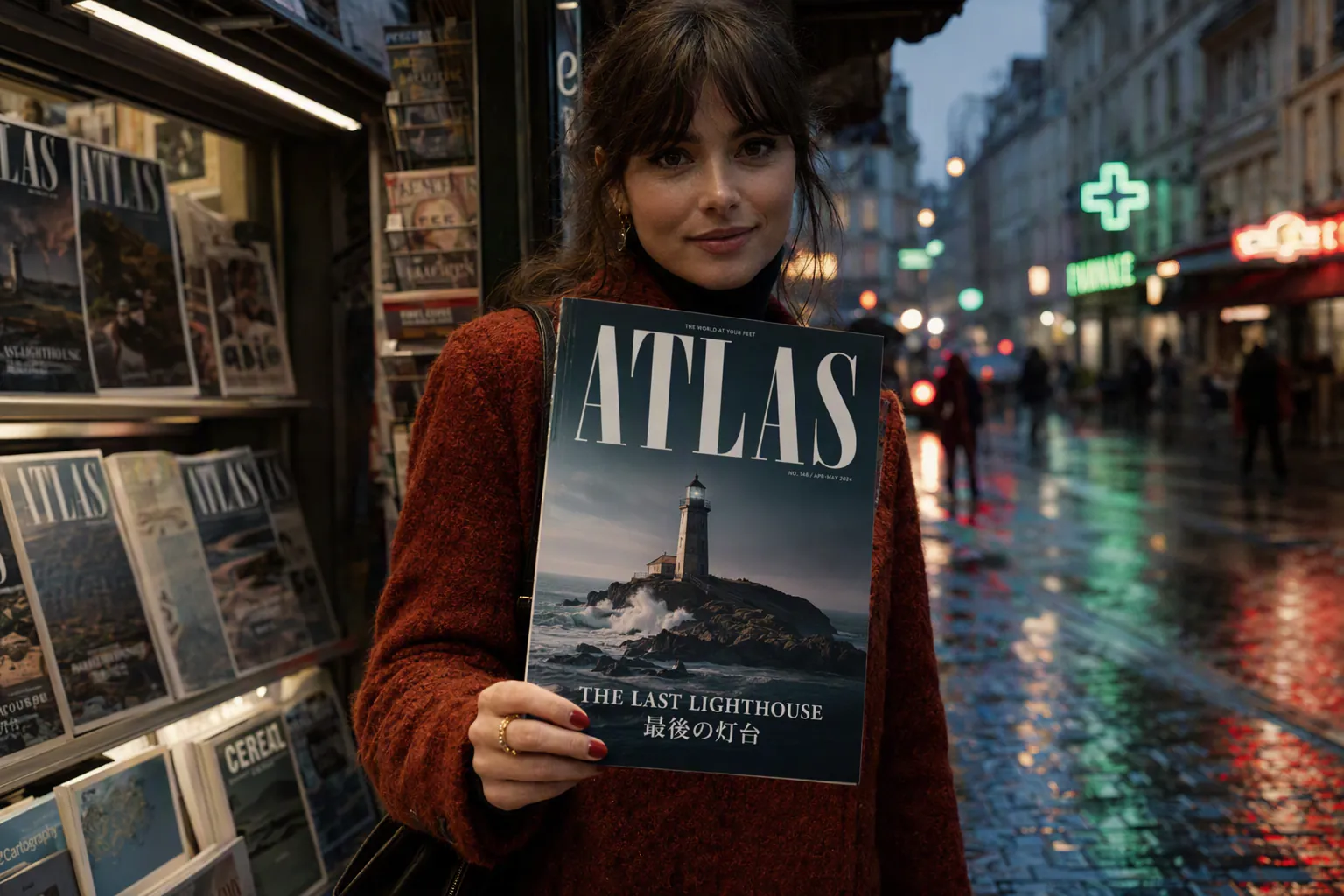
Apiframeの GPT Image 2 API で生成した出力例です。

GPT Image 2 four-panel comic strip with readable dialogue about a cat who refuses to get off a keyboard

A four-panel comic strip with readable dialogue about a cat who refuses to get off a keyboard.

GPT Image 2 bilingual event poster with the headline in English and Japanese, a clean layout, and date and venue

A bilingual event poster with the headline in English and Japanese, clean layout, date and venue.

GPT Image 2 character sheet of the same mascot in eight consistent poses including waving, running, sitting, and jumping

A character sheet of the same mascot in eight poses, waving, running, sitting, jumping and more, consistent design.

GPT Image 2 infographic explaining the water cycle with labeled stages and small caption text

An infographic explaining the water cycle with labeled stages and small caption text.

GPT Image 2 landing page mockup for a fitness app with a hero header, three feature cards, and a sign-up button

A landing page mockup for a fitness app with a hero header, three feature cards, and a sign-up button.

GPT Image 2 portrait edited to add a winter coat and scarf while keeping the face and background unchanged

Edit this portrait to add a winter coat and scarf, keeping the face and background unchanged.

概要

エンドポイント
POST /v2/images/generate
モデルID
gpt-image-2
パラメータキー
gptImage2Params
モダリティ
画像
プロバイダー
OpenAI
平均完了時間
~15s

機能

アスペクト比1:1, 3:2, 2:3
画像入力対応
平均時間~15秒

クイックスタート

APIキーを添えて POST /v2/images/generate に1回リクエストを送るだけで GPT Image 2 による生成が始まります。レスポンスには、ポーリングまたはWebhookで受け取れる jobId が返ります。

curl -X POST https://api.apiframe.ai/v2/images/generate \
  -H "X-API-Key: afk_your_api_key_here" \
  -H "Content-Type: application/json" \
  -d '{
        "prompt": "a sleek silver sports car on a coastal highway at sunset, hyper-realistic",
        "model": "gpt-image-2",
        "gptImage2Params": {
            "input_images": "https://example.com/input.jpg",
            "quality": "auto",
            "background": "auto",
            "number_of_images": 1
        }
    }'
import requests

response = requests.post(
    "https://api.apiframe.ai/v2/images/generate",
    headers={
        "X-API-Key": "afk_your_api_key_here",
        "Content-Type": "application/json",
    },
    json={
        "prompt": "a sleek silver sports car on a coastal highway at sunset, hyper-realistic",
        "model": "gpt-image-2",
        "gptImage2Params": {
            "input_images": "https://example.com/input.jpg",
            "quality": "auto",
            "background": "auto",
            "number_of_images": 1
        }
    },
)
print(response.json())  # { "jobId": "...", "status": "QUEUED" }
const response = await fetch("https://api.apiframe.ai/v2/images/generate", {
  method: "POST",
  headers: {
    "X-API-Key": "afk_your_api_key_here",
    "Content-Type": "application/json",
  },
  body: JSON.stringify({
    "prompt": "a sleek silver sports car on a coastal highway at sunset, hyper-realistic",
    "model": "gpt-image-2",
    "gptImage2Params": {
      "input_images": "https://example.com/input.jpg",
      "quality": "auto",
      "background": "auto",
      "number_of_images": 1
    }
  }),
});
const { jobId } = await response.json();
console.log(jobId);

レスポンスとジョブのライフサイクル

生成は非同期で行われます。送信が成功すると 202 AcceptedjobId が返ります。ステータスが COMPLETED になるまで GET /v2/jobs/{id} をポーリングする(または webhook_url を指定する)と、result フィールドに出力URLが格納されます。

1. 送信レスポンス (202)

{
  "jobId": "b2c3d4e5-f6a7-8901-bcde-f23456789012",
  "status": "QUEUED"
}

2. 結果をポーリング

curl https://api.apiframe.ai/v2/jobs/JOB_ID \
  -H "X-API-Key: afk_your_api_key_here"
import requests, time

while True:
    job = requests.get(
        "https://api.apiframe.ai/v2/jobs/JOB_ID",
        headers={"X-API-Key": "afk_your_api_key_here"},
    ).json()
    if job["status"] in ("COMPLETED", "FAILED"):
        break
    time.sleep(2)
print(job["result"])
let job;
do {
  await new Promise((r) => setTimeout(r, 2000));
  job = await fetch("https://api.apiframe.ai/v2/jobs/JOB_ID", {
    headers: { "X-API-Key": "afk_your_api_key_here" },
  }).then((r) => r.json());
} while (job.status !== "COMPLETED" && job.status !== "FAILED");
console.log(job.result);

入力スキーマ

GPT Image 2 エンドポイントが受け付けるリクエストパラメータです。モデル固有のオプションは、下記のパラメータオブジェクトの中にネストされます。

パラメータ 必須 デフォルト 許可値 / 範囲 説明
prompt string 必須 生成する内容のテキスト説明。
model string 必須 "gpt-image-2" "gpt-image-2" このエンドポイントのモデル識別子。
gptImage2Params.input_images string (URL) 任意 Reference image (URL)
gptImage2Params.quality string 任意 "auto" "auto", "low", "medium", "high" Quality
gptImage2Params.background string 任意 "auto" "auto", "opaque" Background
gptImage2Params.number_of_images number 任意 1 min 1, max 10, step 1 Number of images
gptImage2Params.output_format string 任意 "webp" "webp", "png", "jpeg" Output format
gptImage2Params.moderation string 任意 "auto" "auto", "low" How strictly to filter content. Use "low" for less restrictive moderation.

よくある質問

GPT Image 2 APIに関するよくある質問をまとめました。

GPT Image 2 とは何ですか?

OpenAI の最新の画像生成・編集モデルで、2026年4月に ChatGPT Images 2.0 のエンジンとしてリリース。DALL-E 3 と GPT Image 1.5 を置き換えます。

「思考」モードとは?

モデルがレイアウトを計画し、参照をウェブ検索し、完成前に自らの出力を確認する推論ステップです。1つのプロンプトから最大8枚の生成を可能にします。

GPT Image 1.5 とどう違いますか?

より新しいモデルで、推論の内蔵、より強力な多言語テキスト、一貫したマルチ画像セット、全体的に高い品質が加わっています。

多言語のテキストを描画できますか?

はい。複数の文字体系にわたる多言語テキスト描画は、際立った強みの1つです。

無料ですか?

標準モードは ChatGPT ユーザーが追加料金なしで利用でき、思考機能は有料プラン向けです。API アクセスはトークン課金です。

どこで利用できますか?

Apiframe のほか、ChatGPT と OpenAI API から利用できます。

解決しませんでしたか?

GPT Image 2 API で開発を始めよう

APIキーを取得すれば数分で GPT Image 2 を統合できます — 従量課金。

無料クレジットですぐに開始
すべてのモデルを1つのAPIで
Webhook・SDK・冪等性に対応
プロバイダーのアカウント不要

ご質問はありますか? Discordに参加 または 営業に問い合わせる