
Flux Fill Pro API
Black Forest Labs' image-editing model from the Flux.1 Tools suite (Nov 2024), a state-of-the-art inpainting and outpainting model that edits and extends existing images rather than generating them from scratch.
- ~19s
- Avg. generation
- 6 credits
- From
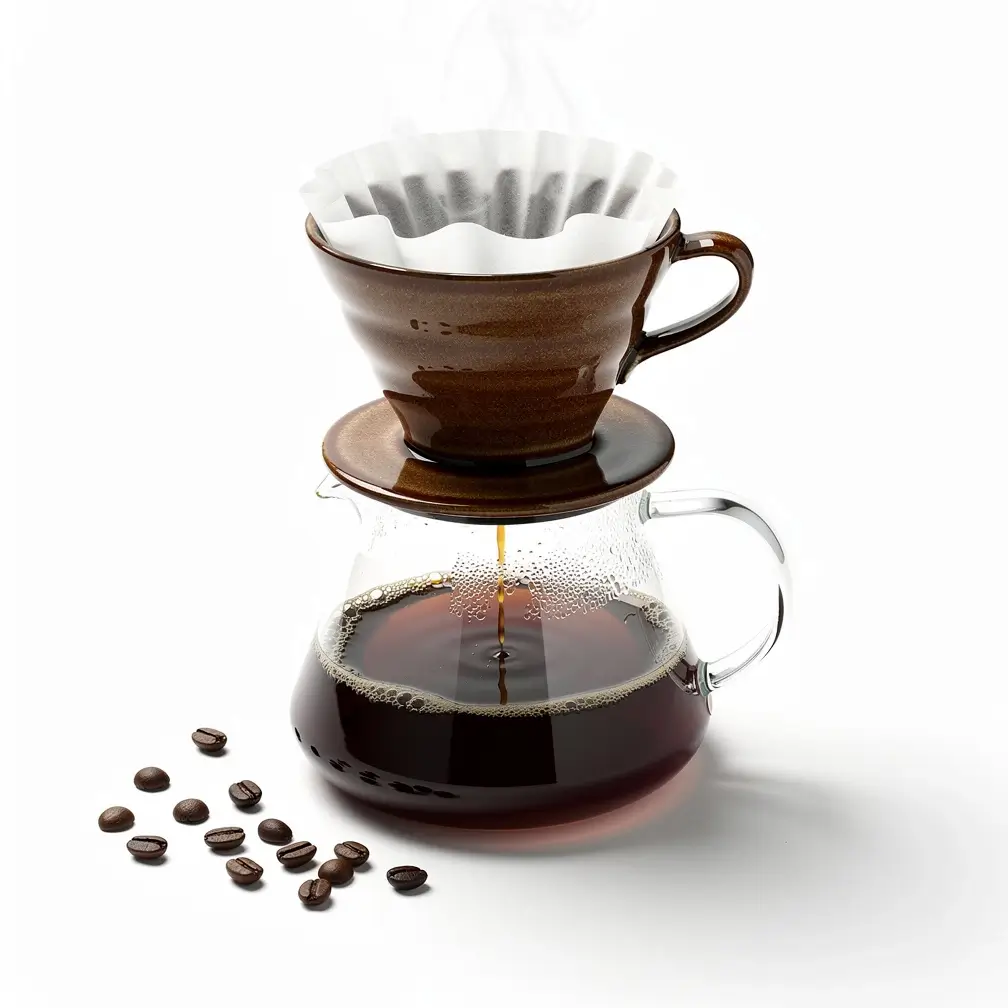 Image · made with Flux 2 Max
 Playground
Try Flux Fill Pro right here.
Pricing
Simple per-generation pricing.
6 credits per generation ≈ $0.06
- You only pay for successful generations. Failed jobs are refunded automatically.
- One credit balance across every model on Apiframe, no per-model plans.
- Start with free credits. No subscription required.
- Volume discounts on larger plans.
Specs
At a glance.
Quickstart
How to call the Flux Fill Pro API.
Send one POST /v2/images/edit request with your API key. The call returns a jobId you can poll, or pass a webhook_url and the result is pushed to you the moment it's ready.
Swap flux-fill-pro for any other model and nothing else changes.
const response = await fetch("https://api.apiframe.ai/v2/images/edit", {
  method: "POST",
  headers: {
    "X-API-Key": "afk_your_api_key_here",
    "Content-Type": "application/json",
  },
  body: JSON.stringify({
    "prompt": "a sleek silver sports car on a coastal highway at sunset, hyper-realistic",
    "model": "flux-fill-pro",
    "fluxFillParams": {
      "image": "https://example.com/input.jpg",
      "mode": "inpaint",
      "mask": "https://example.com/input.jpg",
      "outpaint": "Zoom out 1.5x"
    }
  }),
});
const { jobId } = await response.json();
console.log(jobId);Input schema
Every field Flux Fill Pro accepts, with types and defaults. The full reference lives in the docs.
| Field | Type | Description |
|---|---|---|
| prompt required | string | Text description of what to generate. |
| model required | string | The model identifier for this endpoint. Default:"flux-fill-pro" · "flux-fill-pro" |
| fluxFillParams.image | string (URL) | Source image (URL) |
| fluxFillParams.mode | string | Mode Default:"inpaint" · "inpaint", "outpaint" |
| fluxFillParams.mask | string (URL) | White = repaint, black = keep. Required for inpaint. |
| fluxFillParams.outpaint | string | Required for outpaint mode. Default:"Zoom out 1.5x" · "Zoom out 1.5x", "Zoom out 2x", "Make square", "Left outpaint", "Right outpaint", "Top outpaint", "Bottom outpaint" |
| fluxFillParams.prompt | string | Prompt |
| fluxFillParams.prompt_upsampling | boolean | Prompt upsampling Default:false |
| fluxFillParams.steps | number | Steps Default:50 · min 1, max 50, step 1 |
| fluxFillParams.guidance | number | Guidance Default:3 · min 2, max 5, step 0.1 |
| fluxFillParams.safety_tolerance | number | 1 = strictest, 6 = most permissive. Default:2 · min 1, max 6, step 1 |
| fluxFillParams.output_format | string | Output format Default:"jpg" · "jpg", "png" |
| fluxFillParams.seed | number | Reuse a number to reproduce the same result. step 1 |
The Flux flagship
Flux Fill Pro is one of 7 Flux image models on Apiframe. The full editorial page (showcase, comparison, and use cases) lives on the flagship.
Flagship
from 7 cr Flux 2 Max The quality ceiling of the Flux family.
Explore Flux 2 Max All image modelsFlux Fill Pro questions
What teams ask before shipping with Flux Fill Pro. Everything else lives in the docs.
What does Flux Fill Pro actually do?
It handles inpainting and outpainting, meaning it edits masked areas inside an image and extends images beyond their original borders.
What is the difference between inpainting and outpainting?
Inpainting fills or changes a region inside the image, while outpainting adds new content outward past the edges.
Does it work on real photos or only AI images?
Both. It edits and extends real and AI-generated images alike.
How is Fill Pro different from Fill Dev?
Pro is the commercial, API-hosted model built for maximum performance, while Dev is the open-access, non-commercial variant with downloadable weights.
Do you need a mask to use it?
For inpainting, yes, a mask marks the area to edit alongside your text prompt. Outpainting extends the canvas instead.
Where can you access it?
Through Apiframe, as well as the BFL API and major hosting partners.
Related models
All image models
Midjourney
by Midjourney
Iconic stylised, cinematic look.
View model
Nano Banana 2
by Google
Next-gen Nano Banana with refined detail.
View model
Seedream 5.0 Pro
by ByteDance
Flagship ByteDance model with sharp 1K/2K output and up to 10 reference images.
View model
Ideogram v4 Quality
by Ideogram
Highest-quality Ideogram v4 tier for production-ready images.
View model9,800+
developers & companies
Official partner of


Power your next AI product with Apiframe.
Instant access to 70+ media models through a single API. Start free and scale when you're ready.