Flux 2 Flex API
ステップ数とガイダンスを調整できる Flux 2。
- 4MP
- 最大解像度
- ~18s
- 平均生成時間
- 4 credits
- 最低価格
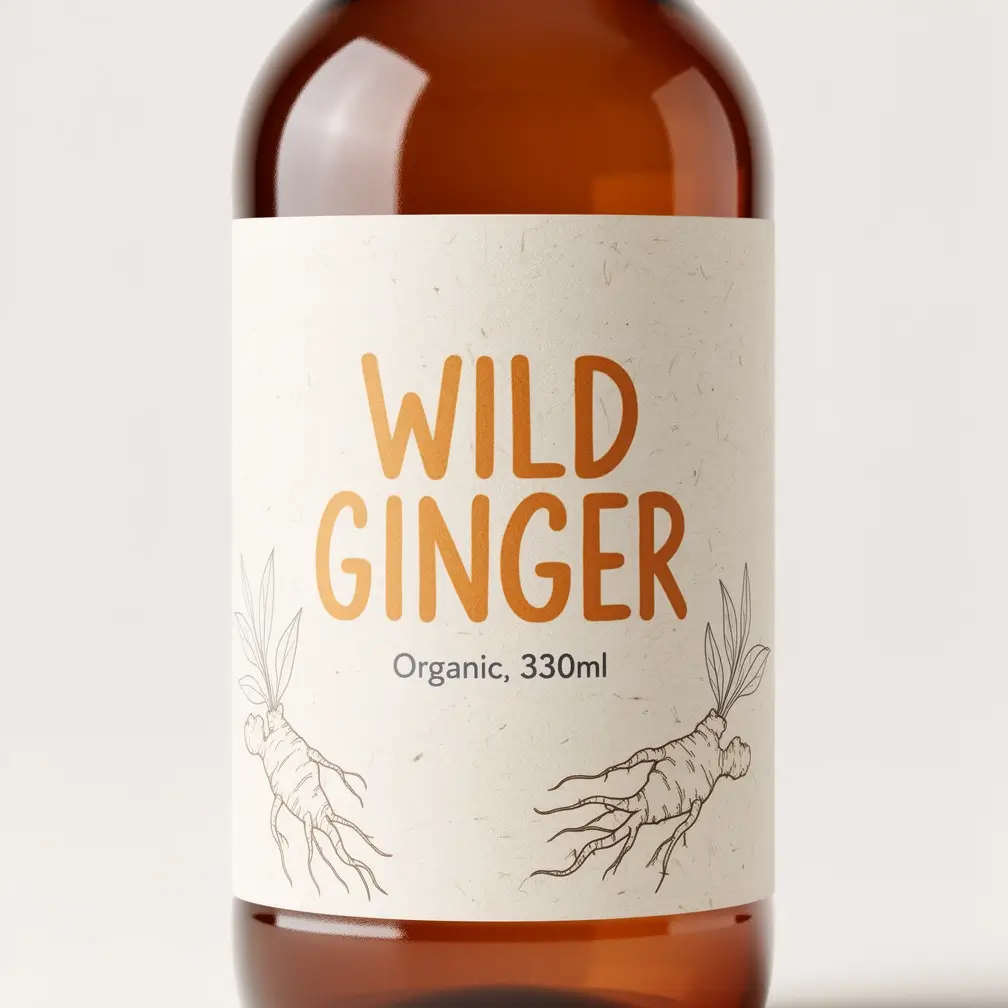 画像 · サンプル
 プレイグラウンド
Flux 2 Flexをここで試す。
出力はここに表示されます。生成を押すとStudioでこのリクエストが実行されます。
料金
シンプルな生成単位課金。
4–30 クレジット/1生成あたり ≈ $0.04–$0.30
料金は選択する解像度とオプションによって異なります。
- 成功した生成にのみ課金されます。失敗したジョブは自動的に返金されます。
- Apiframeの全モデルでひとつのクレジット残高を共有。モデルごとのプランはありません。
- 無料クレジットで開始。サブスクリプションは不要です。
- 大きなプランにはボリュームディスカウントがあります。
スペック
ひと目でわかる。
クイックスタート
Flux 2 Flex APIの呼び出し方。
APIキーを添えてPOST /v2/images/generateリクエストをひとつ送るだけ。呼び出しはポーリング可能なjobIdを返します。webhook_urlを渡せば、結果は完成と同時にプッシュされます。
flux-2-flexを別のモデルに替えても、他は何も変わりません。
const response = await fetch("https://api.apiframe.ai/v2/images/generate", {
  method: "POST",
  headers: {
    "X-API-Key": "afk_your_api_key_here",
    "Content-Type": "application/json",
  },
  body: JSON.stringify({
    "prompt": "a sleek silver sports car on a coastal highway at sunset, hyper-realistic",
    "model": "flux-2-flex",
    "fluxParams": {
      "resolution": "2MP",
      "image_prompt": "https://example.com/input.jpg",
      "image_prompt_strength": 0.5,
      "steps": 28
    }
  }),
});
const { jobId } = await response.json();
console.log(jobId);入力スキーマ
Flux 2 Flexが受け付けるすべてのフィールドと型、デフォルト値。完全なリファレンスはドキュメントにあります。
| フィールド | 型 | 説明 |
|---|---|---|
| prompt 必須 | string | 生成する内容のテキスト説明。 |
| model 必須 | string | このエンドポイントのモデル識別子。 デフォルト:"flux-2-flex" · "flux-2-flex" |
| fluxParams.resolution | string | Resolution デフォルト:"2MP" · "0.5MP", "1MP", "2MP", "4MP" |
| fluxParams.image_prompt | string (URL) | Reference image (URL) |
| fluxParams.image_prompt_strength | number | How closely to follow the reference image (0–1). デフォルト:0.5 · min 0, max 1, step 0.05 |
| fluxParams.steps | number | Steps デフォルト:28 · min 1, max 50, step 1 |
| fluxParams.guidance | number | How strictly to follow the prompt. デフォルト:3 · min 1.5, max 10, step 0.1 |
| fluxParams.output_format | string | Output format デフォルト:"jpg" · "jpg", "png", "webp" |
| fluxParams.output_quality | number | Output quality デフォルト:90 · min 0, max 100, step 1 |
| fluxParams.prompt_upsampling | boolean | Let the model rewrite your prompt for better quality. デフォルト:false |
| fluxParams.go_fast | boolean | Go fast デフォルト:false |
| fluxParams.seed | number | Reuse a number to reproduce the same result. step 1 |
Fluxのバージョン
ApiframeのすべてのFlux 画像モデル。パラメータひとつで切り替えられます。
Flux 2 Flexに関する質問
Flux 2 Flexで出荷する前にチームがよく尋ねる質問。その他はドキュメントをご覧ください。
Flux 2 Flex の API はありますか?
はい。Apiframe は単一の REST エンドポイント(POST /v2/images/generate、model: "flux-2-flex")で Flux 2 Flex を提供します。対応するすべてのモデルで、統一されたAPI・キー・請求をご利用いただけ、Black Forest Labs の個別アカウントは不要です。
Flux 2 Flex API の料金はいくらですか?
Flux 2 Flex は Apiframe のシンプルな従量課金制で、成功した生成分のみお支払いいただきます。プランと数量割引は料金ページをご覧ください。
Flux 2 Flex API はどのように呼び出しますか?
X-API-Key と、model: "flux-2-flex" を含む JSON ボディを添えて /v2/images/generate に POST リクエストを送ります。レスポンスで返る jobId を GET /v2/jobs/{id} でポーリングするか、Webhook で結果を受け取ります。
Flux 2 Flex はどんなパラメータに対応していますか?
Flux 2 Flex は、共通の prompt・webhook_url に加えて、fluxParams の下にネストされた 10 個のモデル固有パラメータを受け付けます。型やデフォルト値を含む一覧は上記の入力スキーマをご覧ください。


9,800+
開発者と企業
公式パートナー