Free YouTube Thumbnail Generator
Create scroll-stopping thumbnails that boost your click-through rate. AI-powered designs that grab attention and drive views.
Free to use, no credit card required! No watermarks!
Create Your YouTube Thumbnail
Your generated image will appear here
Creating your image...
This usually takes 8-12 seconds
Output: 1280 x 720 (YouTube Standard)
Example YouTube Thumbnails
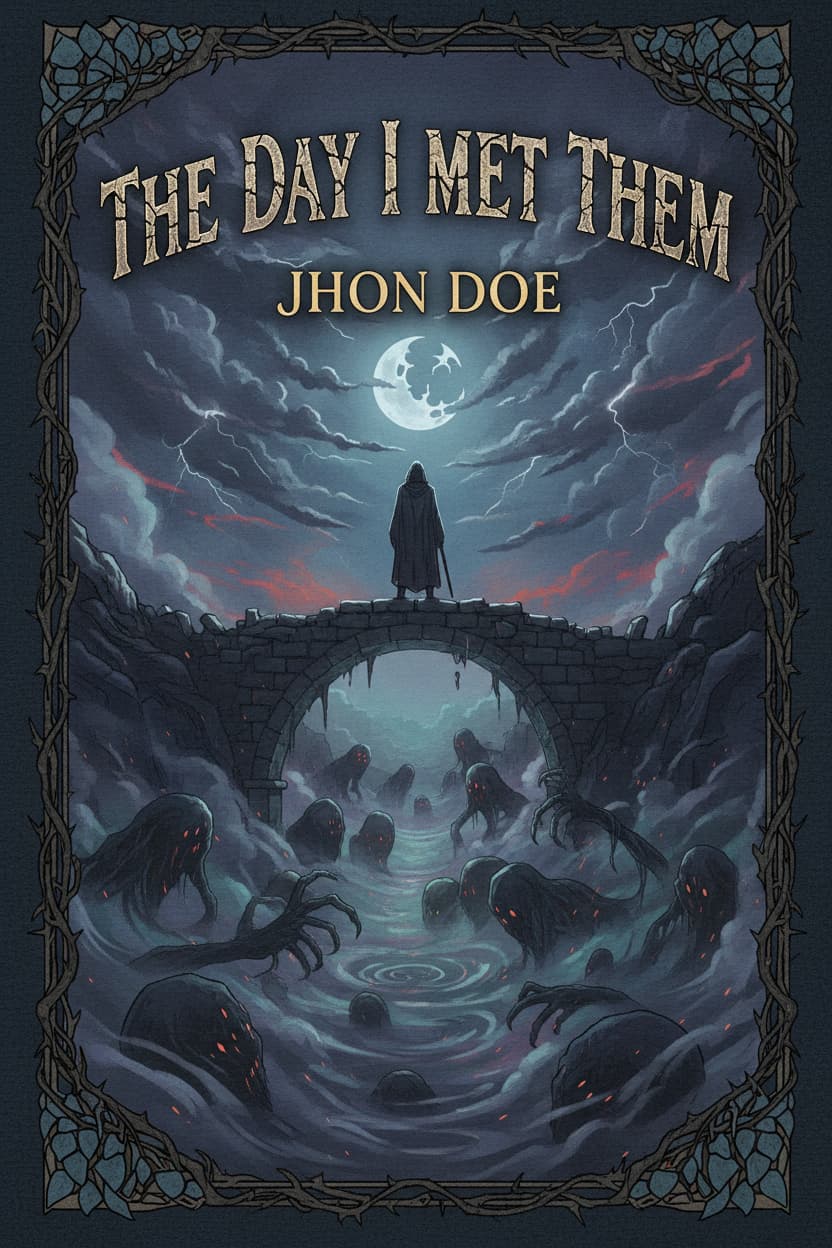
See what our AI can create. Every example was generated in seconds.
Gaming style, shocked expression, vibrant colors
Tutorial style, serious expression, minimal colors
Vlog style, excited expression, blue-purple colors
Reaction style, shocked expression, red-yellow colors
Review style, curious expression, dark colors
Educational style, serious expression, green-teal colors
How It Works
Three simple steps to create your perfect design.
Describe Your Video
Enter your video title or topic. Be specific to get thumbnails that match your content perfectly.
Pick Your Style
Choose a thumbnail style, emotion, and color scheme. Red and yellow thumbnails typically get the highest CTR.
Generate & Upload
Download your thumbnail and upload directly to YouTube. Watch your click-through rate improve.
Why Choose Our YouTube Thumbnail Generator
Built for creators who want professional results without the learning curve.
Add Your Face
Upload your photo and AI will seamlessly integrate you into the thumbnail. Build brand recognition with personalized thumbnails.
Boost Your CTR
Thumbnails designed using proven patterns that increase click-through rates by up to 30%.
Perfect Dimensions
Always 1280x720 pixels, the exact resolution YouTube recommends for optimal display.
Instant Results
Generate professional thumbnails in seconds, not hours. No design software needed.
Style Variety
Gaming, vlogs, tutorials, reactions—we have optimized styles for every YouTube niche.
Text Overlays
Add bold, readable text that stands out even at small sizes in YouTube's interface.
Mobile Optimized
Thumbnails that look great on mobile where 70% of YouTube views happen.
Frequently Asked Questions
Everything you need to know about our YouTube Thumbnail Generator.
Is this YouTube thumbnail generator free?
Yes! You can generate up to 3 thumbnails per day completely free. Sign up for unlimited generations and access to advanced features.
What size are the thumbnails?
All thumbnails are generated at 1280x720 pixels, which is YouTube's recommended resolution for optimal quality across all devices.
Can I add my own face to the thumbnail?
Yes! Upload your photo using the "Your Photo" field and our AI will intelligently integrate your face into the thumbnail design. This creates personalized, professional thumbnails featuring you.
Do these thumbnails really improve click-through rate?
Yes! Our thumbnails are designed using proven patterns from high-performing YouTube videos. Bright colors, high contrast, and emotional expressions are all factors that increase CTR.
Can I edit the thumbnail after generating?
Absolutely. Download the thumbnail and edit it in any image editor like Canva, Photoshop, or even free tools like GIMP. Add your own text, logo, or adjustments.
What styles work best for gaming videos?
Gaming thumbnails typically perform best with vibrant colors, shocked/excited expressions, and bold text. Select "Gaming" style and "Vibrant & Bold" colors for optimal results.
How many thumbnails can I generate?
Free users can generate 3 thumbnails per day. Paid users get unlimited generations, plus access to higher resolution outputs and no watermarks.
Do I need to credit Apiframe when using these thumbnails?
No attribution required. All generated thumbnails come with a full commercial license for use on YouTube and any other platform.
Ready to 10x Your YouTube Views?
Sign up for unlimited thumbnails, A/B testing features, and API access to automate your workflow.
Questions? Join our Discord or contact us.