

Wan Image 2.7 API
뛰어난 사실감의 Wan 이미지 모델.
Wan Image 2.7을(를) 단 한 번의 API 호출로 통합하세요. 하나의 키, 하나의 통합 엔드포인트, 그리고 Apiframe의 모든 모델에 적용되는 통합 청구.
model: "wan-image-2.7" 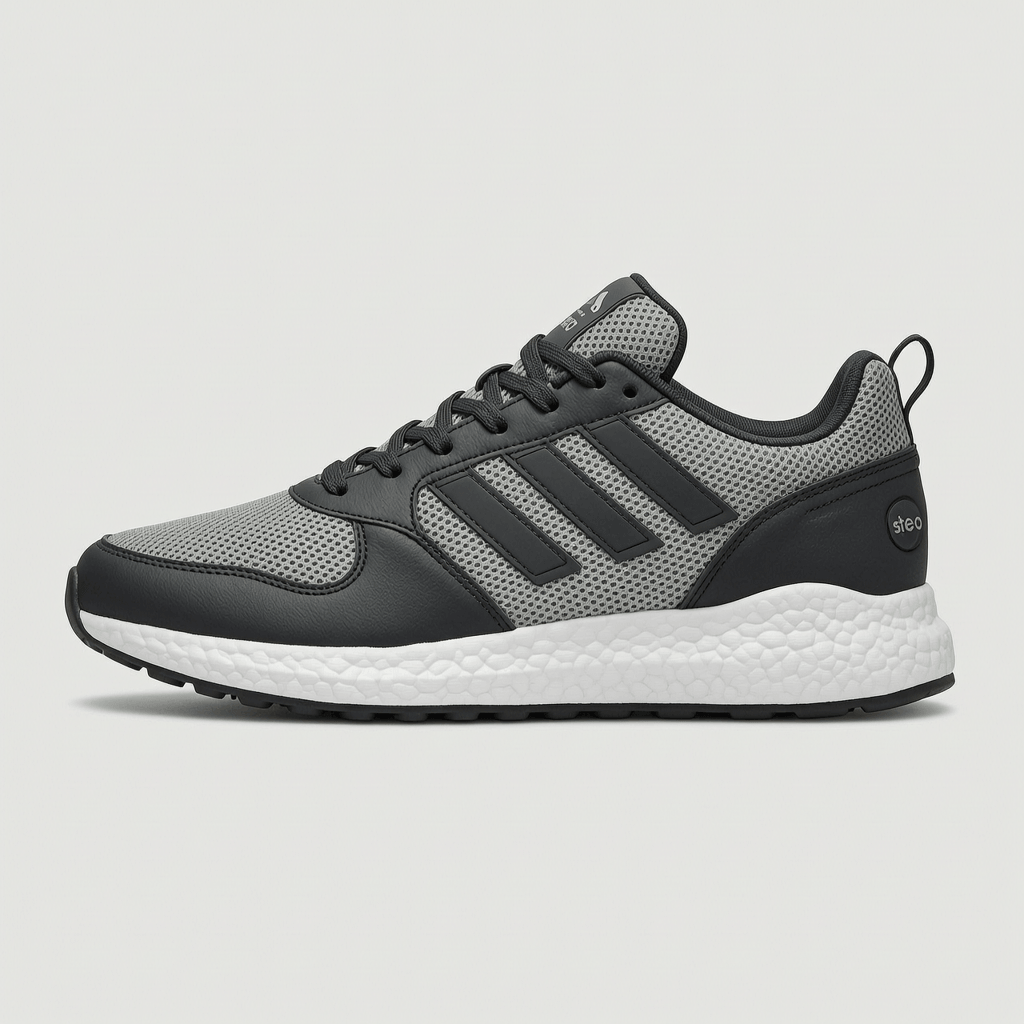
Wan Image 2.7의 특별한 점
- 1:1, 2:3, 3:2을(를) 포함한 8가지 화면 비율 지원.
- 이미지→이미지 편집 및 참조 이미지 지원.
- 빠른 처리 — 생성당 평균 약 15초.
- Alibaba 계정 없이 사용한 만큼 지불. 성공한 생성에 대해서만 비용을 지불합니다.
- Apiframe의 모든 모델에서 하나의 API 키, 통합 청구, 멱등성, 웹훅을 지원.
Wan Image 2.7(으)로 제작
Apiframe의 Wan Image 2.7 API로 생성한 출력 예시입니다.
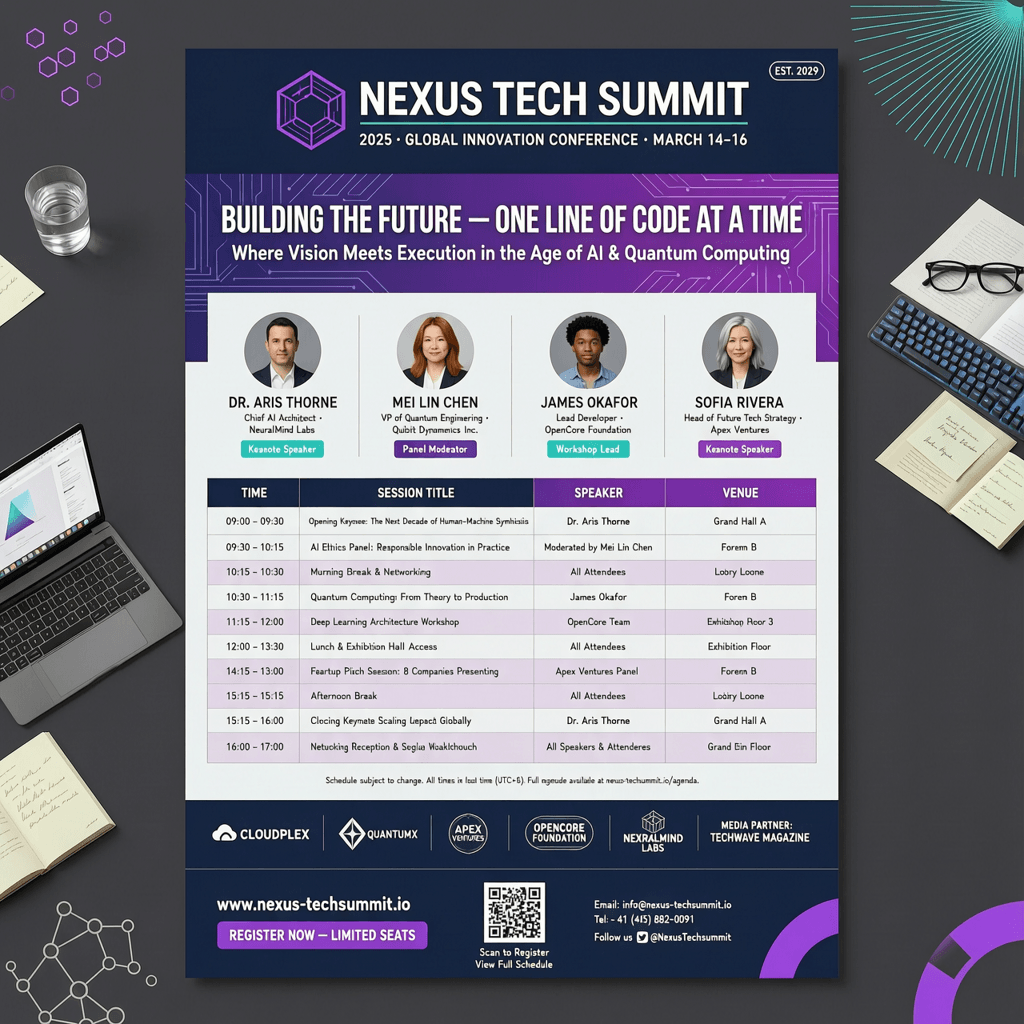
An A4 tech conference poster with a structured layout, readable headings, and a schedule table.
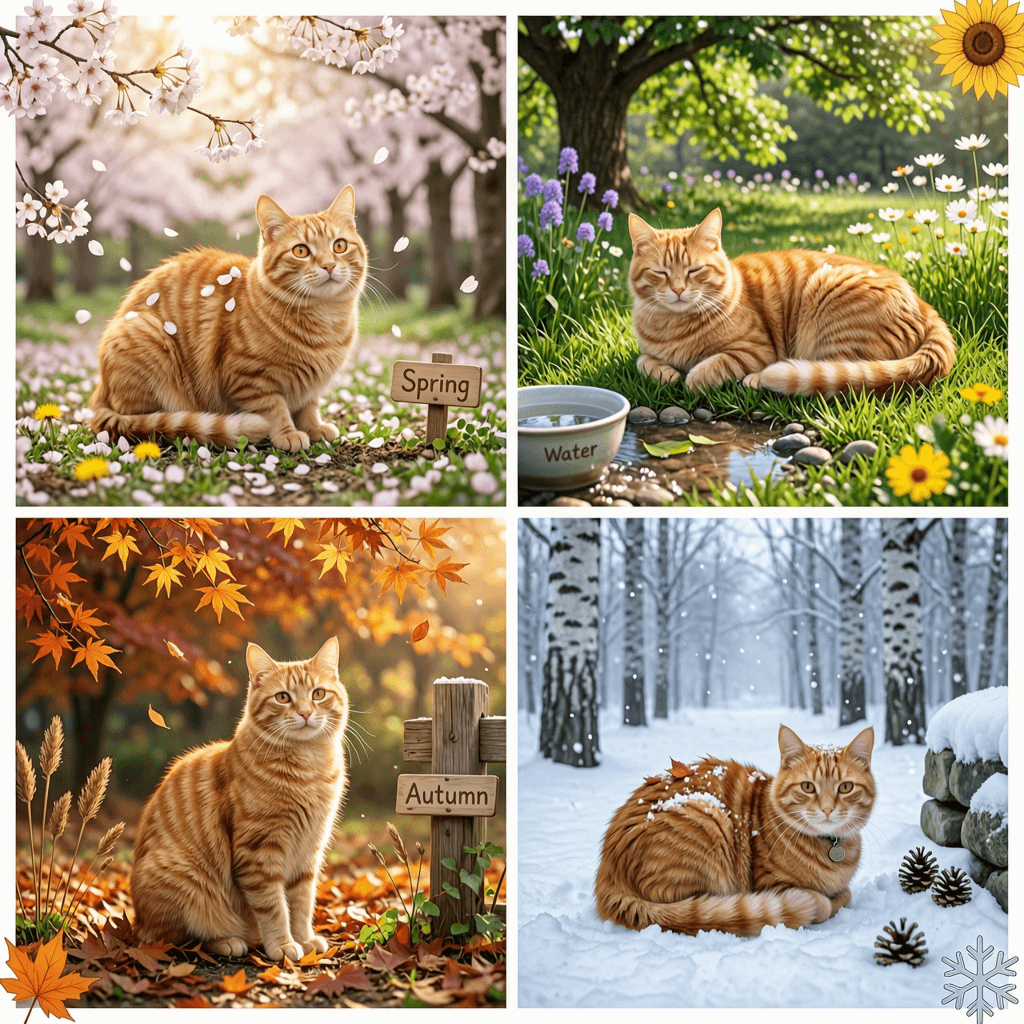
A coherent set of four images of the same orange cat across spring, summer, autumn, and winter.
A clean e-commerce product shot of a sneaker on a white background, sharp detail.
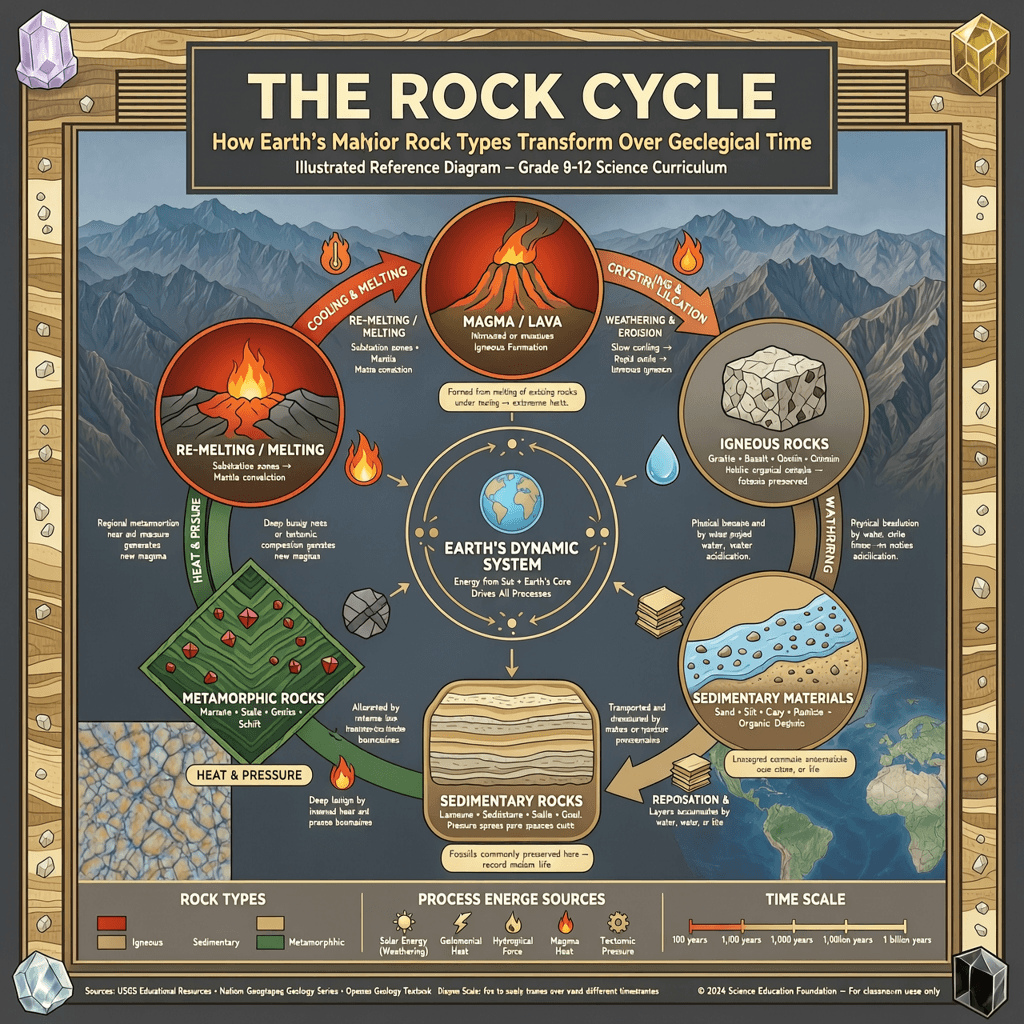
An educational diagram explaining the rock cycle with labeled stages and readable captions.
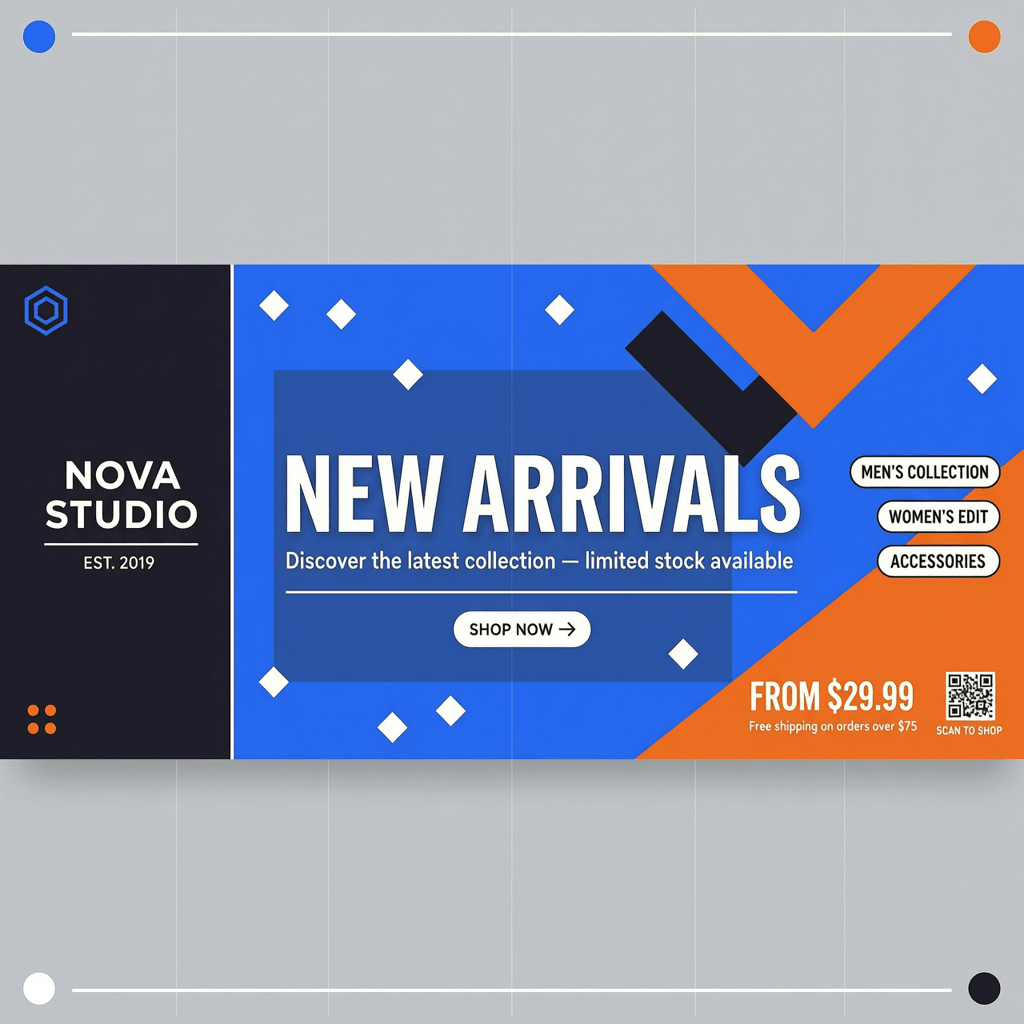
A brand banner using these exact hex colors, with the headline 'NEW ARRIVALS' in bold type.

Change the background of this portrait to a beach sunset, keeping the face, pose, and clothing unchanged.
개요
- 엔드포인트
- POST /v2/images/generate
- 모델 ID
- wan-image-2.7
- 파라미터 키
- wanParams
- 모달리티
- 이미지
- 제공업체
- Alibaba
- 평균 완료 시간
- ~15s
기능
빠른 시작
API 키와 함께 POST /v2/images/generate 요청을 한 번 보내면 Wan Image 2.7로 생성이 시작됩니다. 응답으로 폴링하거나 웹훅으로 받을 수 있는 jobId가 반환됩니다.
curl -X POST https://api.apiframe.ai/v2/images/generate \
  -H "X-API-Key: afk_your_api_key_here" \
  -H "Content-Type: application/json" \
  -d '{
        "prompt": "a sleek silver sports car on a coastal highway at sunset, hyper-realistic",
        "model": "wan-image-2.7",
        "wanParams": {
            "image": "https://example.com/input.jpg",
            "thinking_mode": false,
            "seed": 1
        }
}'import requests
response = requests.post(
"https://api.apiframe.ai/v2/images/generate",
headers={
"X-API-Key": "afk_your_api_key_here",
"Content-Type": "application/json",
},
json={
"prompt": "a sleek silver sports car on a coastal highway at sunset, hyper-realistic",
"model": "wan-image-2.7",
"wanParams": {
"image": "https://example.com/input.jpg",
"thinking_mode": False,
"seed": 1
}
},
)
print(response.json()) # { "jobId": "...", "status": "QUEUED" }const response = await fetch("https://api.apiframe.ai/v2/images/generate", {
method: "POST",
headers: {
"X-API-Key": "afk_your_api_key_here",
"Content-Type": "application/json",
},
body: JSON.stringify({
"prompt": "a sleek silver sports car on a coastal highway at sunset, hyper-realistic",
"model": "wan-image-2.7",
"wanParams": {
"image": "https://example.com/input.jpg",
"thinking_mode": false,
"seed": 1
}
}),
});
const { jobId } = await response.json();
console.log(jobId);응답 및 작업 수명 주기
생성은 비동기로 처리됩니다. 제출이 성공하면 202 Accepted와 jobId가 반환됩니다. 상태가 COMPLETED가 될 때까지 GET /v2/jobs/{id}를 폴링하거나 webhook_url을 지정하면 result 필드에 출력 URL이 담깁니다.
1. 제출 응답 (202)
{
  "jobId": "b2c3d4e5-f6a7-8901-bcde-f23456789012",
  "status": "QUEUED"
}
2. 결과 폴링
curl https://api.apiframe.ai/v2/jobs/JOB_ID \
-H "X-API-Key: afk_your_api_key_here"import requests, time
while True:
job = requests.get(
"https://api.apiframe.ai/v2/jobs/JOB_ID",
headers={"X-API-Key": "afk_your_api_key_here"},
).json()
if job["status"] in ("COMPLETED", "FAILED"):
break
time.sleep(2)
print(job["result"])let job;
do {
await new Promise((r) => setTimeout(r, 2000));
job = await fetch("https://api.apiframe.ai/v2/jobs/JOB_ID", {
headers: { "X-API-Key": "afk_your_api_key_here" },
}).then((r) => r.json());
} while (job.status !== "COMPLETED" && job.status !== "FAILED");
console.log(job.result);입력 스키마
Wan Image 2.7 엔드포인트가 허용하는 요청 파라미터입니다. 모델별 옵션은 아래에 표시된 파라미터 객체 안에 중첩됩니다.
| 파라미터 | 유형 | 필수 | 기본값 | 허용값 / 범위 | 설명 |
|---|---|---|---|---|---|
| prompt | string | 필수 | — | — | 생성할 내용에 대한 텍스트 설명. |
| model | string | 필수 | "wan-image-2.7" | "wan-image-2.7" | 이 엔드포인트의 모델 식별자. |
| wanParams.image | string (URL) | 선택 | — | — | Reference image (URL) |
| wanParams.thinking_mode | boolean | 선택 | false | — | Slower, more deliberate generation. |
| wanParams.seed | number | 선택 | — | step 1 | Reuse a number to reproduce the same result. |
자주 묻는 질문
Wan Image 2.7 API에 대한 일반적인 질문입니다.
Wan Image 2.7 API가 있나요?
네. Apiframe는 단일 REST 엔드포인트(`POST /v2/images/generate`, `model: "wan-image-2.7"`)로 Wan Image 2.7을(를) 제공합니다. 지원되는 모든 모델에서 통합된 API, 키, 청구를 사용할 수 있으며 별도의 Alibaba 계정이 필요하지 않습니다.
Wan Image 2.7 API 비용은 얼마인가요?
Wan Image 2.7은(는) Apiframe에서 간단한 사용량 기반 과금을 사용하며, 성공한 생성에 대해서만 비용을 지불합니다. 요금제와 대량 할인은 가격 페이지를 참고하세요.
Wan Image 2.7 API는 어떻게 호출하나요?
`X-API-Key`와 `model: "wan-image-2.7"`을(를) 포함한 JSON 본문을 담아 `/v2/images/generate`에 POST 요청을 보냅니다. 응답으로 반환되는 `jobId`를 `GET /v2/jobs/{id}`로 폴링하거나 웹훅으로 결과를 받습니다.
Wan Image 2.7은(는) 어떤 파라미터를 지원하나요?
Wan Image 2.7은(는) 공통 `prompt`, `webhook_url` 필드와 함께 `wanParams` 아래에 중첩된 3개의 모델별 파라미터를 허용합니다. 유형과 기본값을 포함한 전체 목록은 위의 입력 스키마를 참고하세요.
아직 궁금한 점이 있으신가요?
Wan Image 2.7 API로 개발을 시작하세요
API 키를 받아 몇 분 만에 Wan Image 2.7을(를) 통합하세요 — 사용한 만큼 지불.
궁금하신 점이 있으신가요? Discord에 참여하거나 영업팀에 문의하세요.